AirPods Case Not Charging? The Case-Only Fixes, in Order
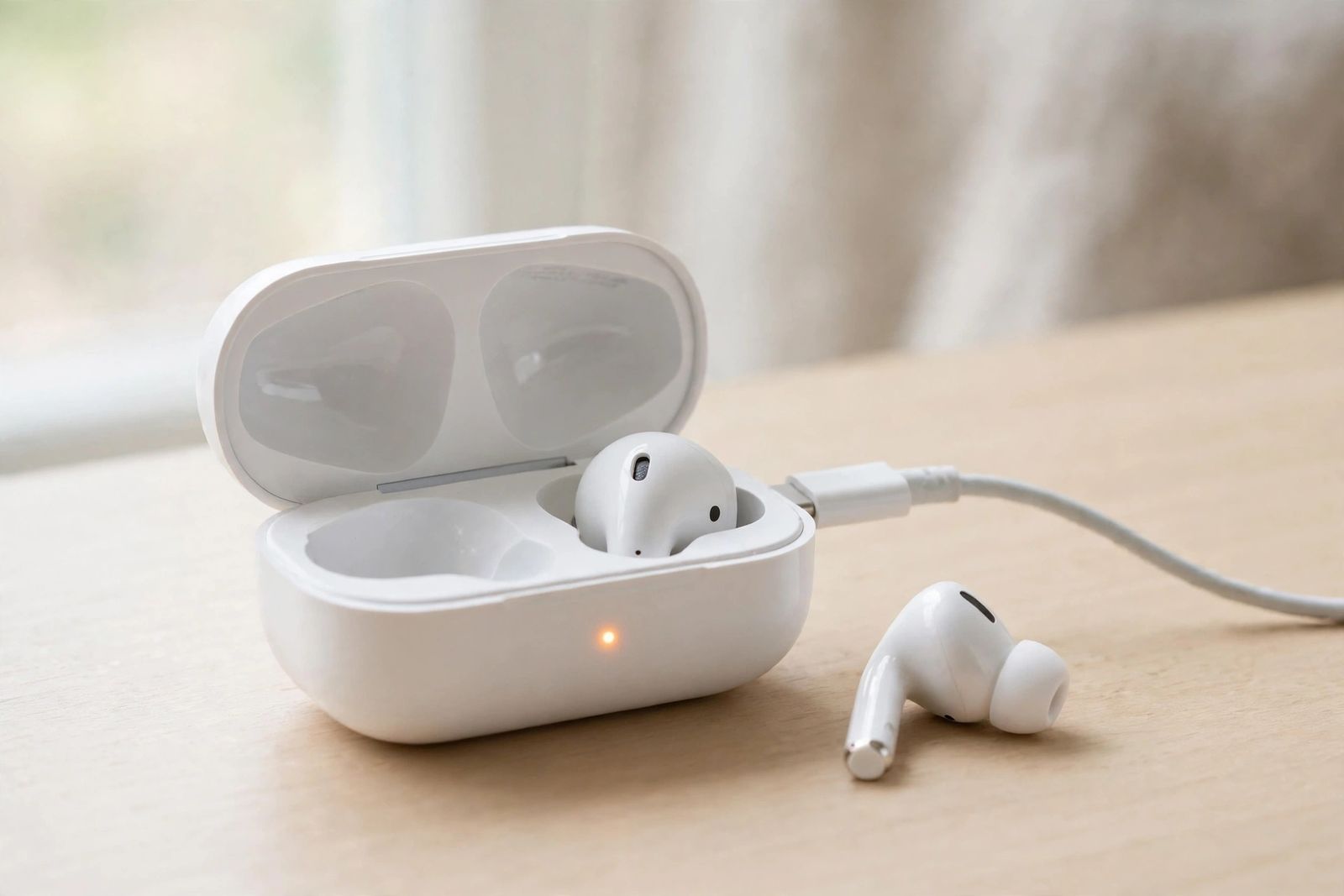
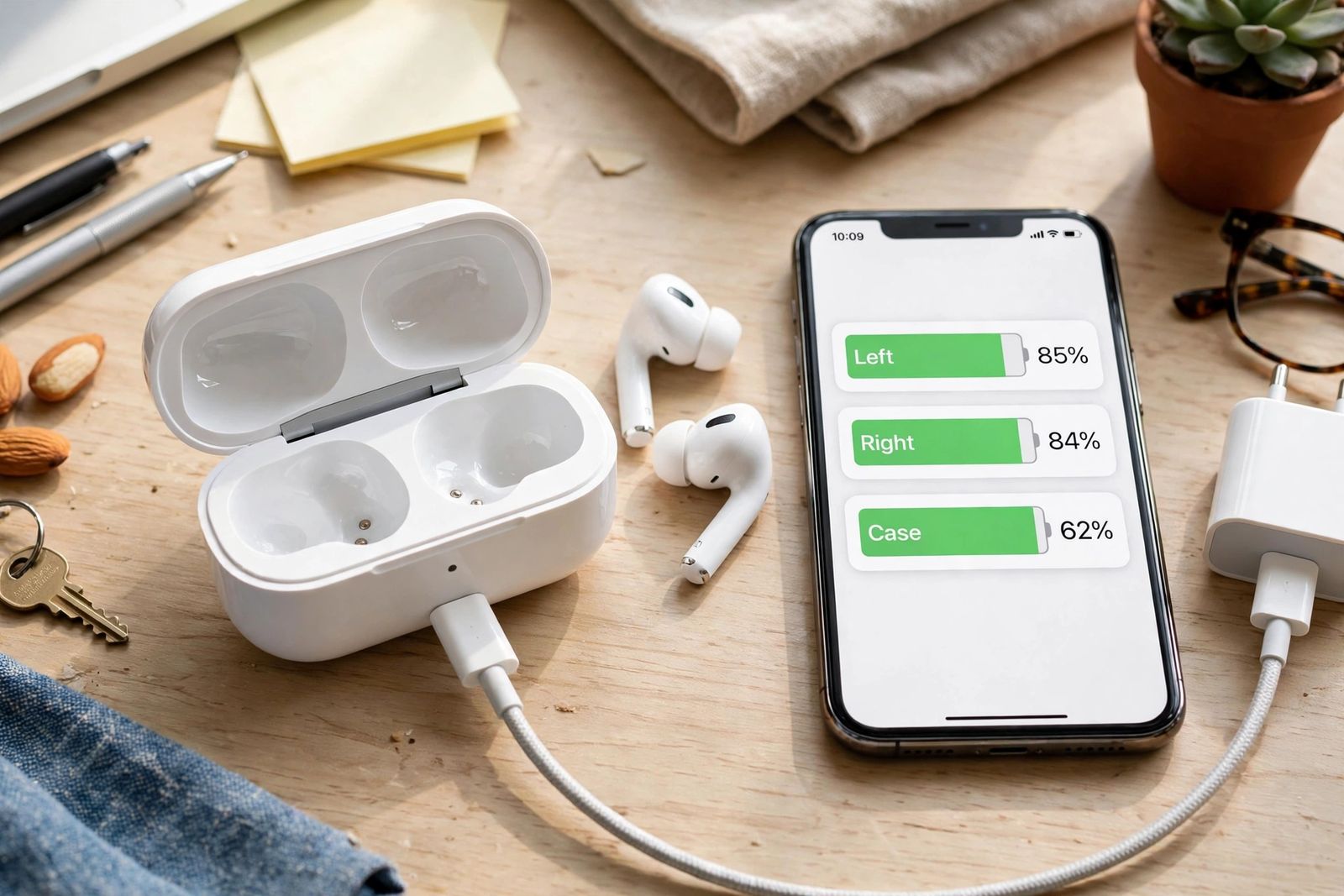
AirPods case not charging while the buds charge fine? The case-only diagnosis in order: cable swap, port lint check, buds-removed test, reset, service.
Everyday technology problems explained in plain language, with the fix that actually works.
AirPods case not charging while the buds charge fine? The case-only diagnosis in order: cable swap, port lint check, buds-removed test, reset, service.
AirPods flashing orange (amber)? What persistent flashing means, when a brief flash is normal on newer models, the full light decode, and the reset fix.
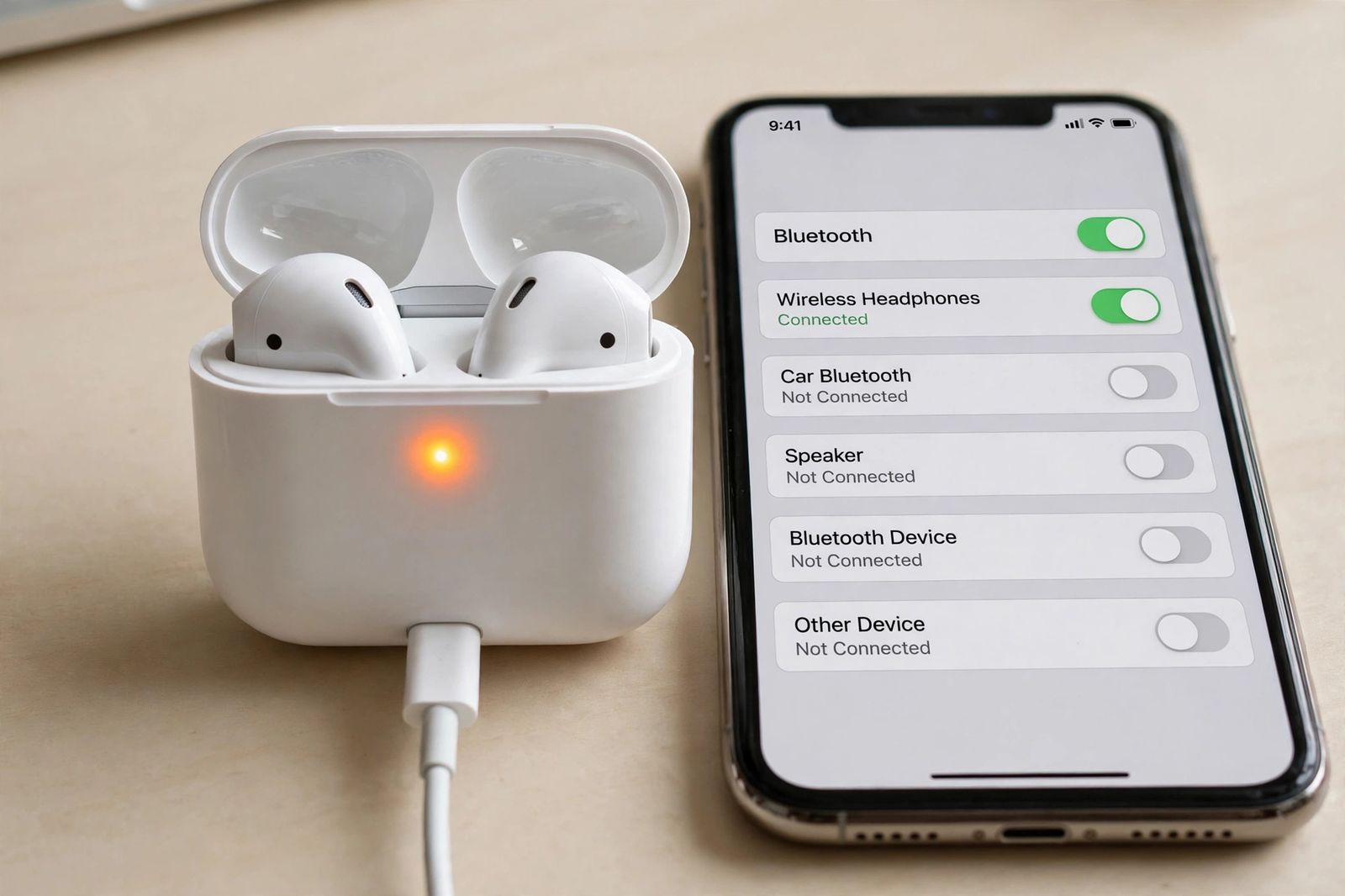
AirPods not charging? Split the fault first: one bud, both buds, or the case. Status-light codes decoded from Apple, plus cleaning, cable and reset fixes.
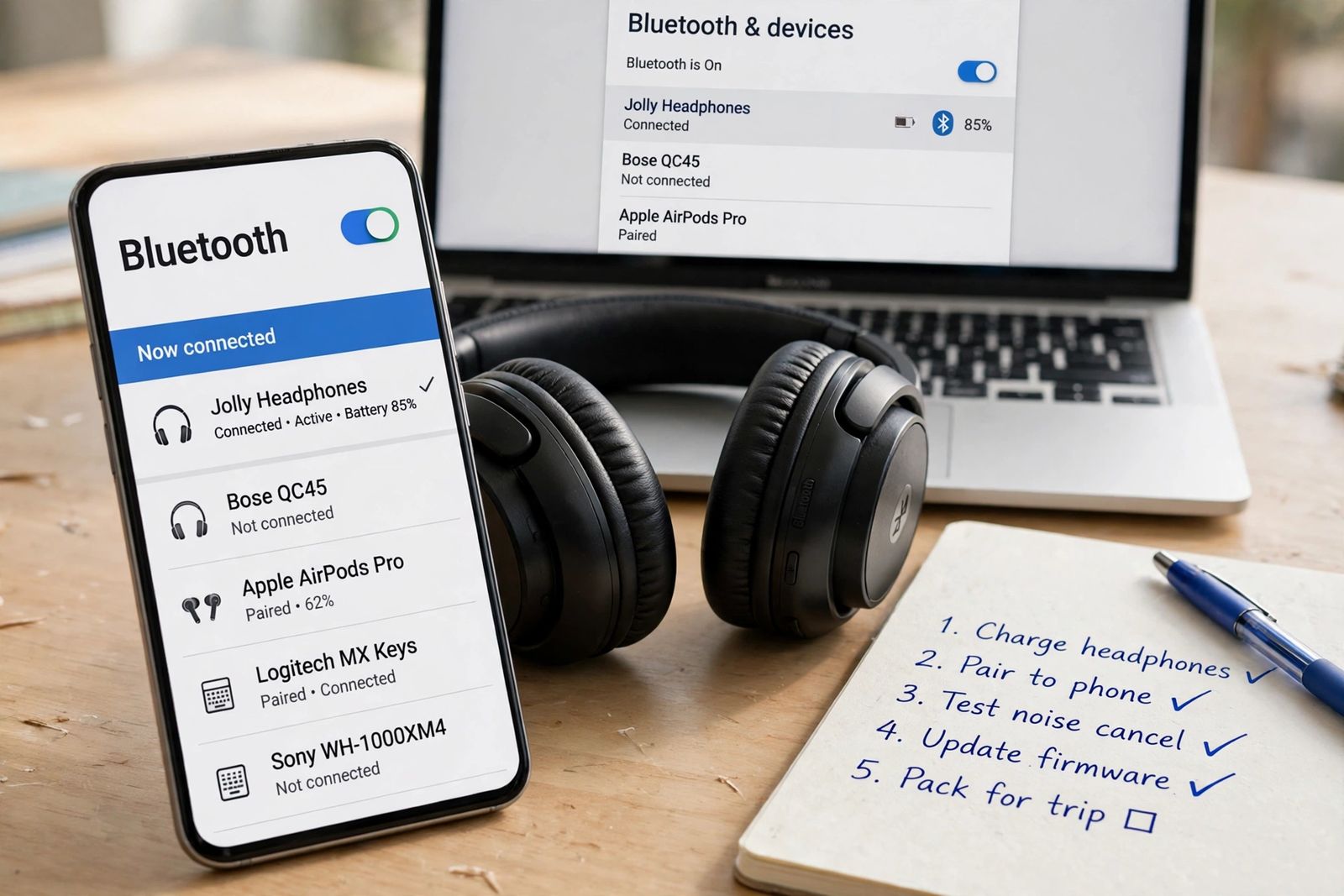
Bluetooth headphones not connecting? Another device usually holds them already. Pairing-state diagnosis and split forget-and-repair fixes inside.
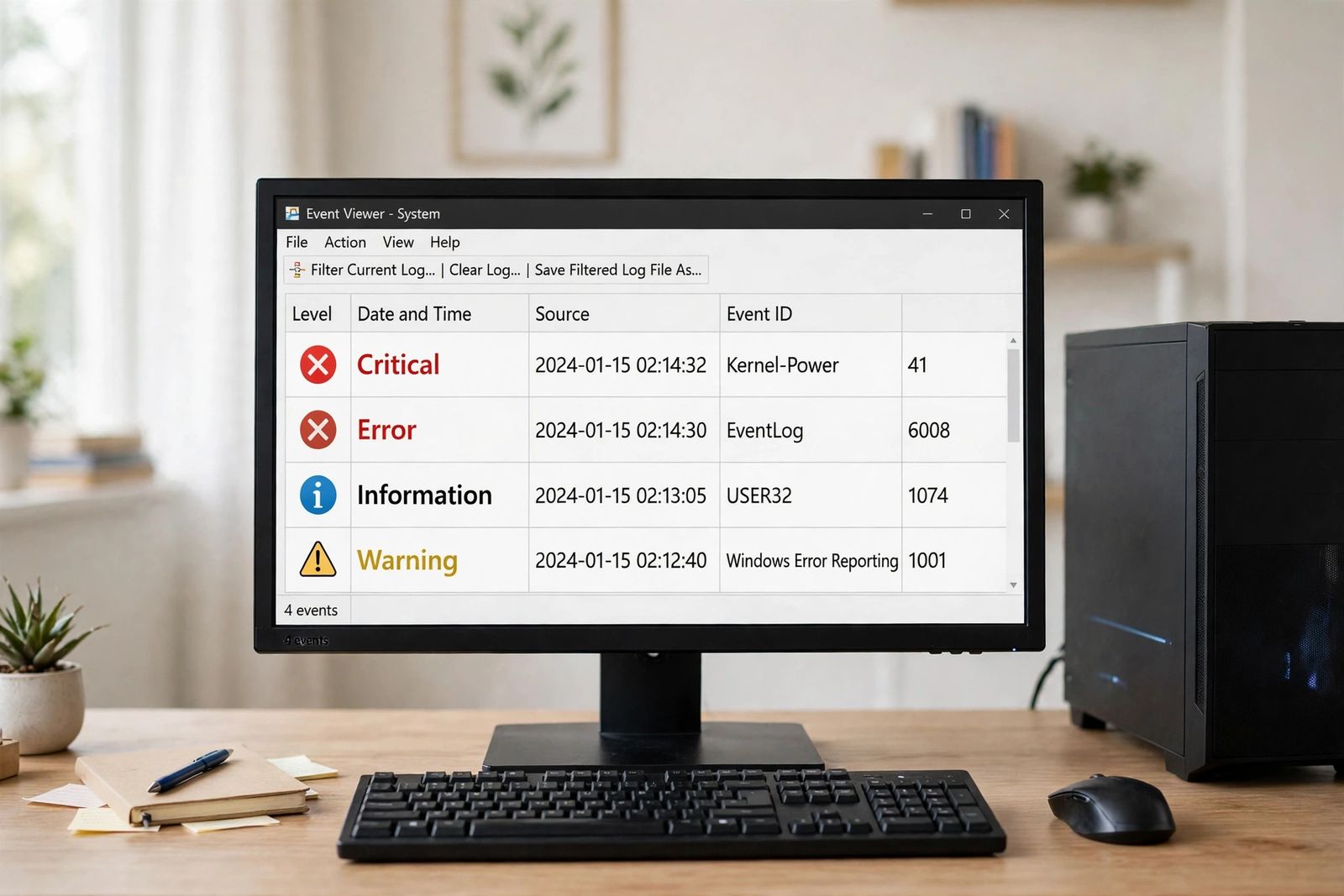
Computer keeps restarting? Match the pattern — boot loop, under load, idle, after updates — and read Event Viewer IDs 41, 6008, 1074 to name the cause.
HDMI ARC not working and the soundbar is silent? Run the chain — ARC port, CEC by brand name, format test, cable swap — then prove the faulty part.
How to block a website on Chrome: an extension for focus, Family Link for a child, or the hosts file or router for a block with no extension needed.
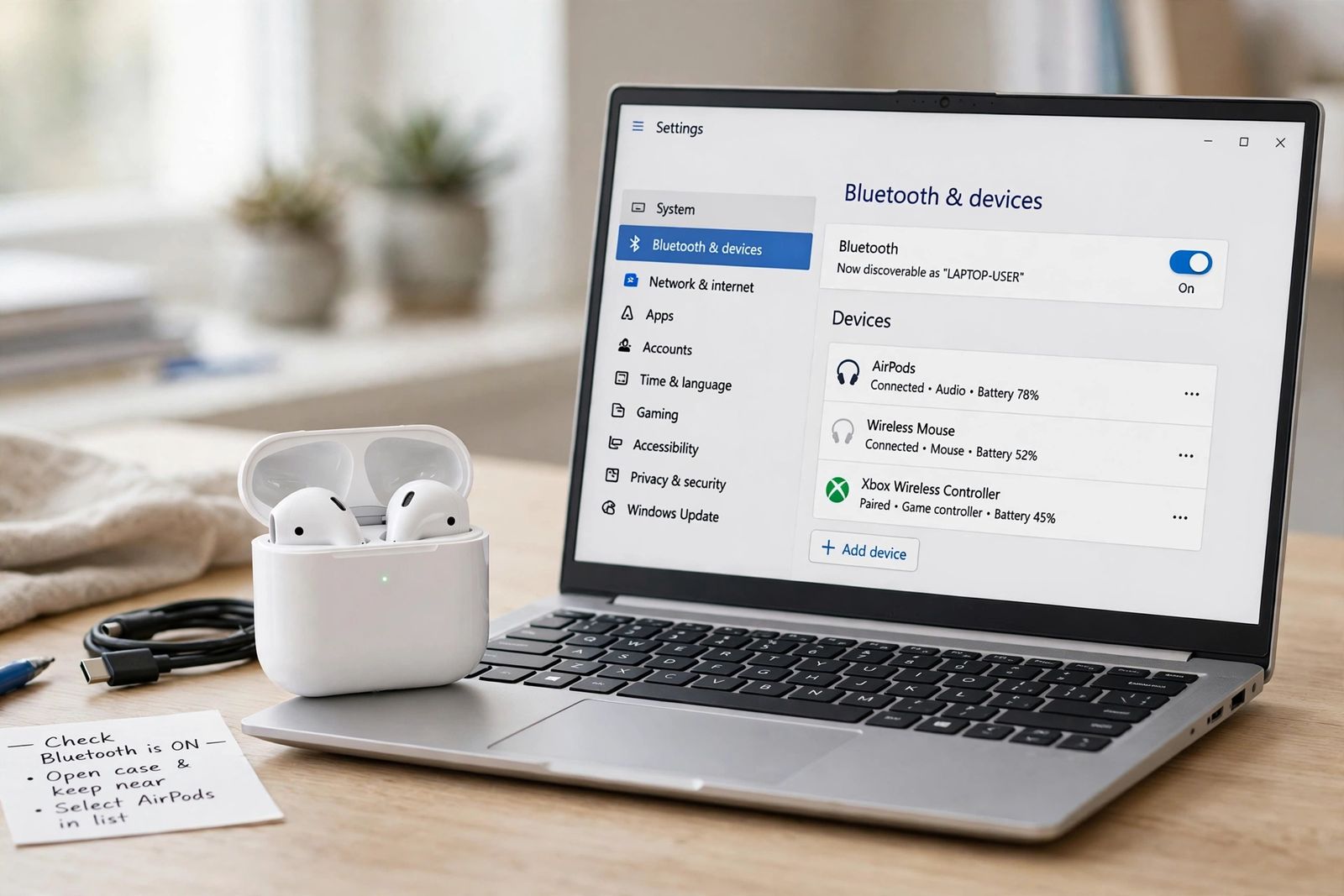
Connect AirPods to a Windows laptop: pairing mode for your model, the Bluetooth settings path, the output switch, and why the mic drops sound quality.
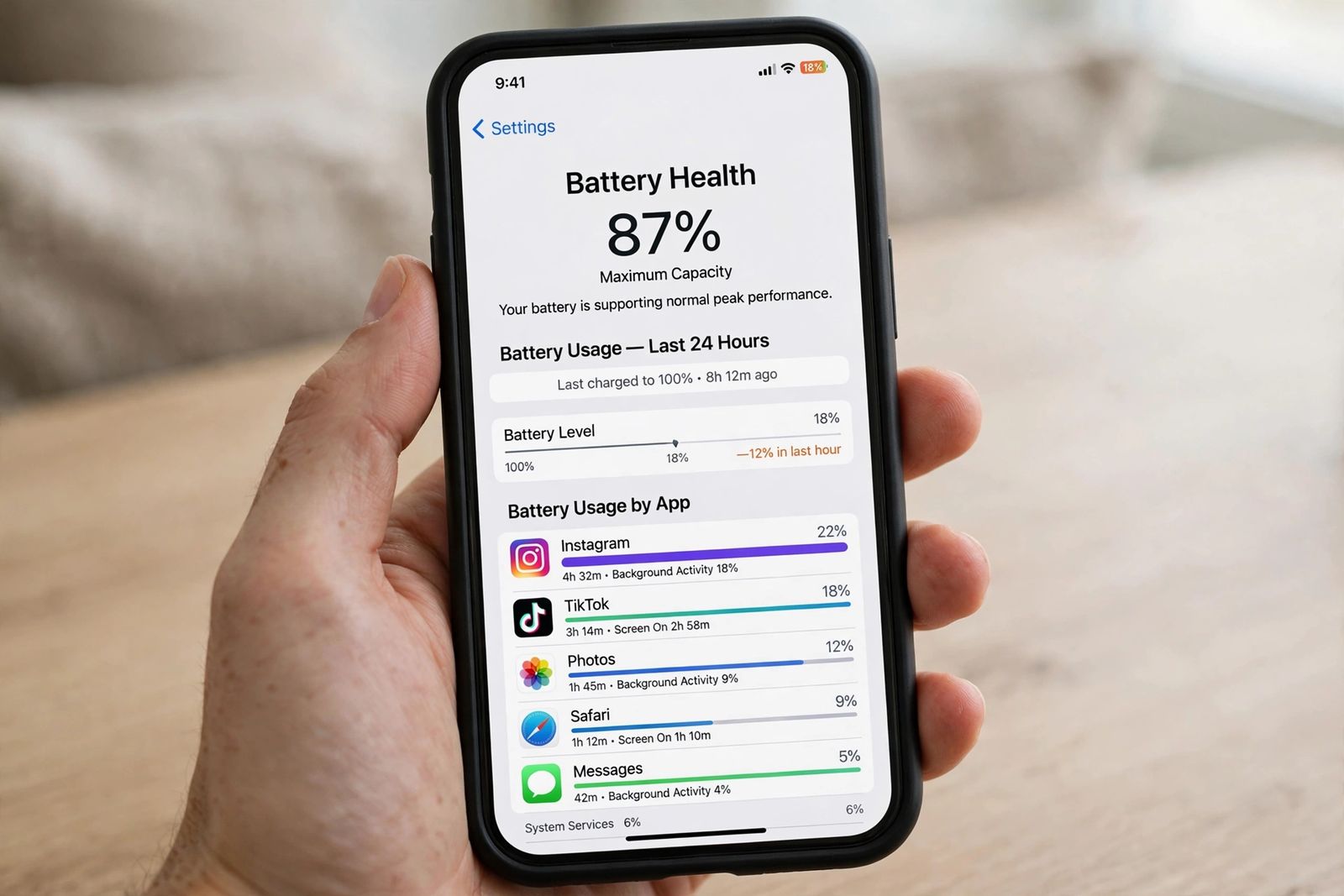
iPhone battery draining fast? Run the ordered check: Battery Health %, per-app usage, the post-update window, then the 5G, Always-On and background drains.
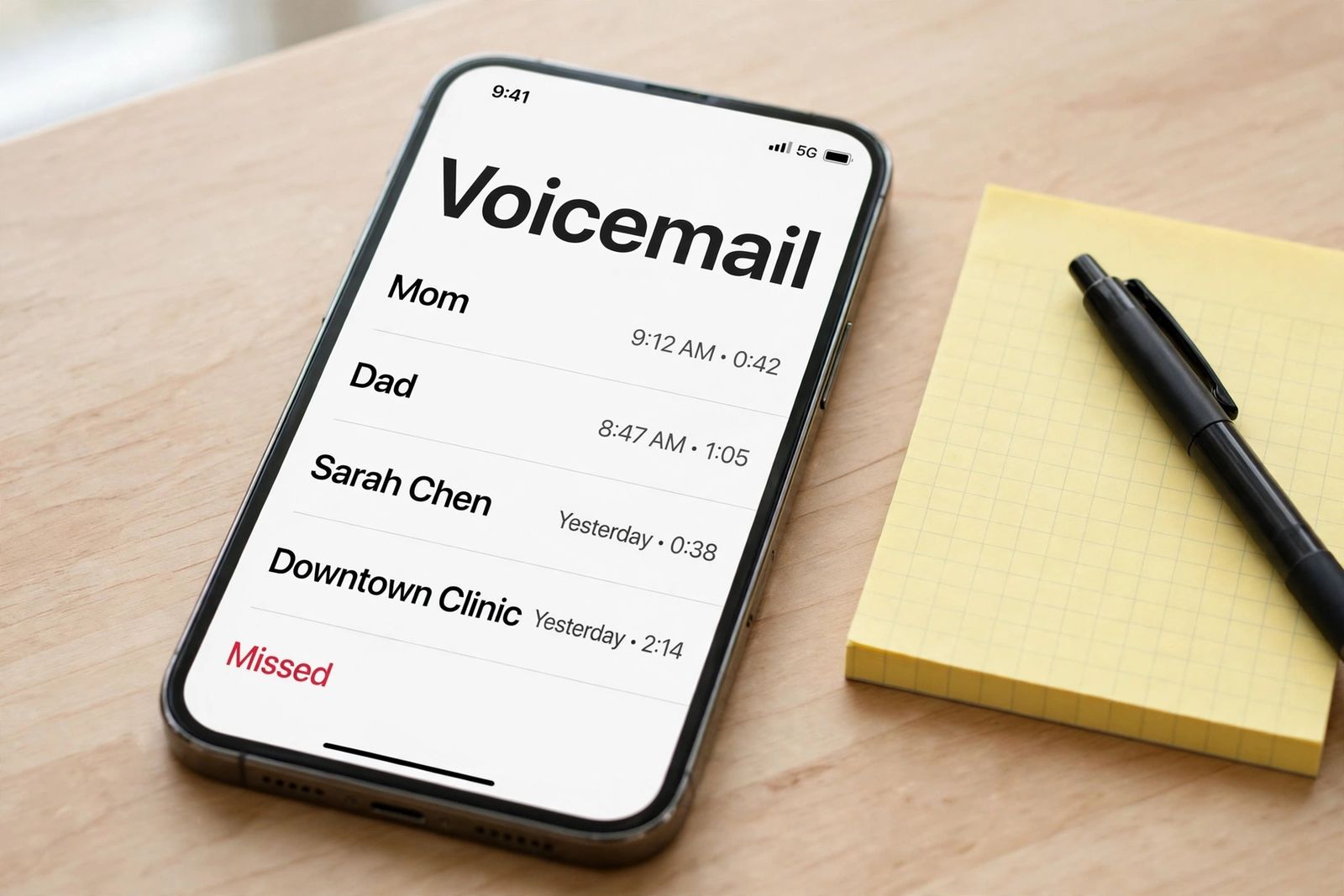
iPhone calls going straight to voicemail? Split it first — all calls, unknown only, or one person — then run the ordered settings diagnosis in order.
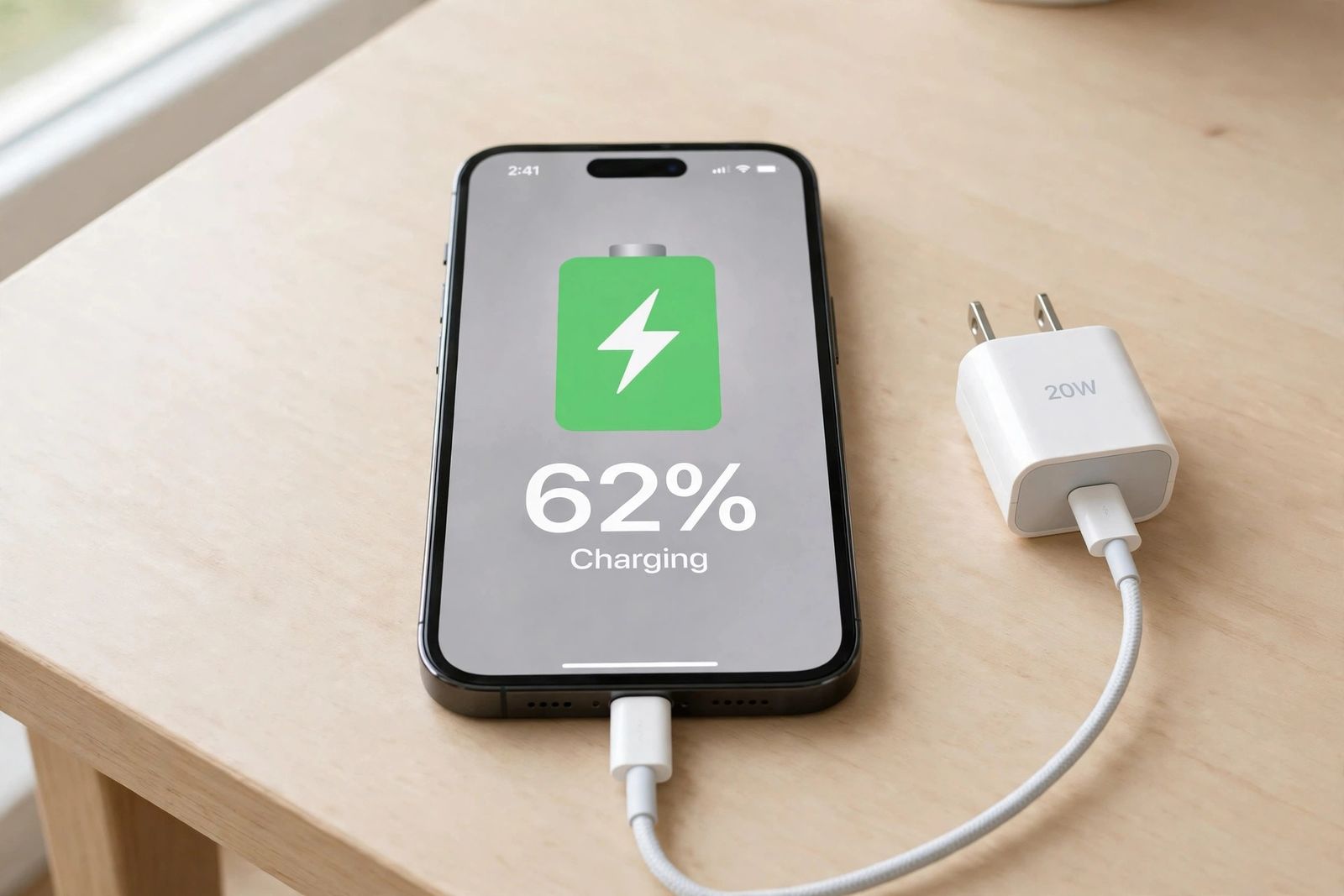
iPhone not charging? Run the ordered test chain: clean the port, swap the cable, check adapter wattage, test wireless, then read the damage signs.
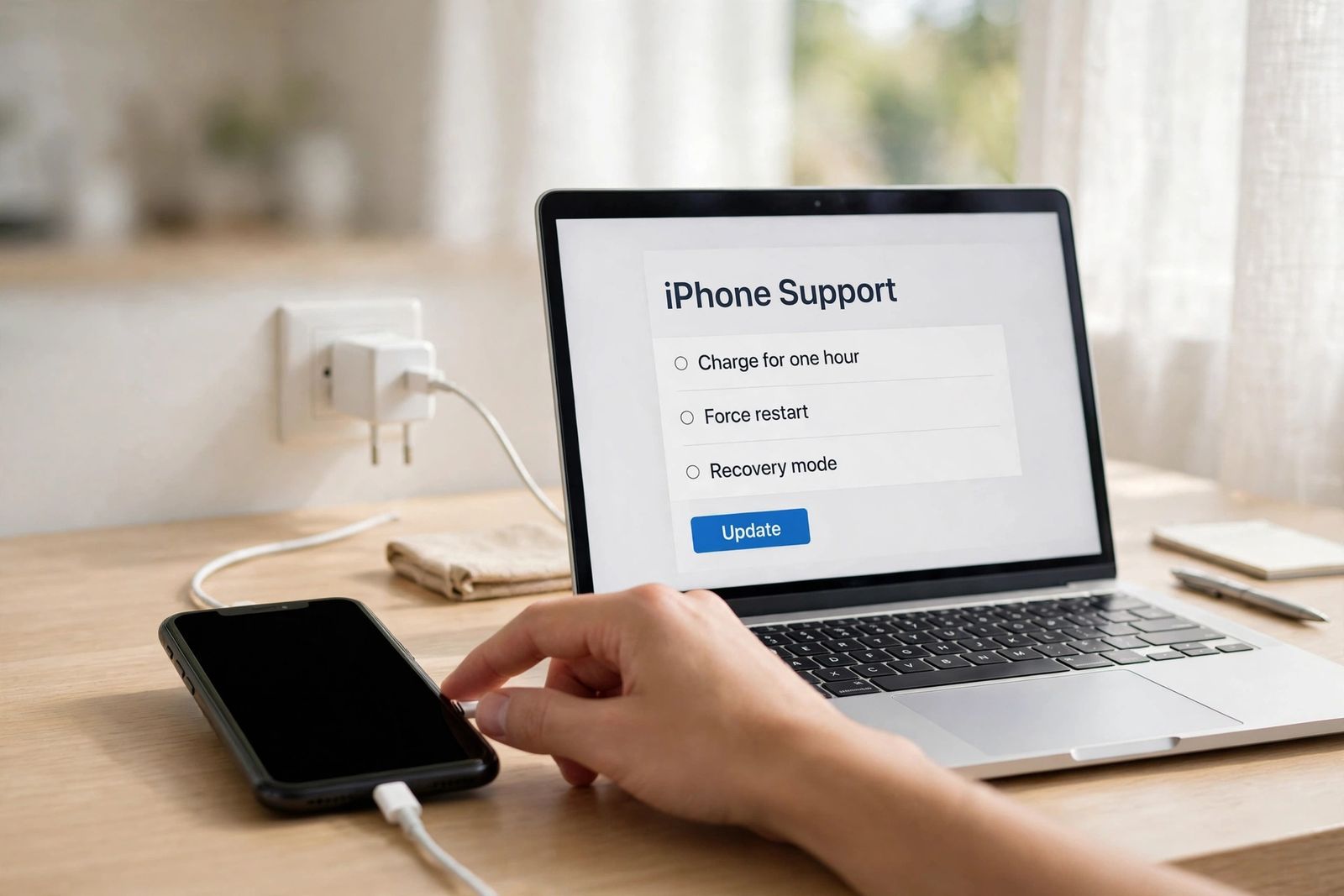
iPhone not turning on? Charge it for an hour, force restart by model, run the screen-or-phone test, then use recovery mode Update before Restore.
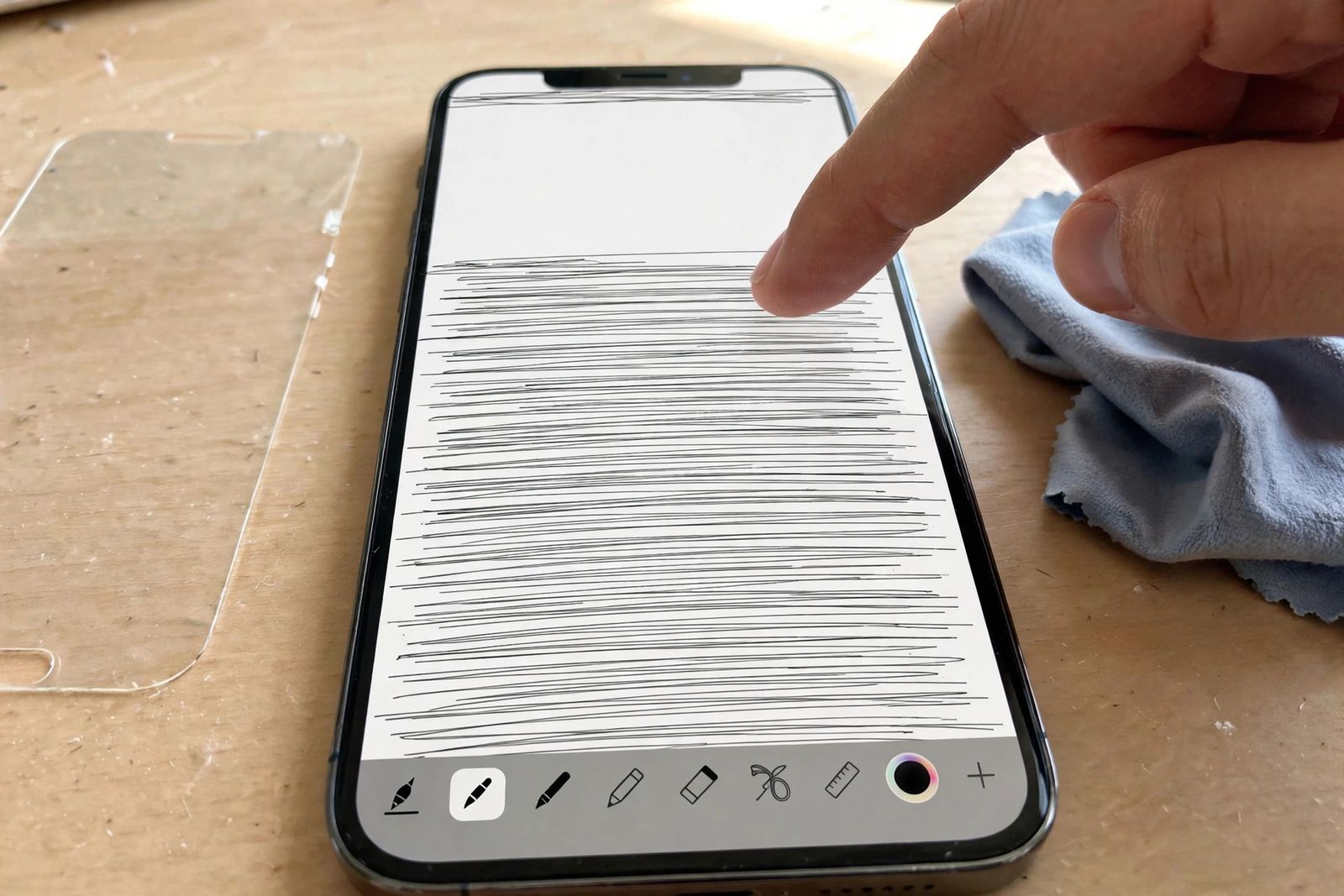
iPhone screen not responding? Match your freeze pattern first, force restart by model, test the bare screen, then update — before booking a repair.
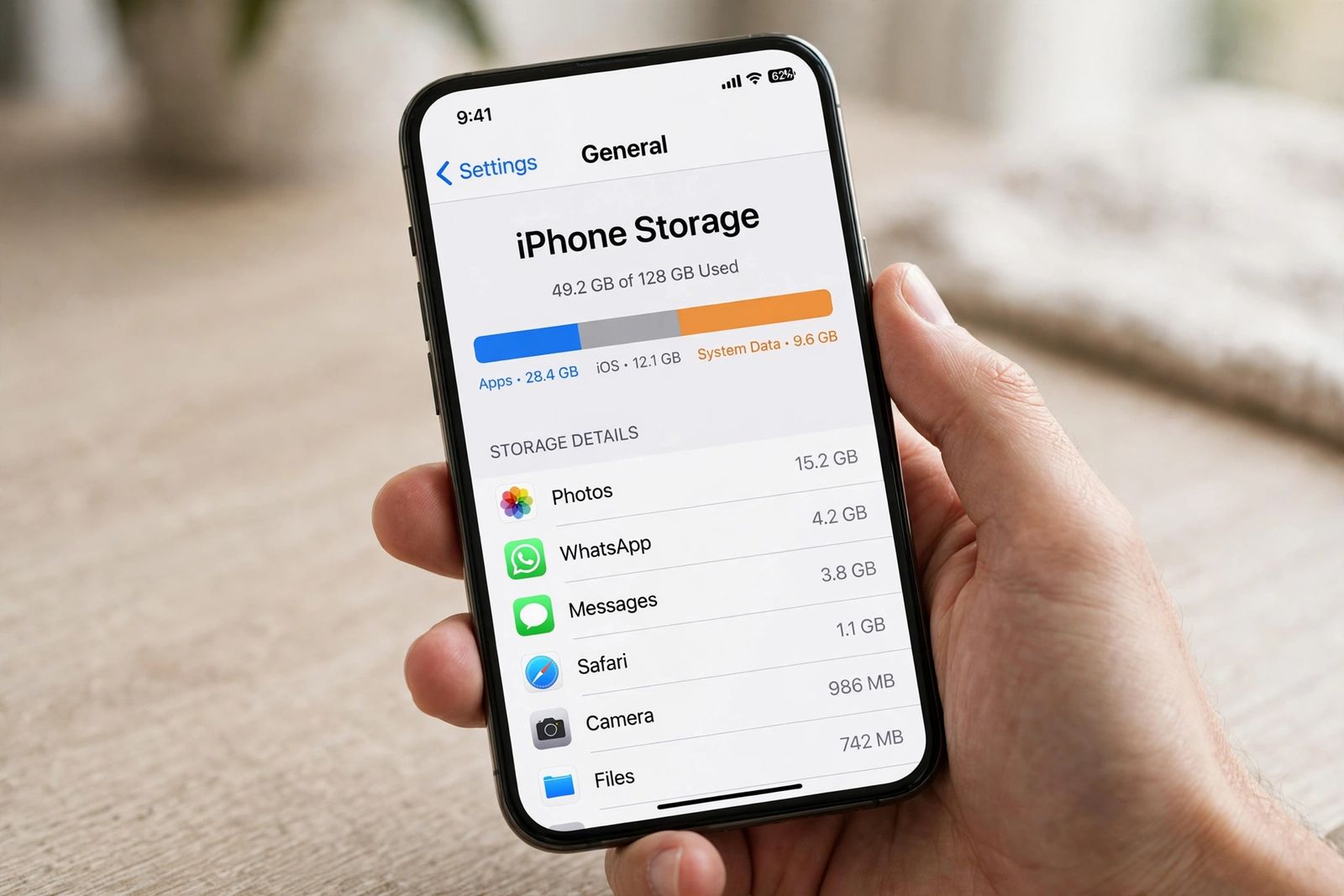
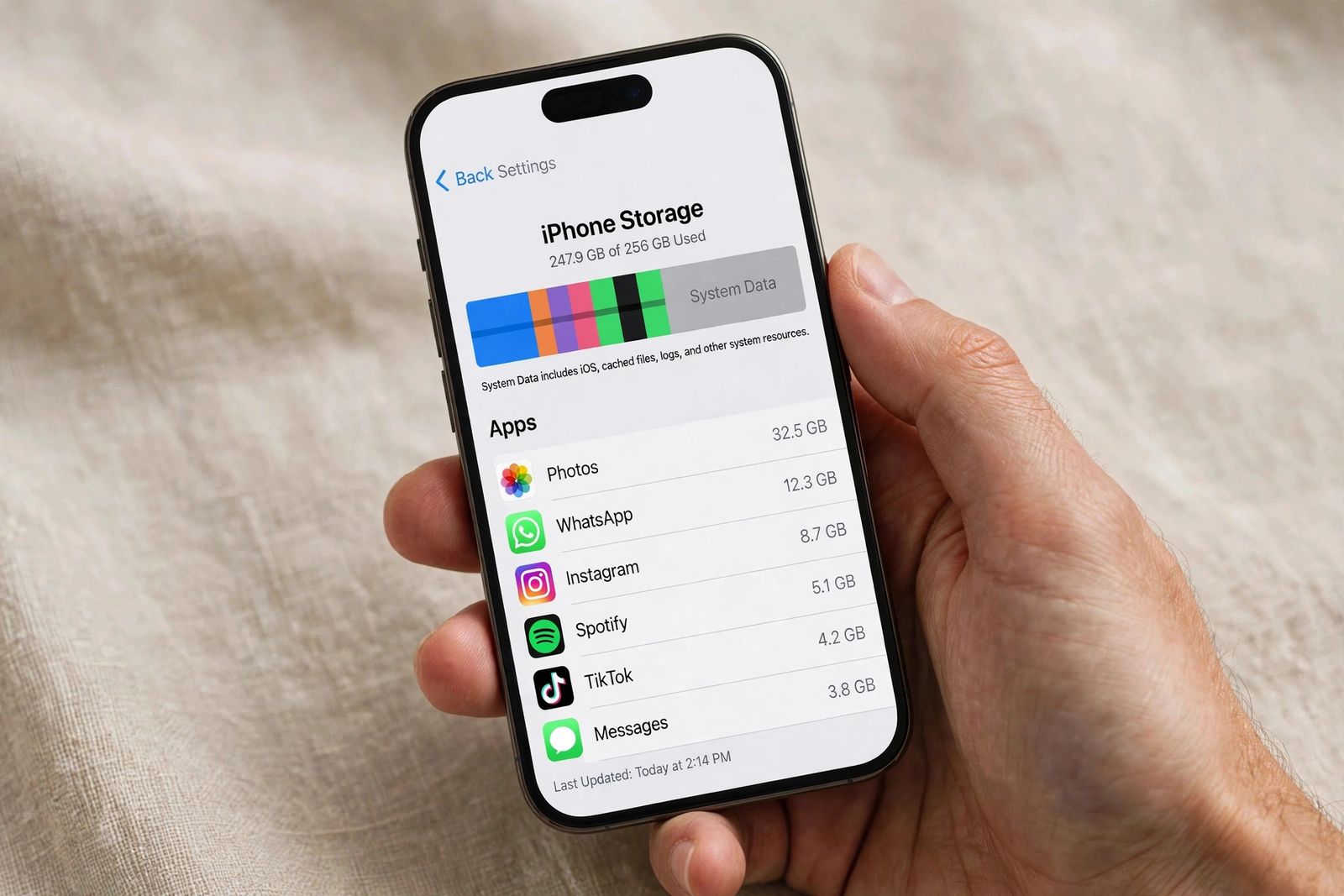
iPhone storage full? Read the storage bar first, then clear photos, attachments and app caches in size order — System Data and offload vs delete explained.
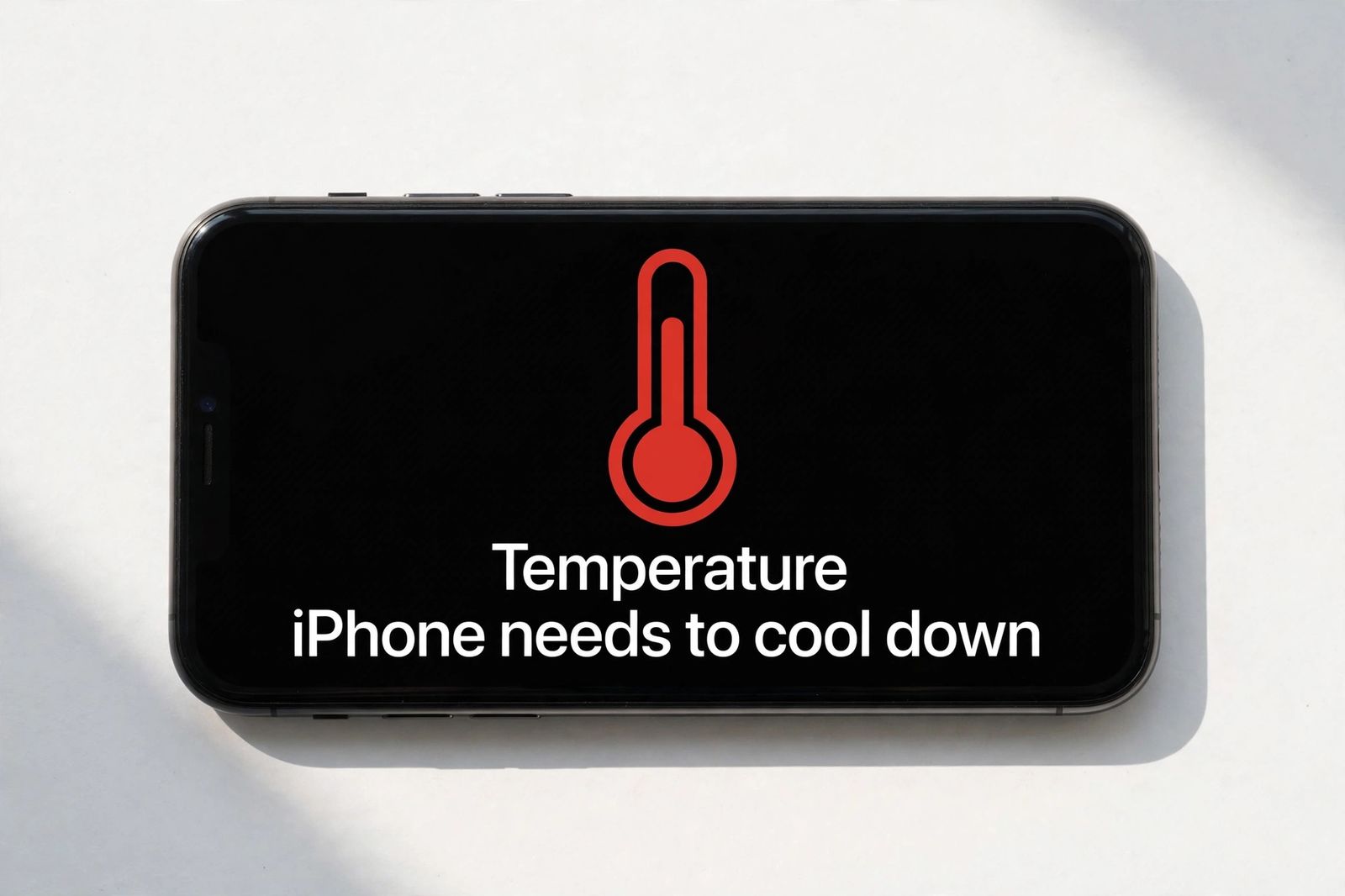
iPhone overheating? Apple's 0–35°C limits, what the temperature warning really means, what is normal vs faulty, and why the freezer fix is a myth.
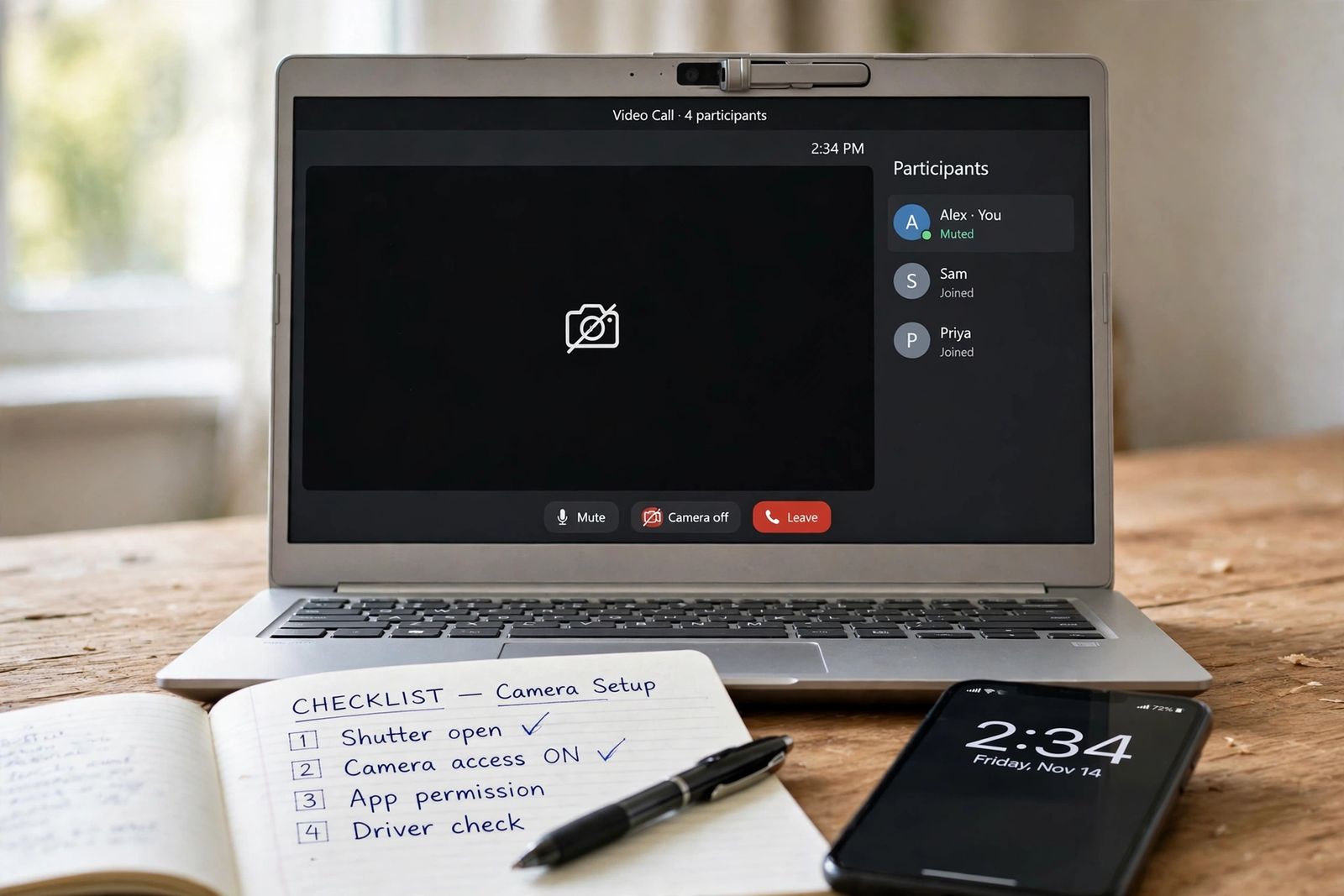
Laptop camera not working? Run the ordered check chain — shutter, Windows permission, app permission, driver — split first by the Camera app test.
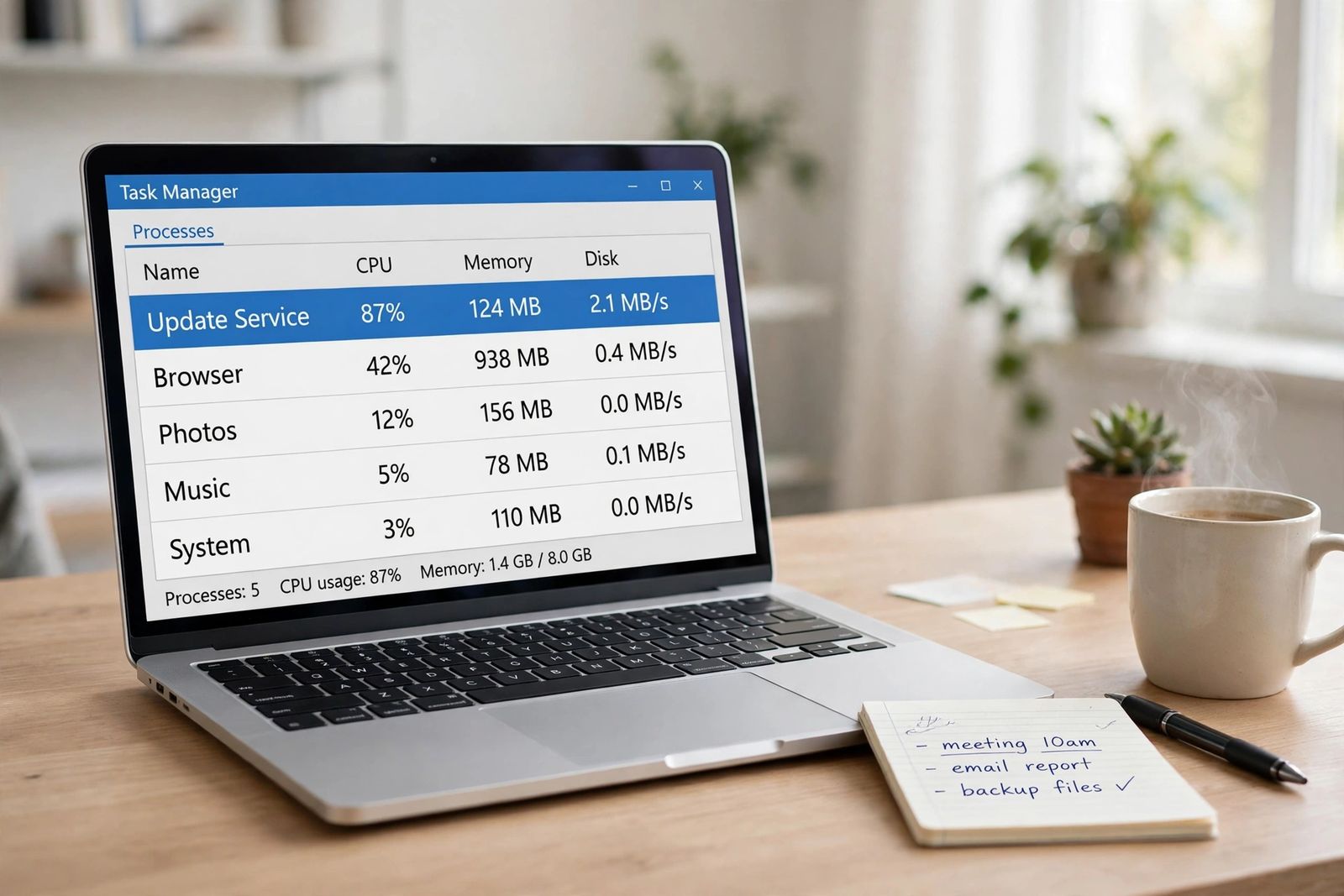
Laptop fan loud? Find the process making the heat first in Task Manager, tell fan noise from coil whine and a failing bearing, then fix in order.
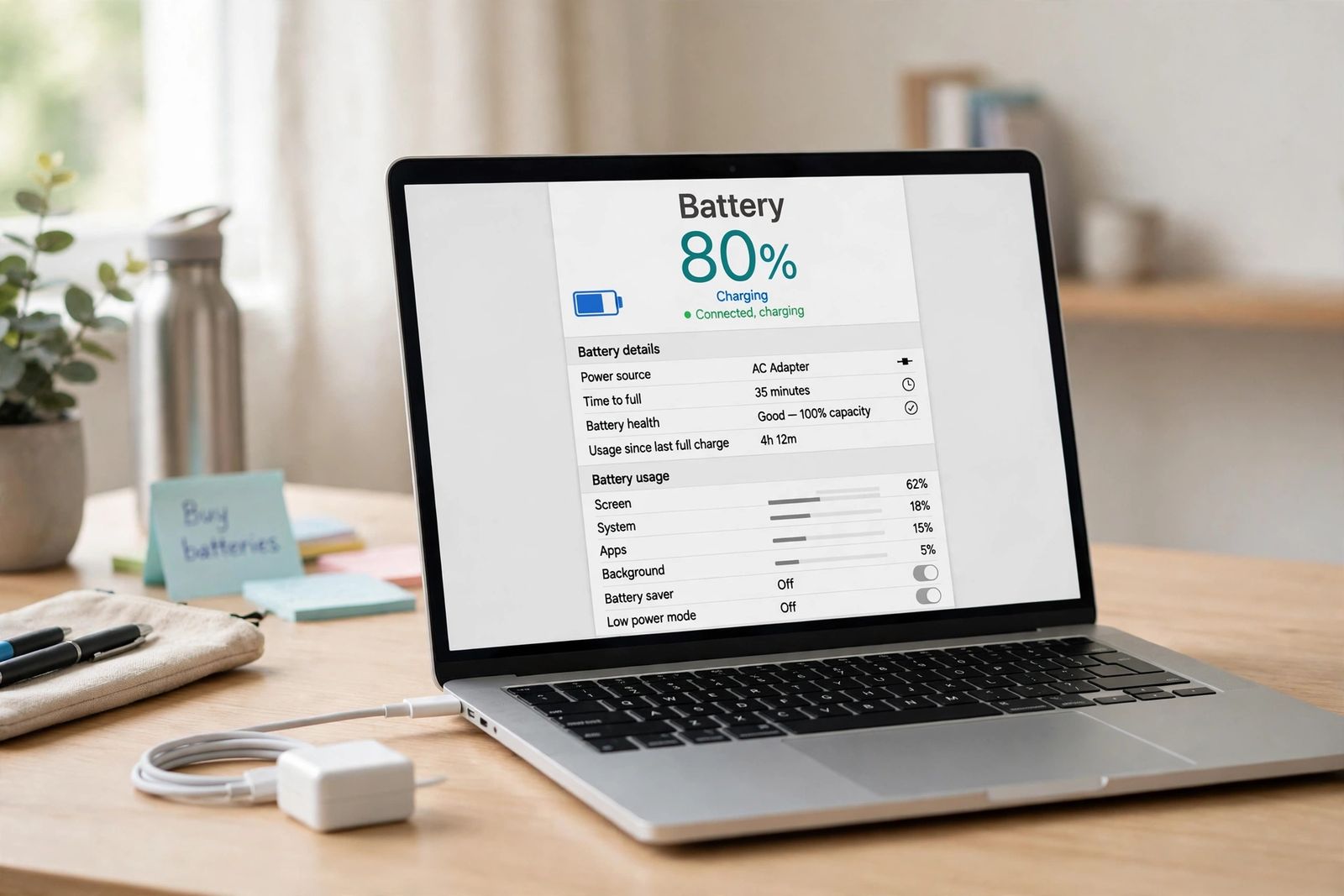
Laptop plugged in not charging? Stuck at 80% or 60% is usually a charge-limit setting, not a fault. Check by brand, adapter wattage and battery health.
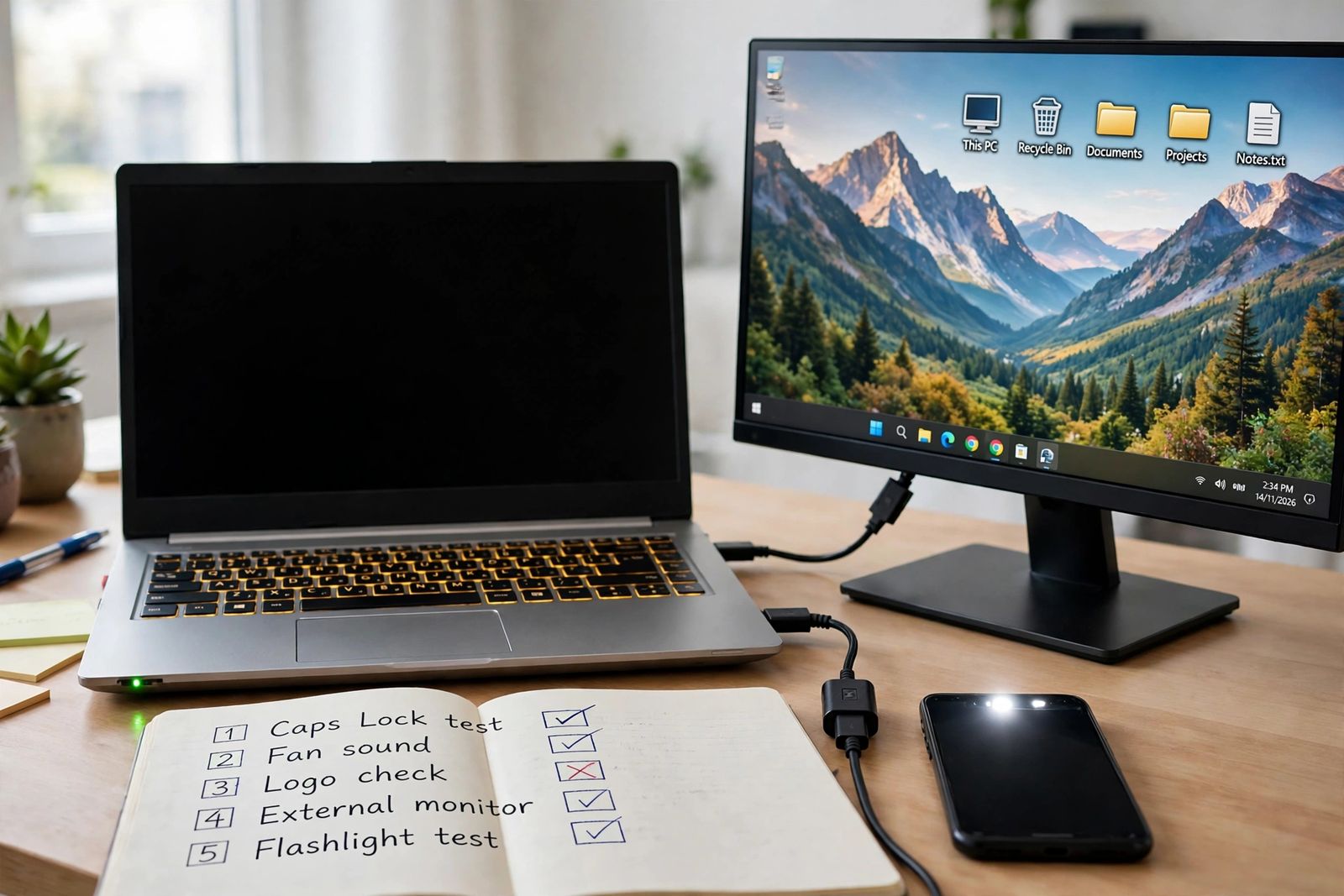
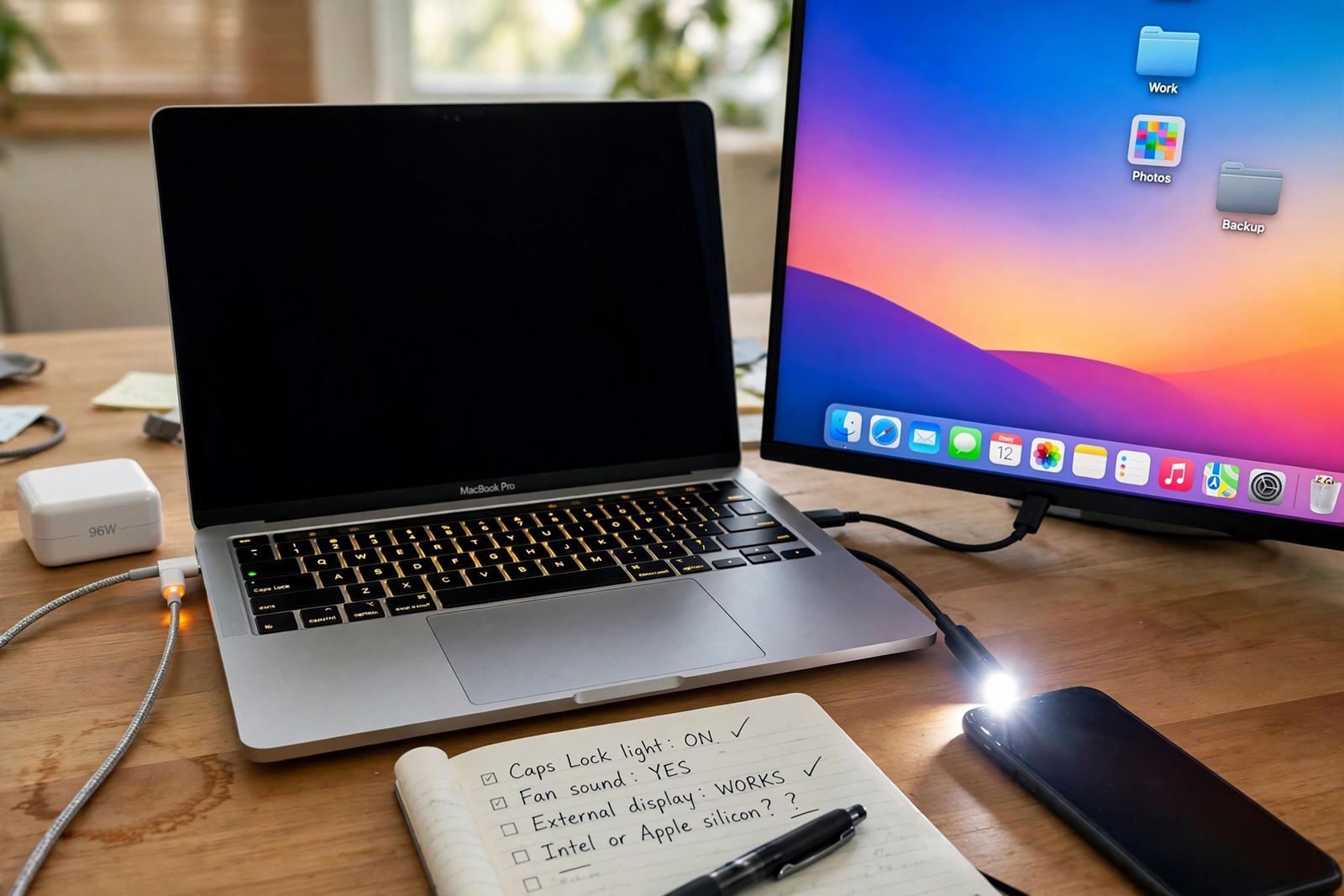
Laptop screen is black? Run the ordered test sequence first — Caps Lock, logo, external monitor — to tell a screen fault from a laptop that never started.
MacBook not turning on? Split Intel from Apple silicon first — no SMC reset exists on M-series — then test charger wattage, ports and screen in order.
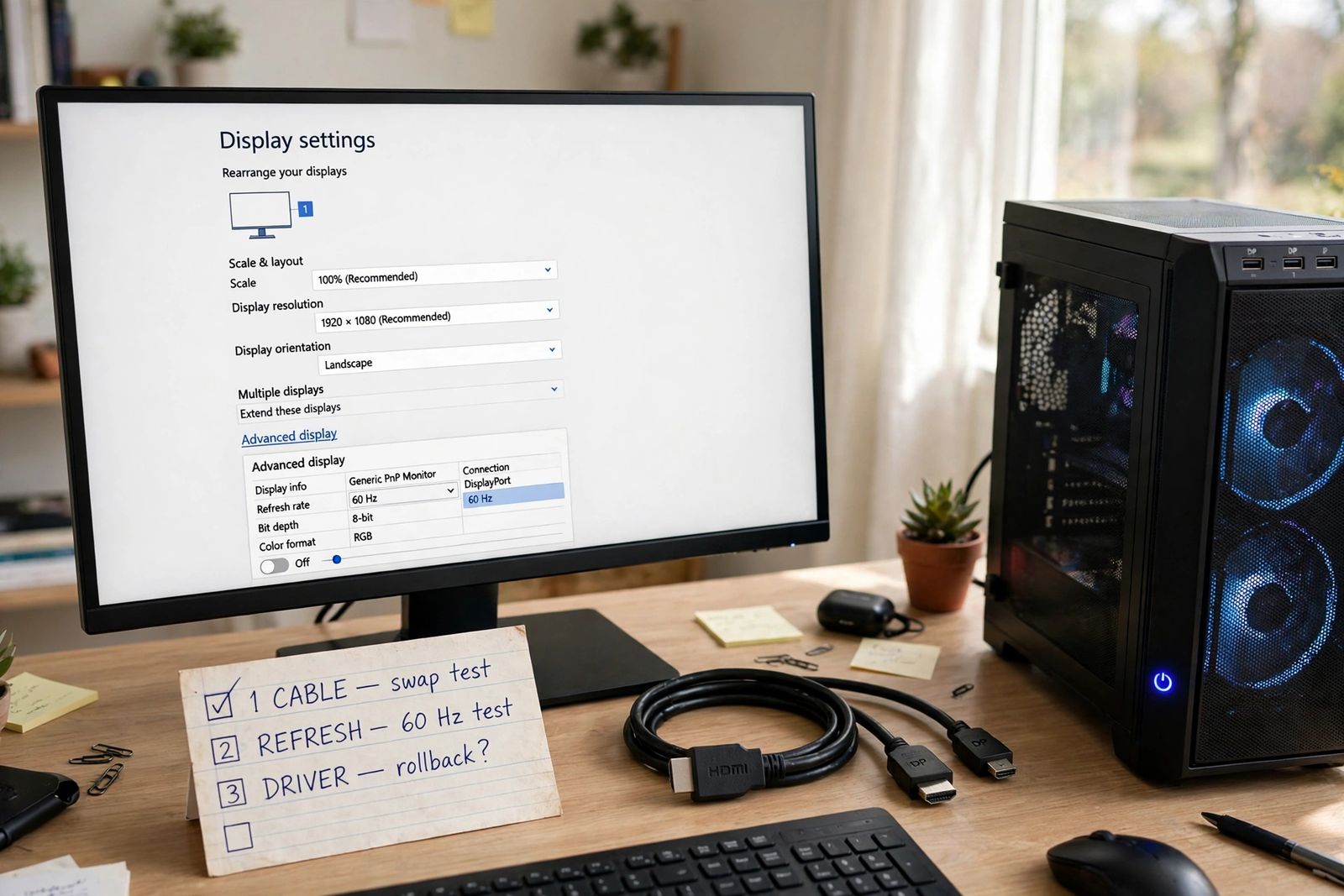
Monitor flickering? Run one ordered three-way test — cable, refresh rate, driver — split first by where the flicker shows: everywhere or games only.
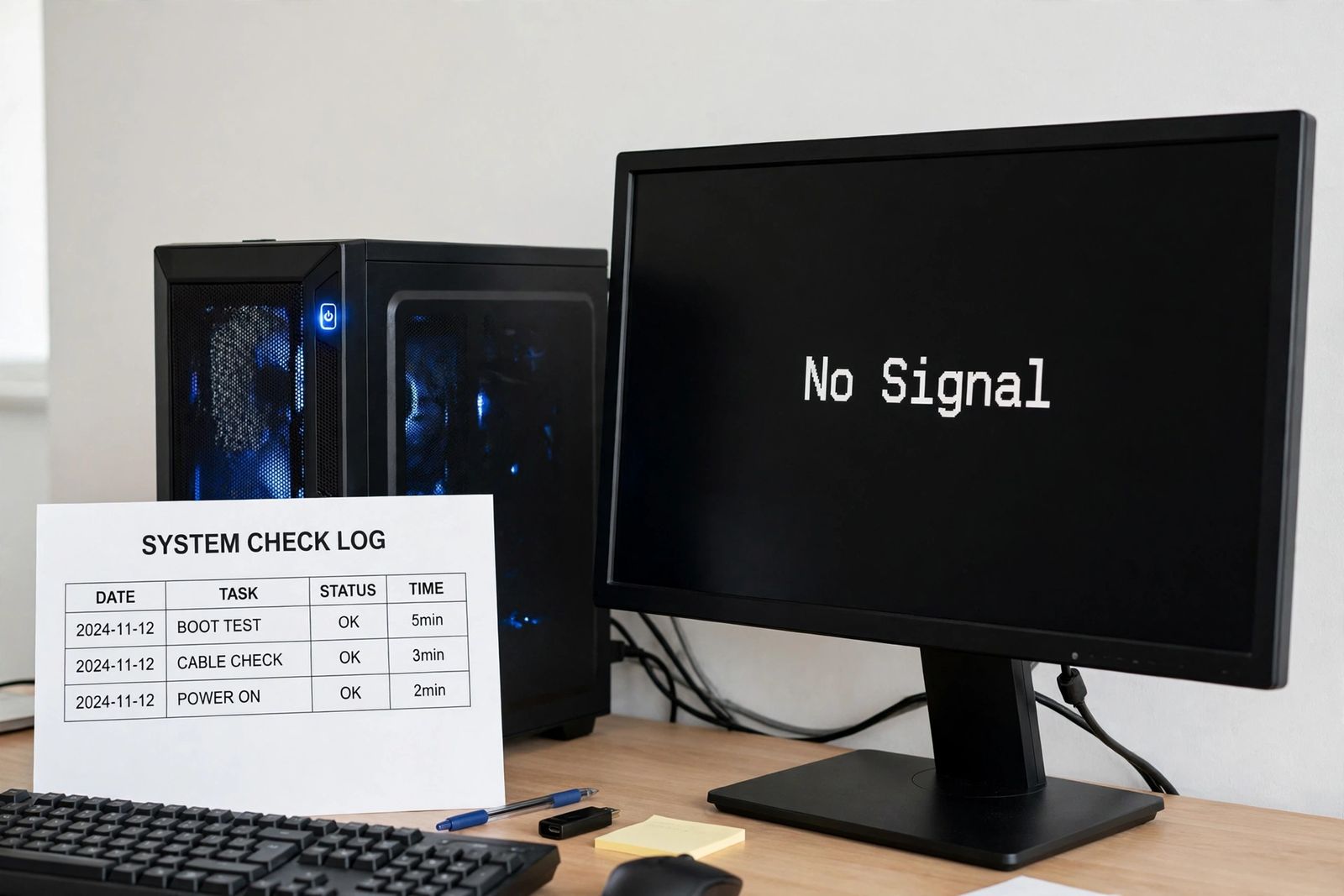
Monitor no signal? Follow one ordered test sequence — cable, input source, GPU port, RAM reseat, known-good swap — to find the dead link in the chain.
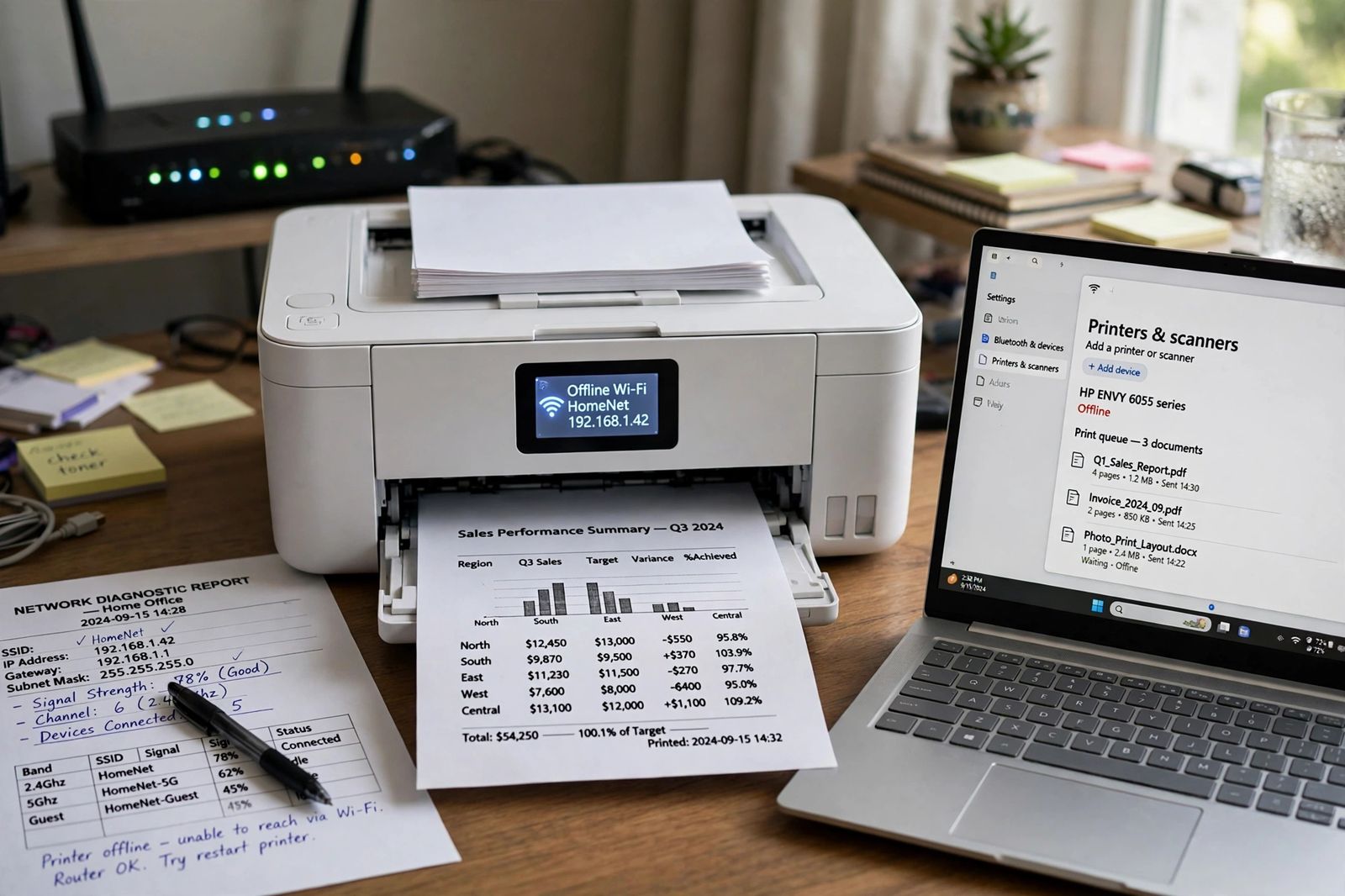
Printer is offline? Test the three layers in order — the printer itself, the Windows queue and offline toggle, then the network address — to fix it fast.
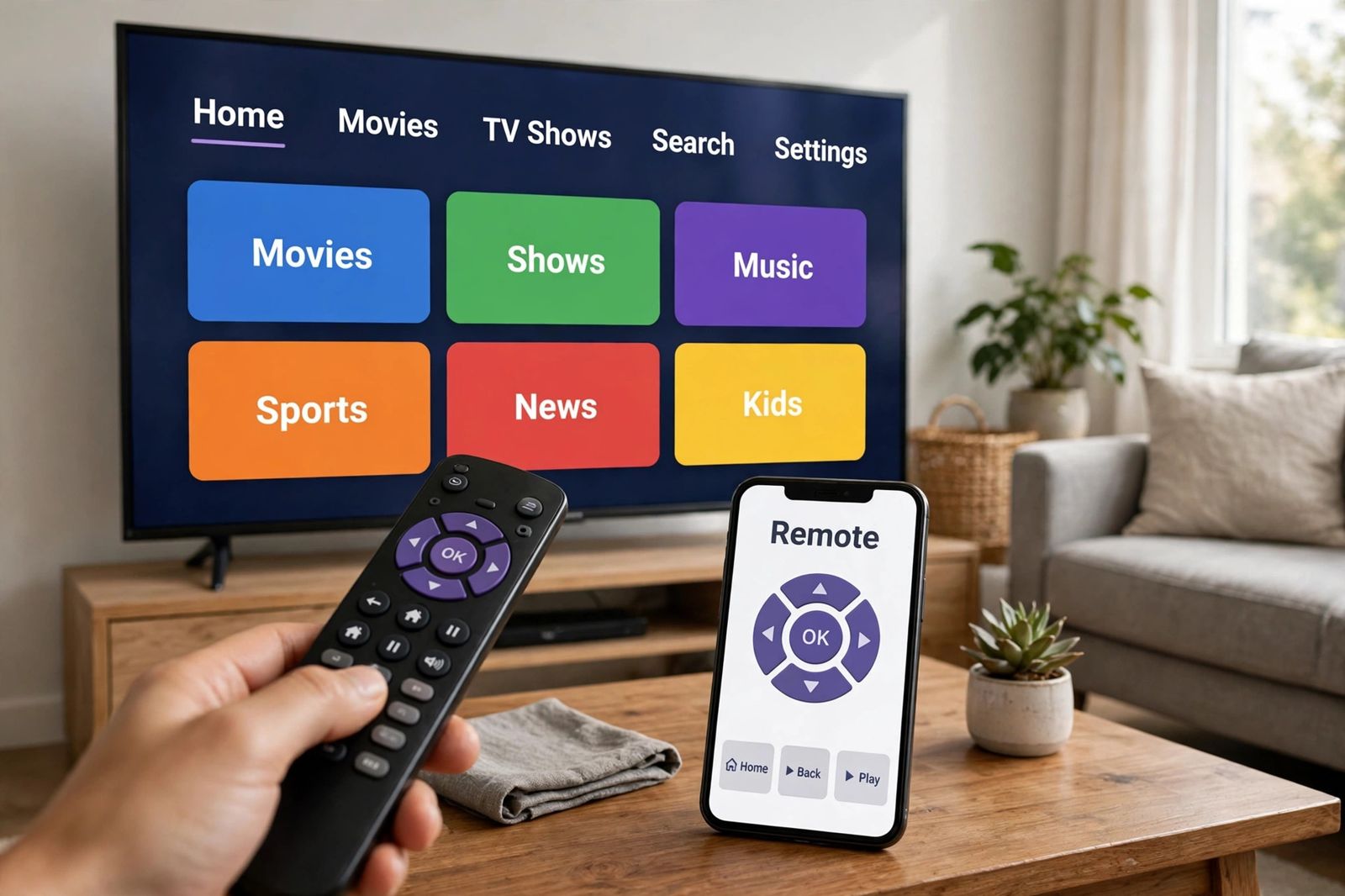
Roku remote not working? Simple remotes use infrared, voice remotes pair wirelessly — identify yours first, run its own test, then follow its fix path.
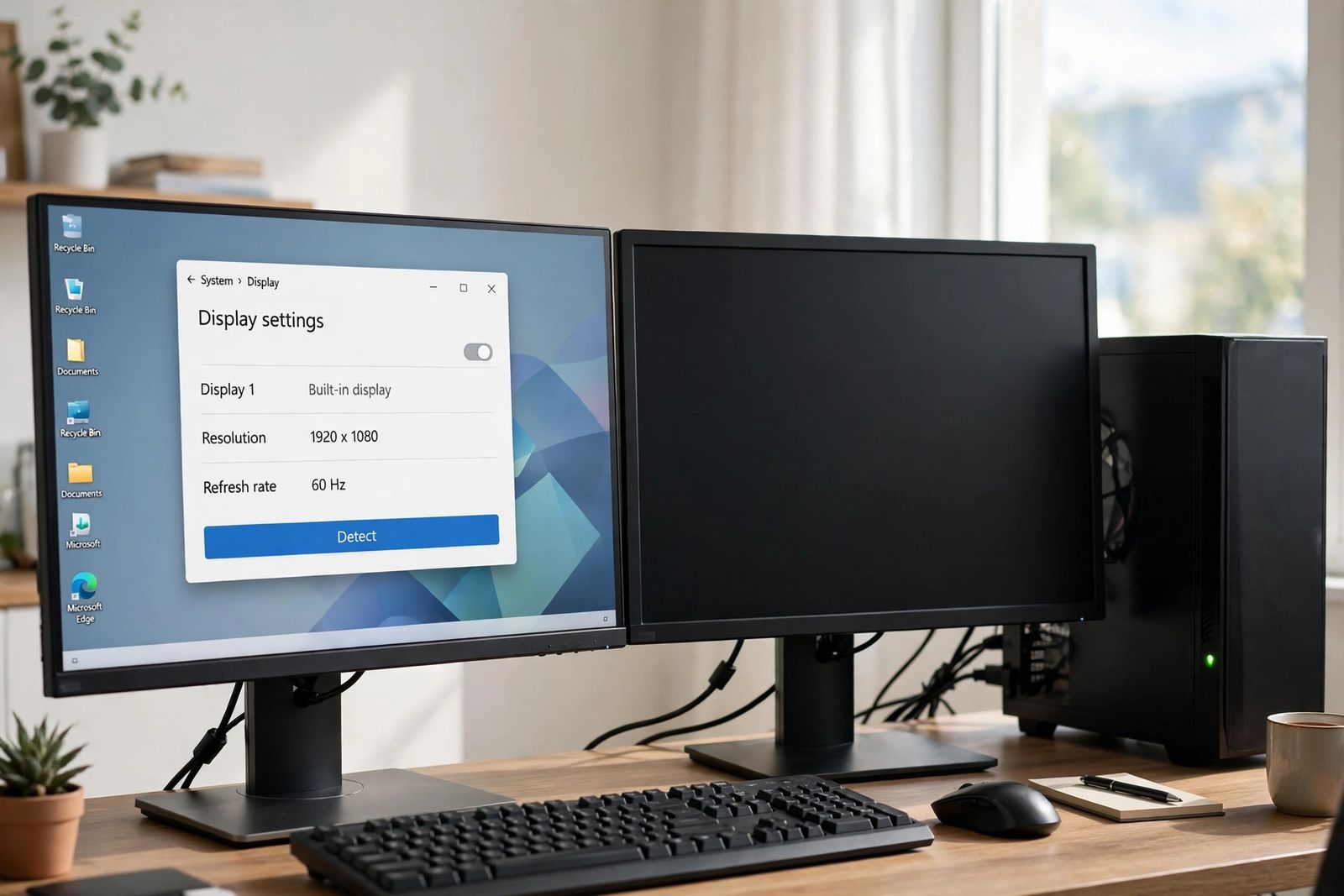
Second monitor not detected? Follow the detect-failure chain in order — cable and port, Windows Detect, graphics driver, then dock and hub limits.
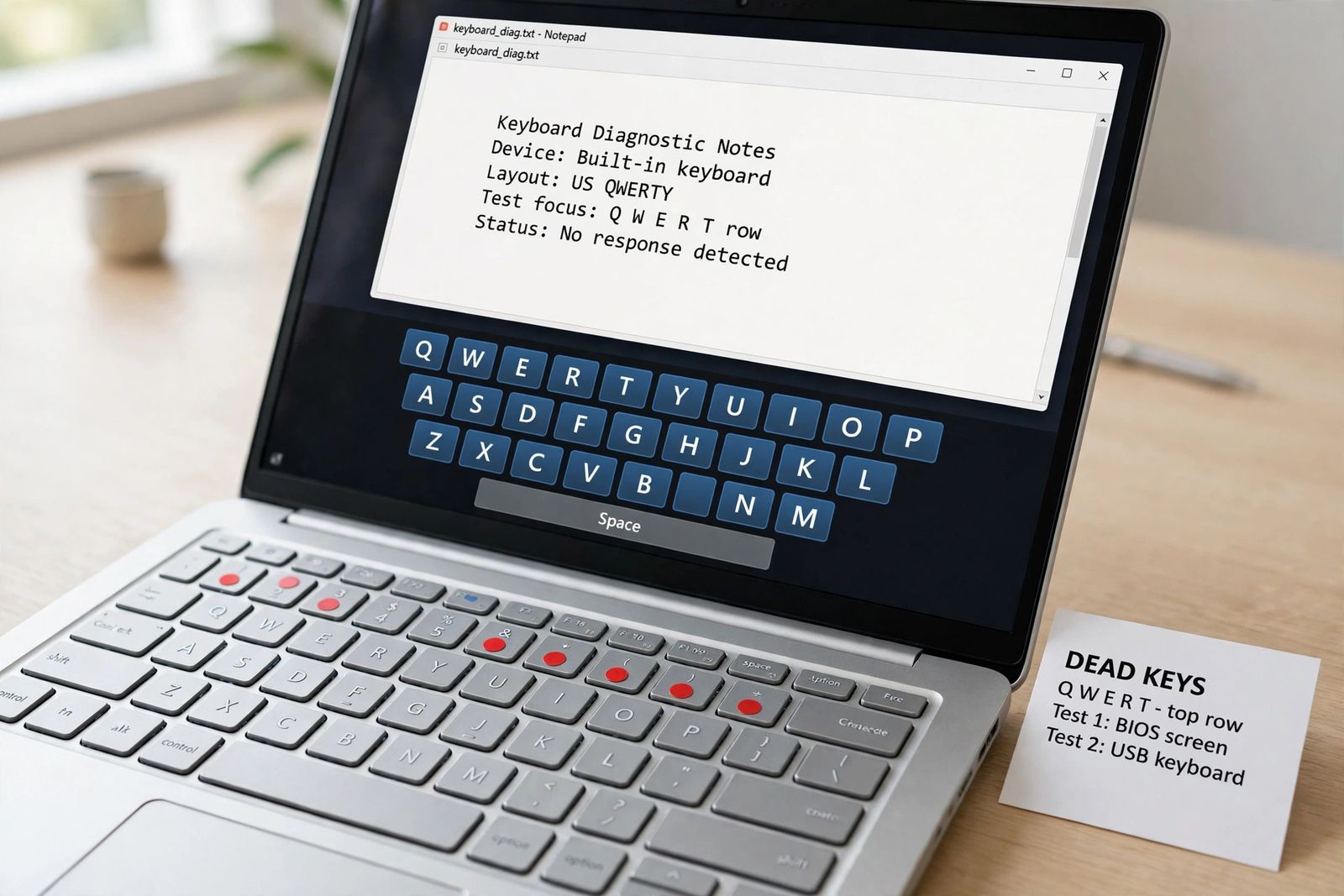
Some keyboard keys not working? Read the dead-key pattern — clustered, whole row or scattered — then run the two tests that split hardware from Windows.
TV says No Signal on HDMI? Run one isolation chain — input, cable swap, port swap, handshake reset — to prove whether TV, cable or source failed.
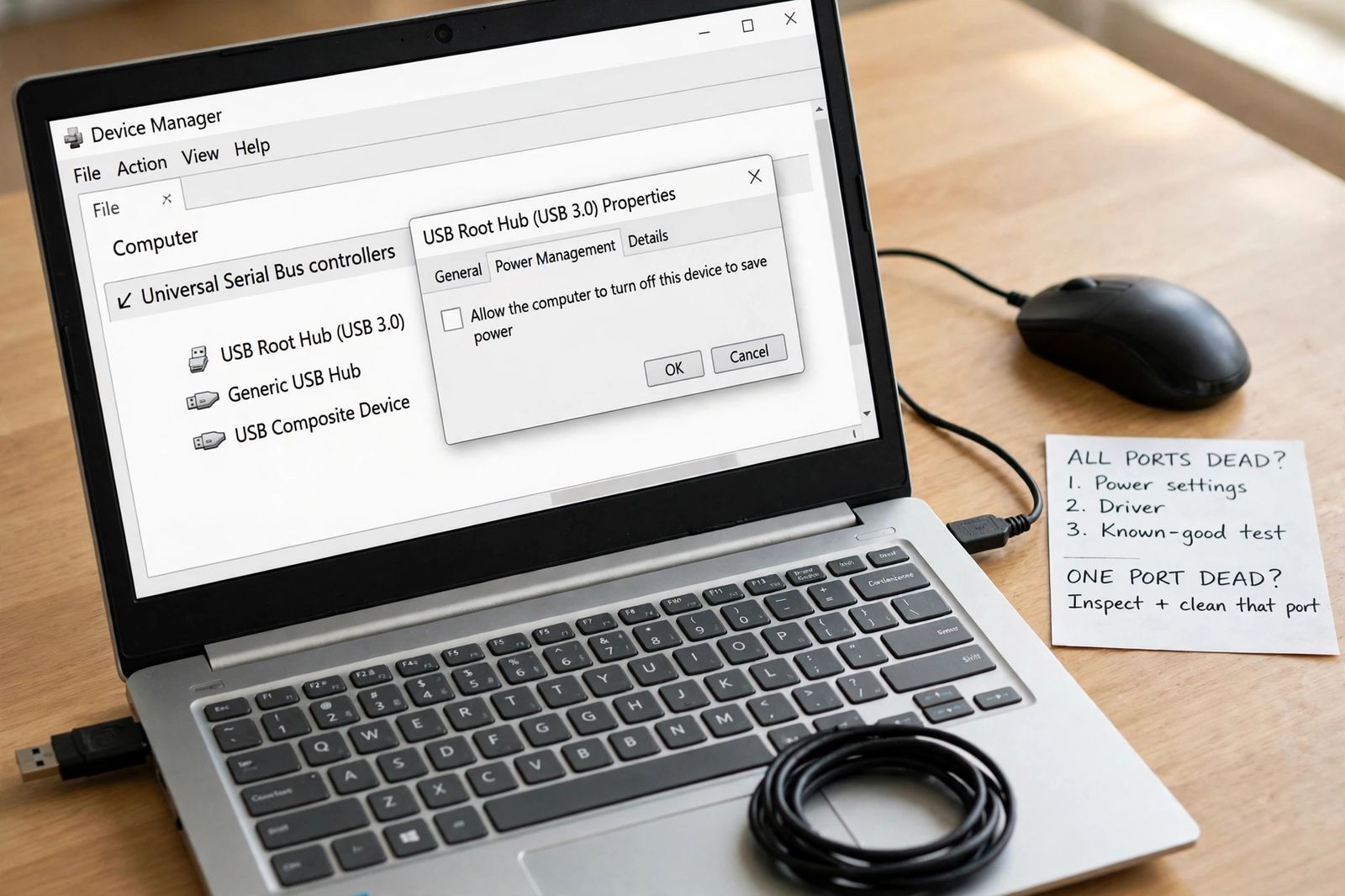
USB ports not working? Split it first — one dead port is physical; all ports dead is power settings first, then the driver, then the known-good test.
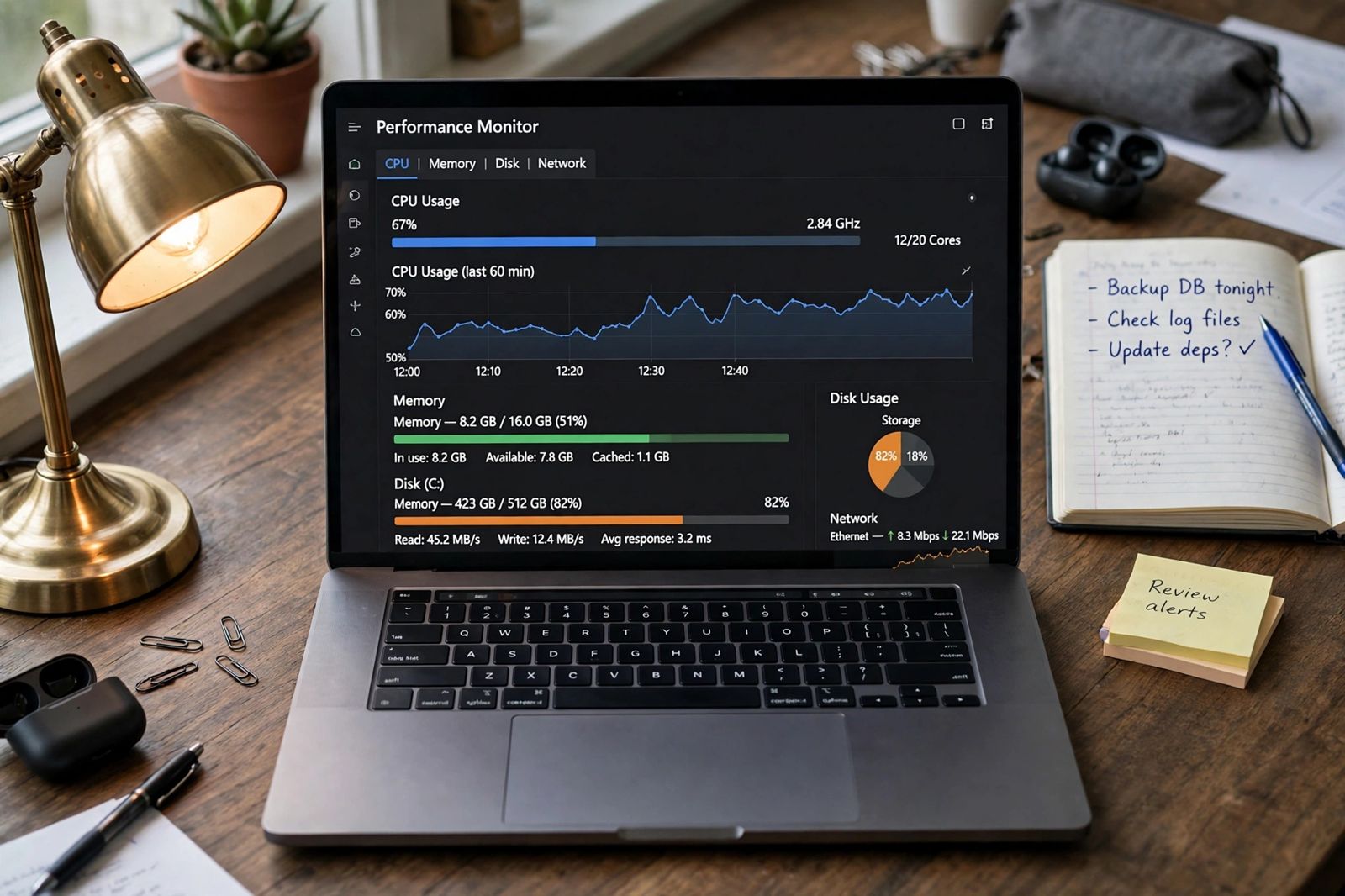
Why is my computer so slow? Work through an ordered diagnostic: check Task Manager readings, startup impact, free space and drive health to find your cause.
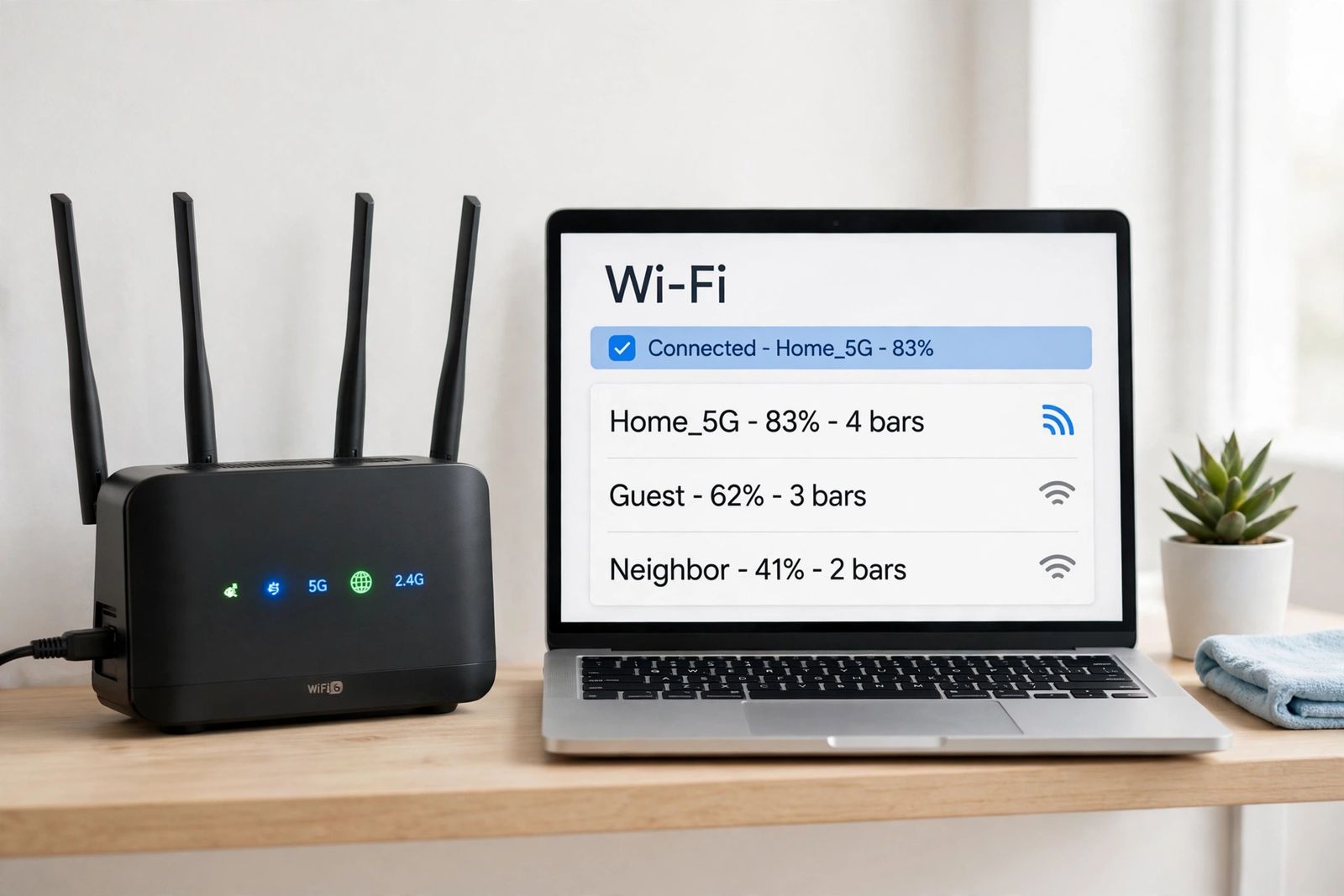
WiFi keeps disconnecting? One test — one device or every device — tells you whether to fix the device, the router or the line. Work that side in order.
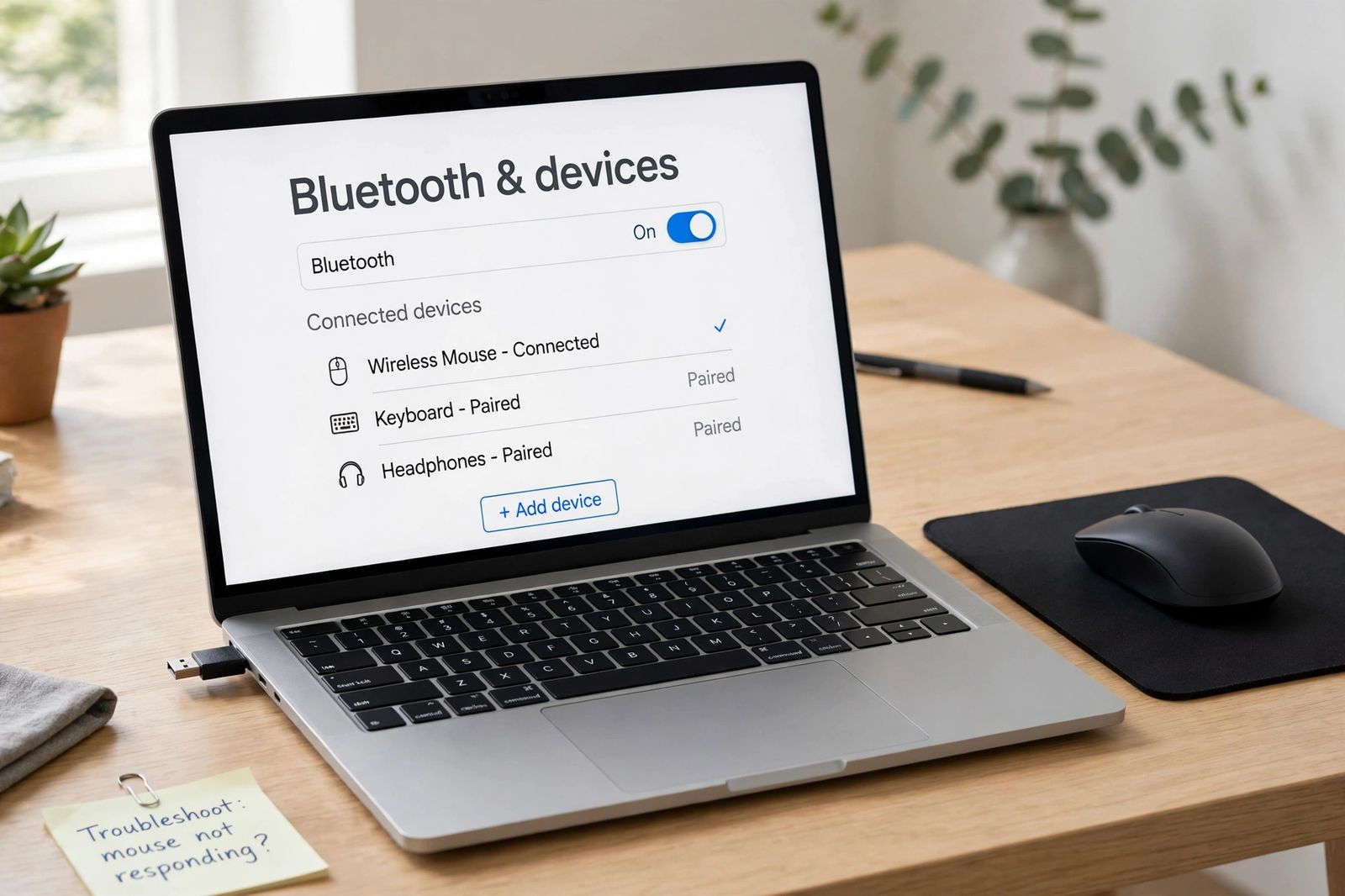
Wireless mouse not working? Split the fix by connection type — USB dongle or Bluetooth — then work the lights-up-but-won't-move checks in order.
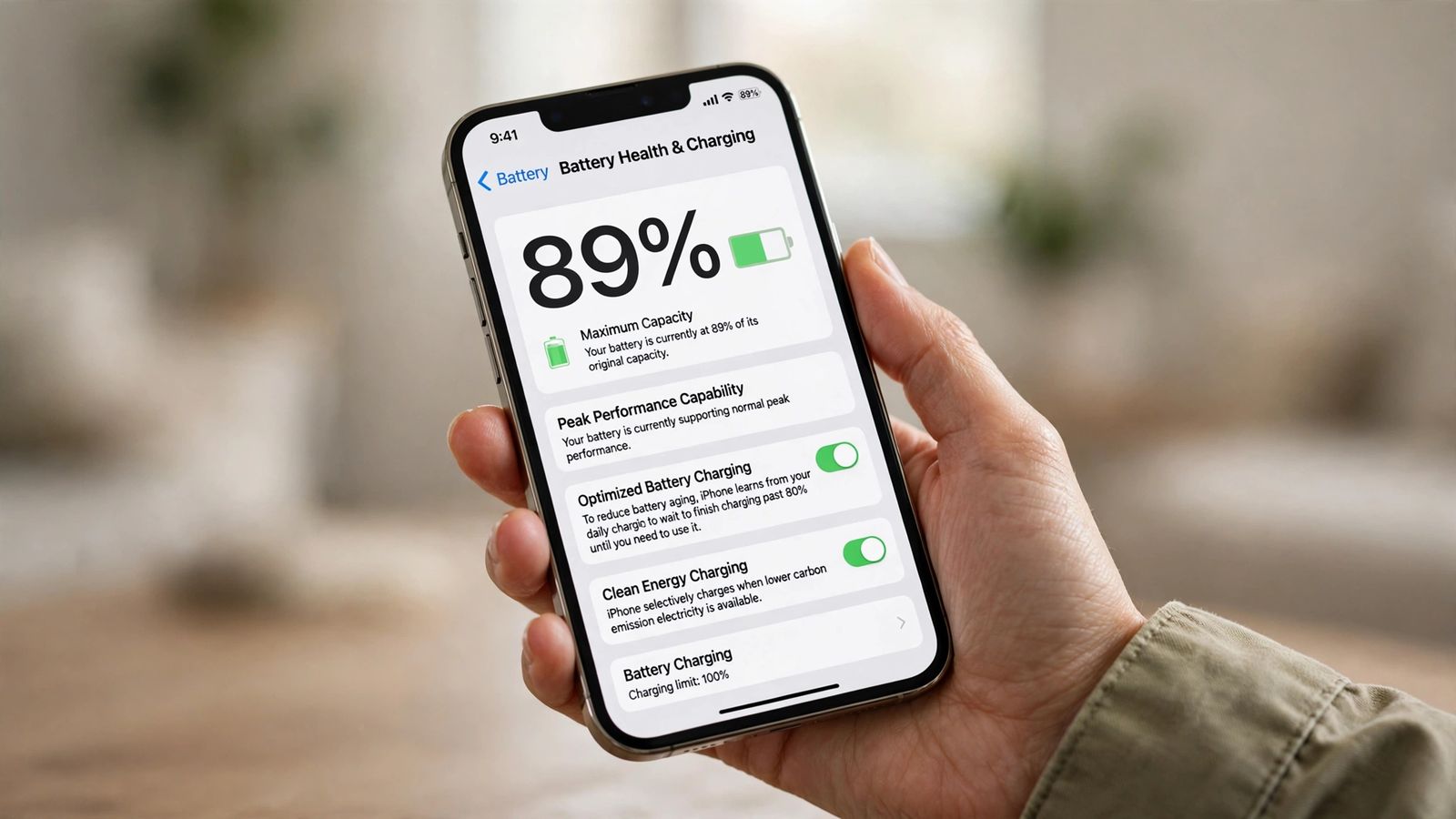
How to check iPhone battery health: where Maximum Capacity lives on iPhone 15 vs older models, what the percentage means, cycle counts, and Apple's 80% line.
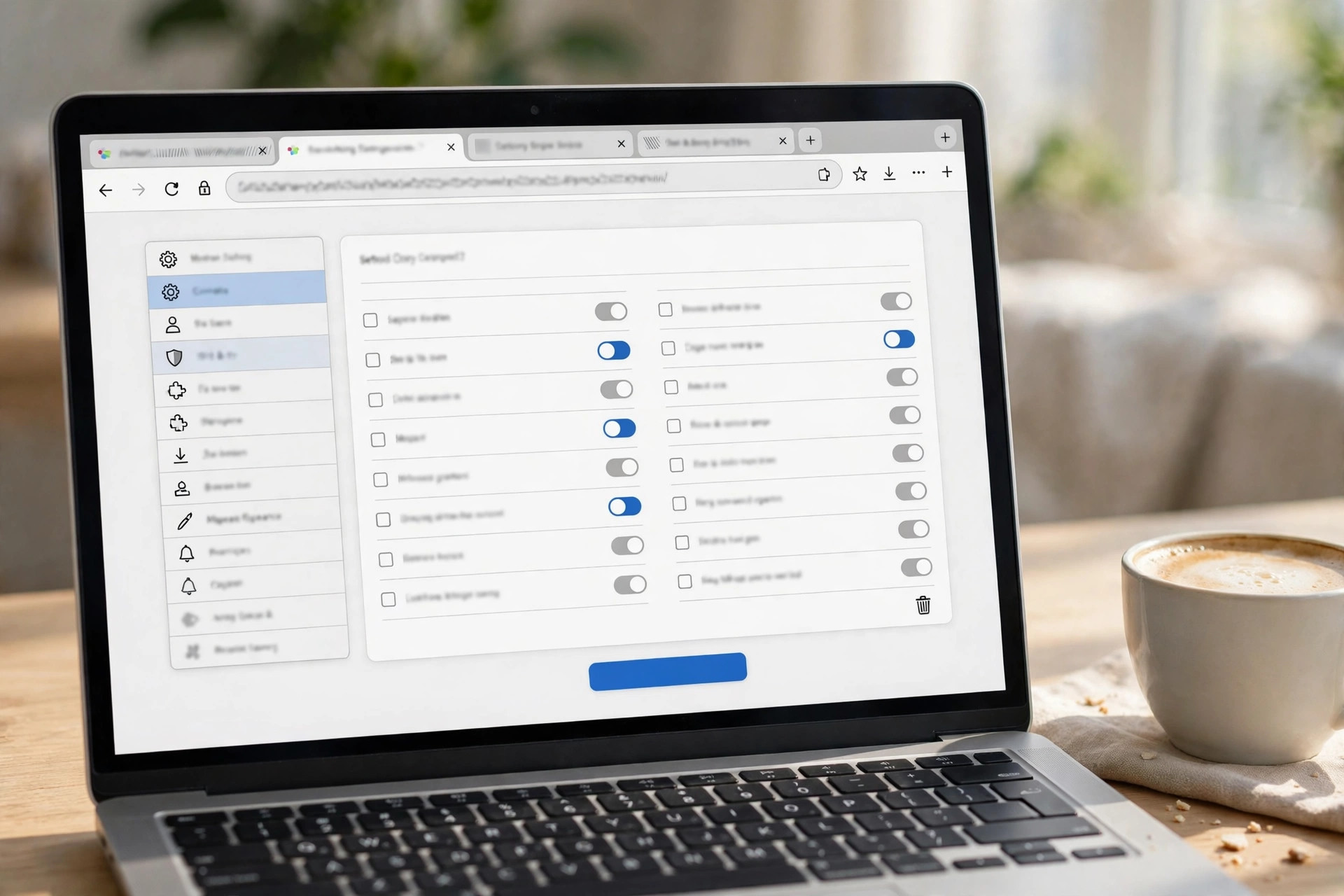
How to clear cache in Chrome, Safari, Firefox and Edge: current menu paths, the Ctrl+Shift+Delete shortcut, and the cache-only option that keeps sign-ins.
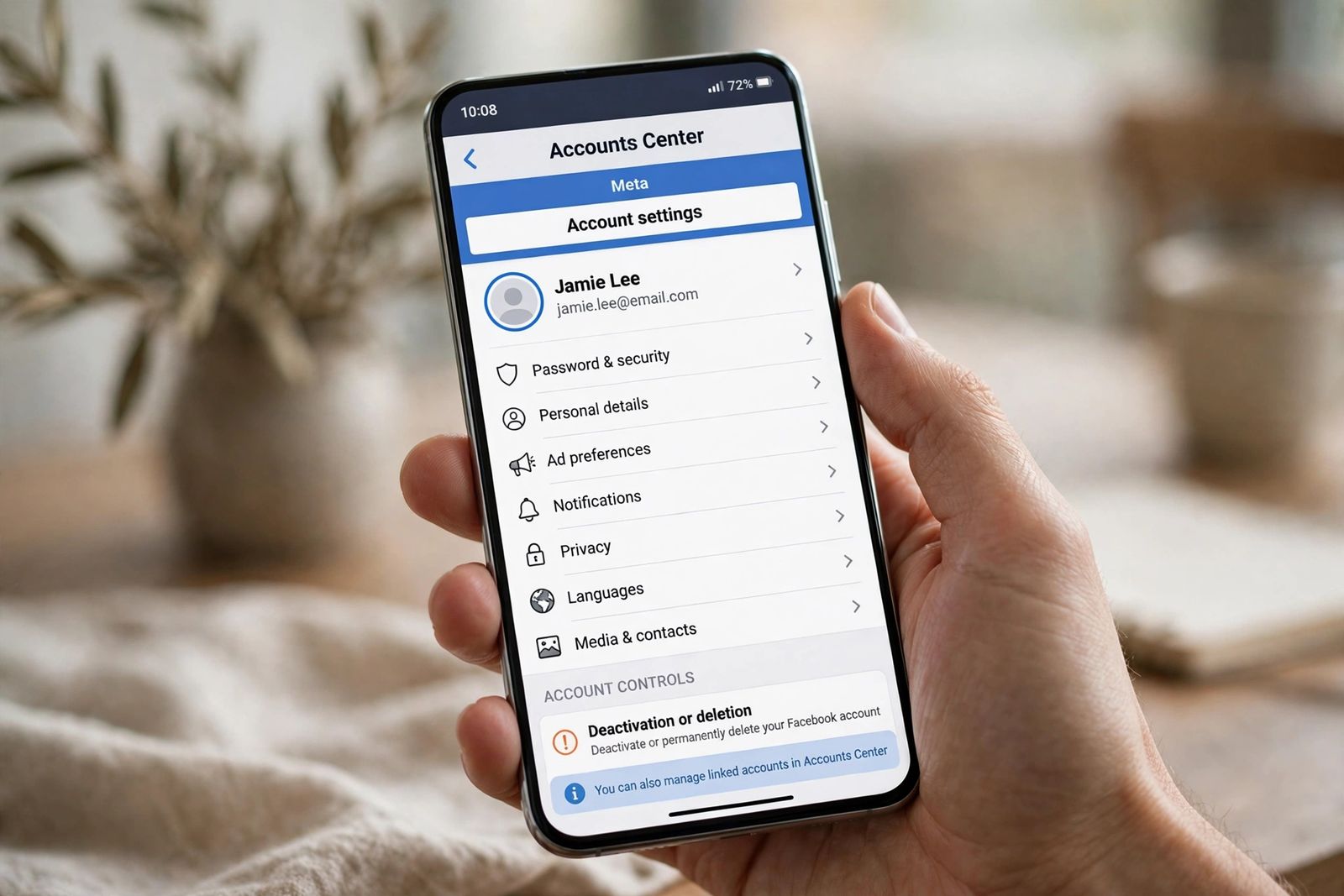
How to delete your Facebook account permanently through Accounts Center: download your data first, the 30-day cancel window, and deactivate vs delete.
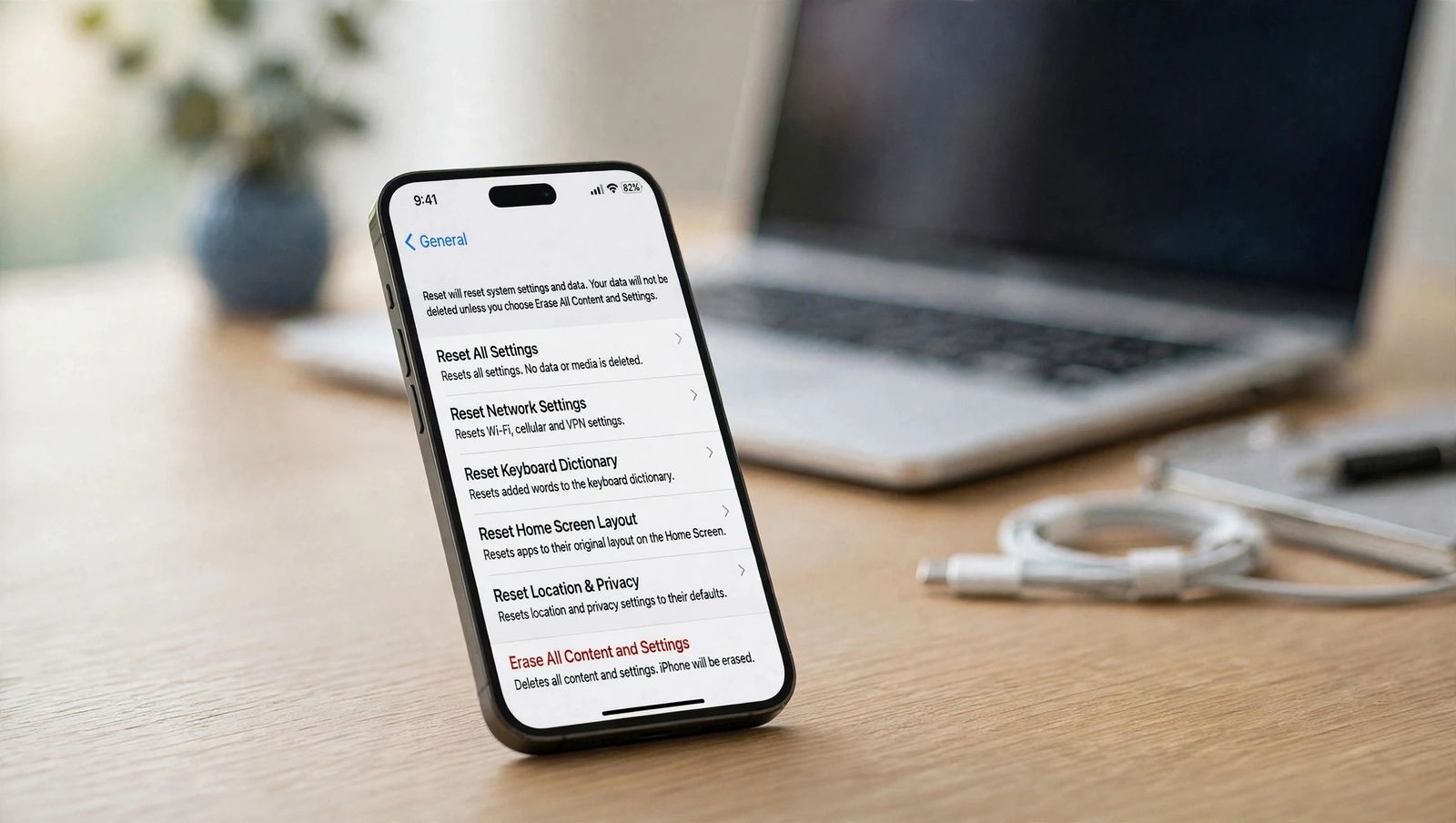
How to factory reset an iPhone safely: back up first, then Erase All Content and Settings. What gets deleted, Activation Lock, and locked-iPhone routes.
How to reset AirPods: factory reset steps for every model, from the case button to the AirPods 4 double-tap - plus unpairing and the previous-owner lock.
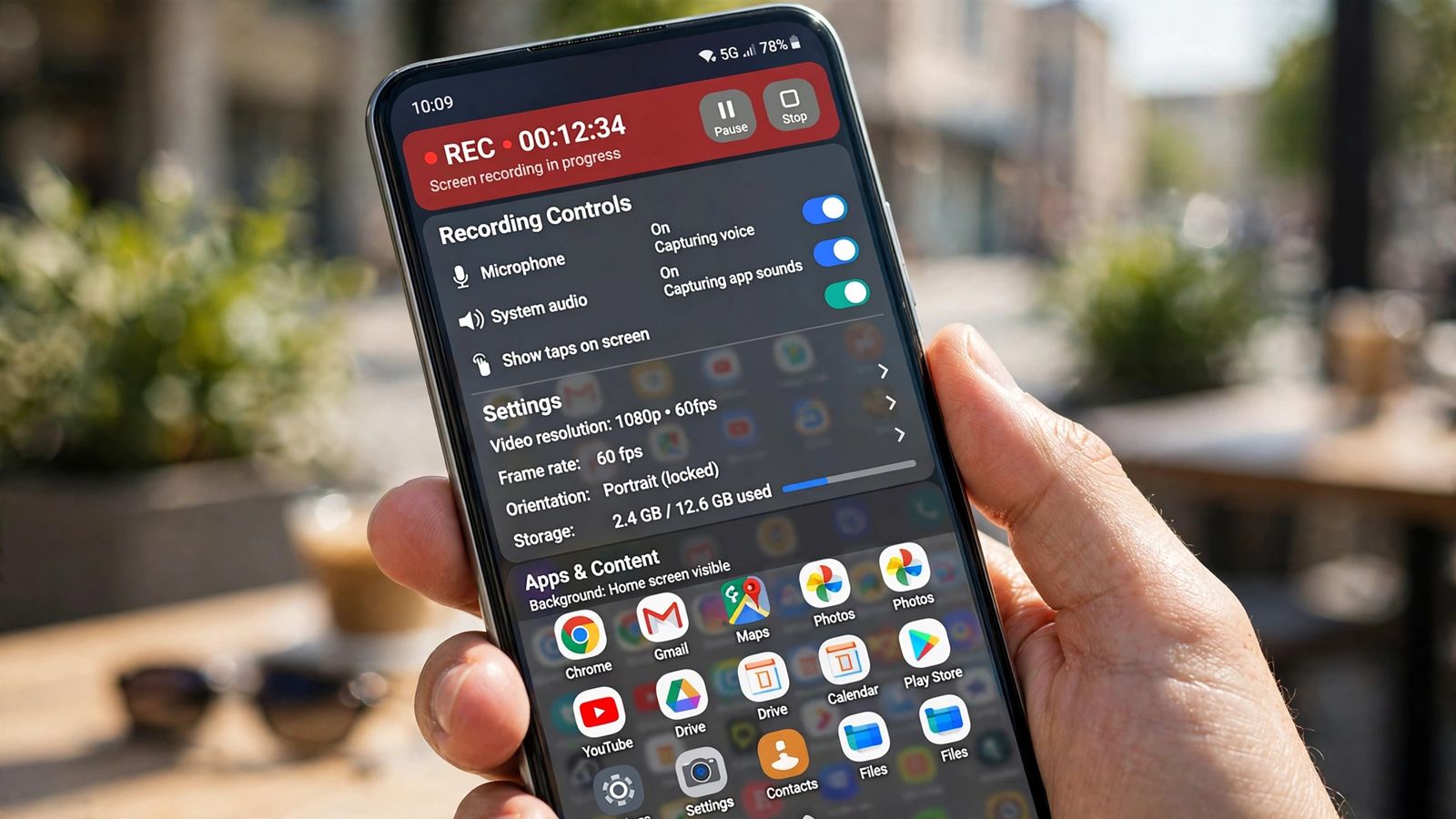
How to record your screen on Android: the Quick Settings steps for Pixel and Samsung, the audio choices to set first, and where recordings are saved.
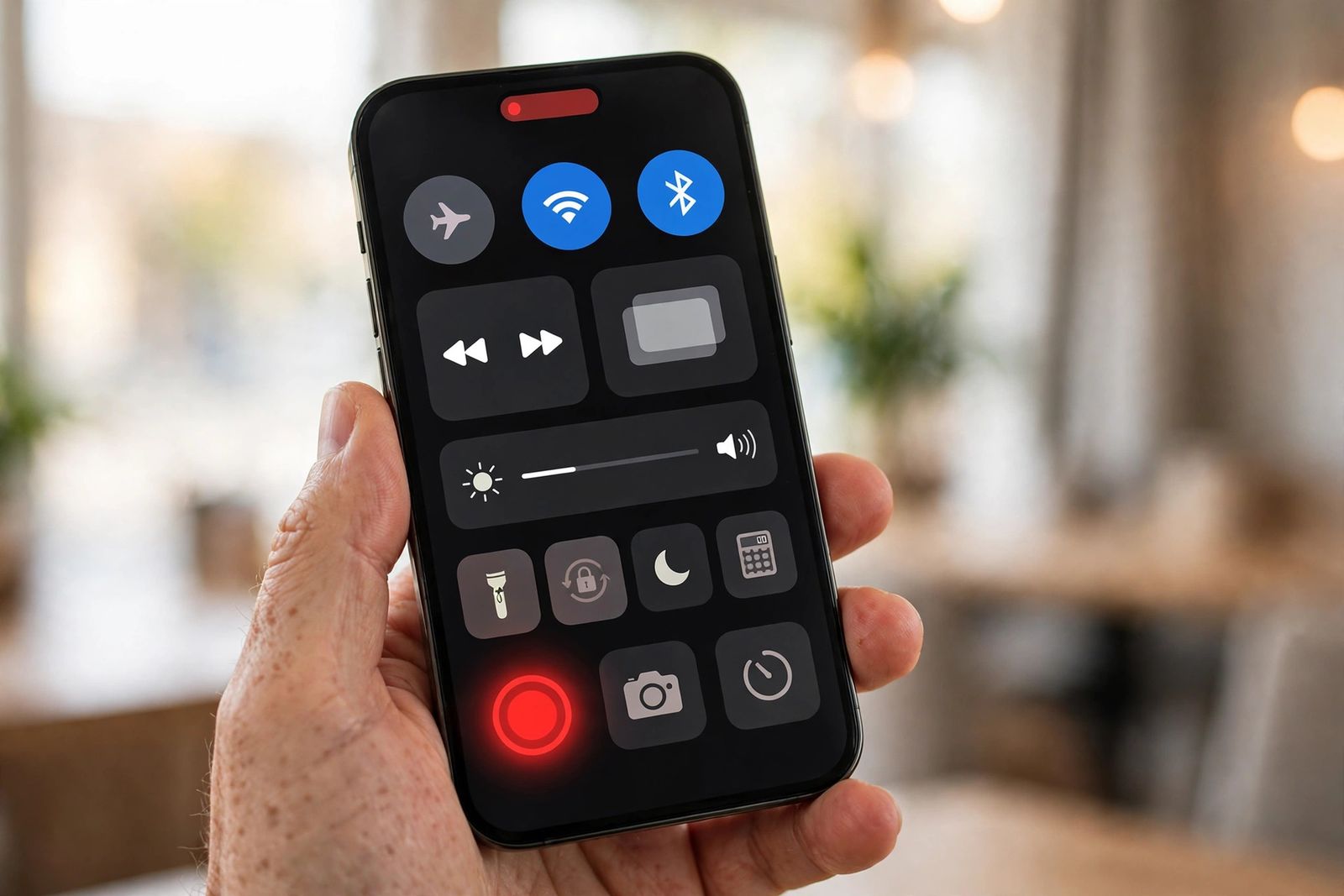
How to screen record on iPhone: add the Record button, the 3-second countdown, turning the microphone on for your voice, and where recordings are saved.
How to screenshot on Android: Power + Volume Down on Samsung, Pixel and most phones. Scrolling captures, palm swipe, no-button methods, and save locations.
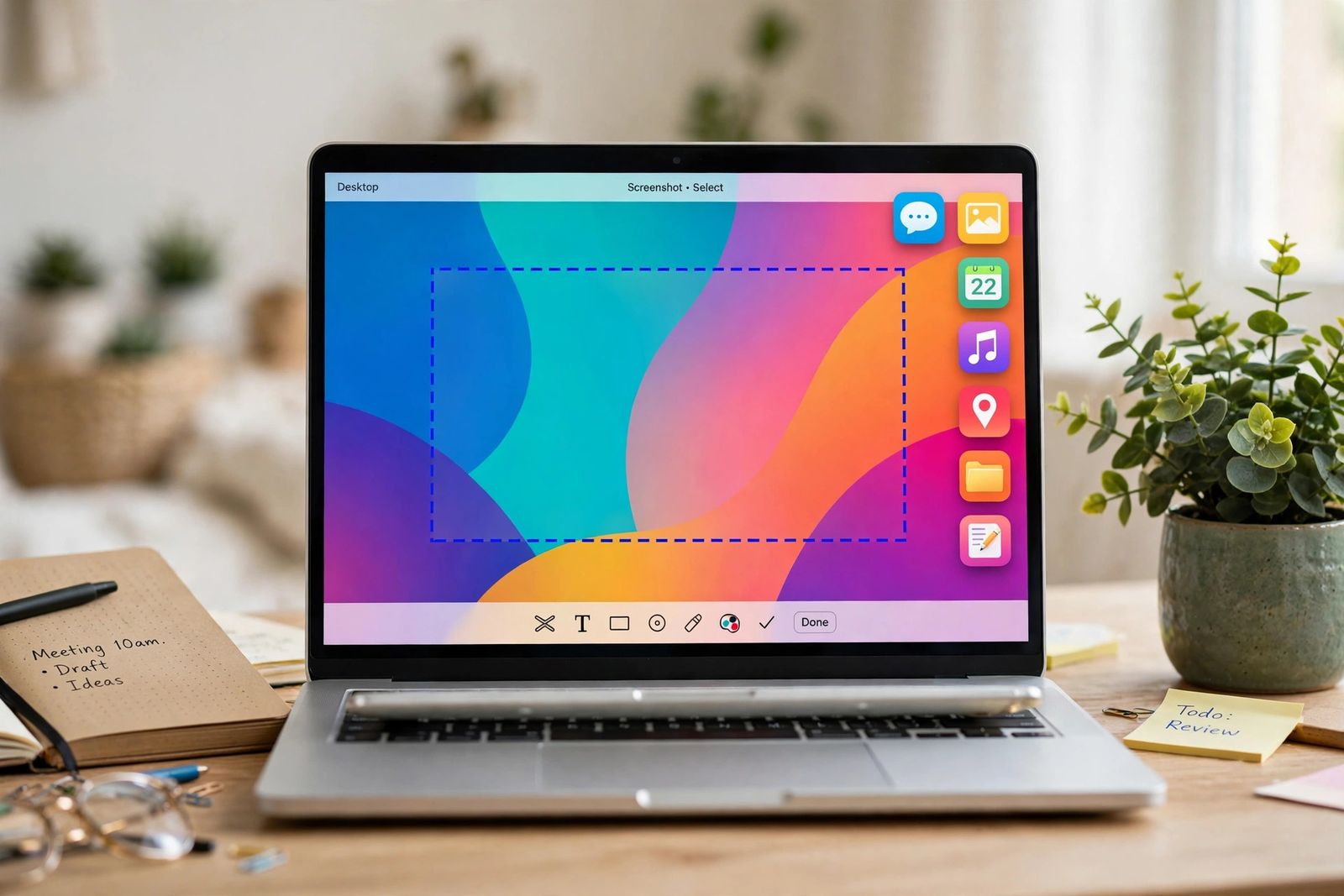
How to screenshot on a Mac: Shift-Command-3, Shift-Command-4 and the Screenshot toolbar - whole screen, area, one window, clipboard, and save locations.
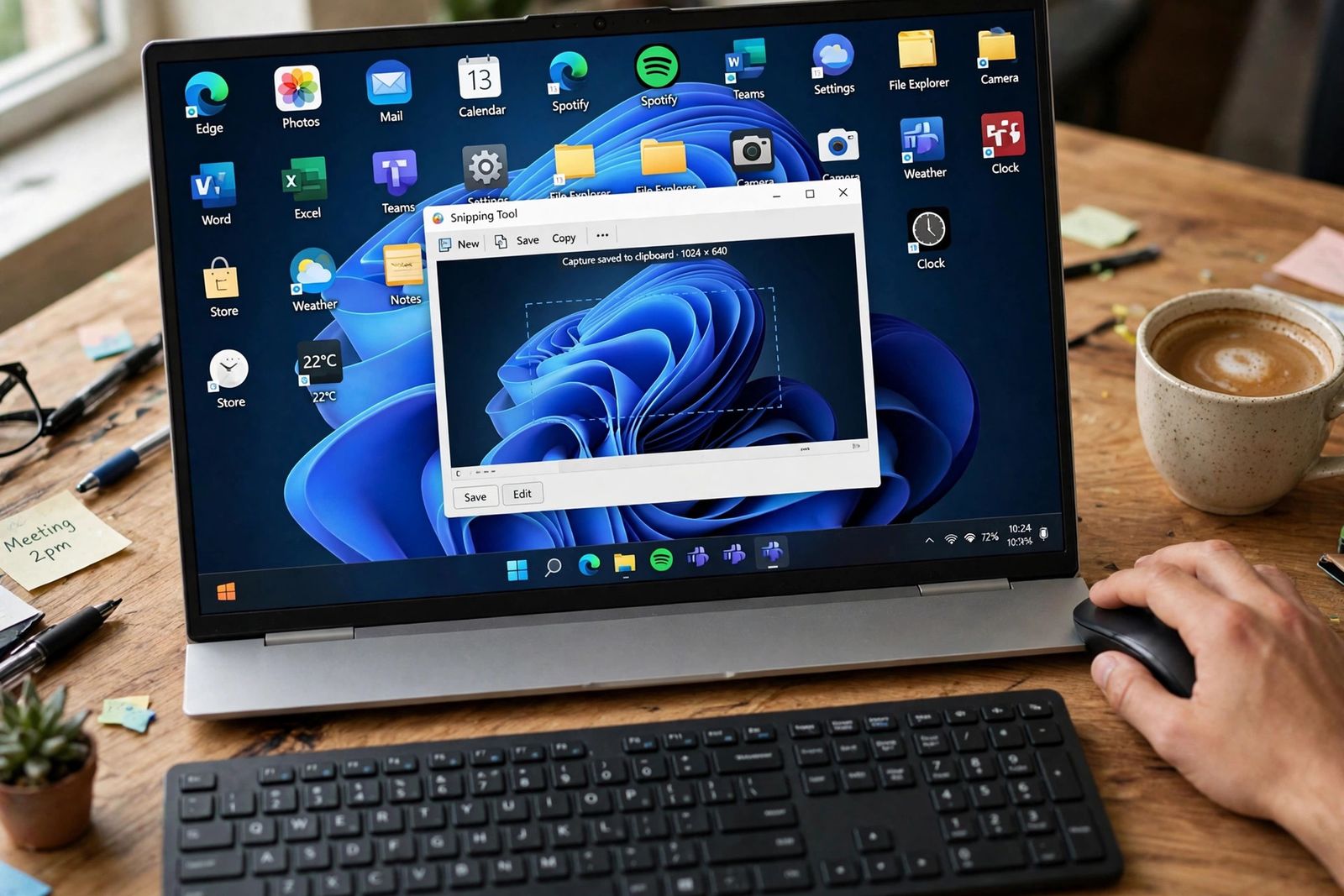
How to screenshot on Windows: Windows+Shift+S opens the Snipping Tool. Every built-in method, Print Screen variants, auto-save, and where files go.
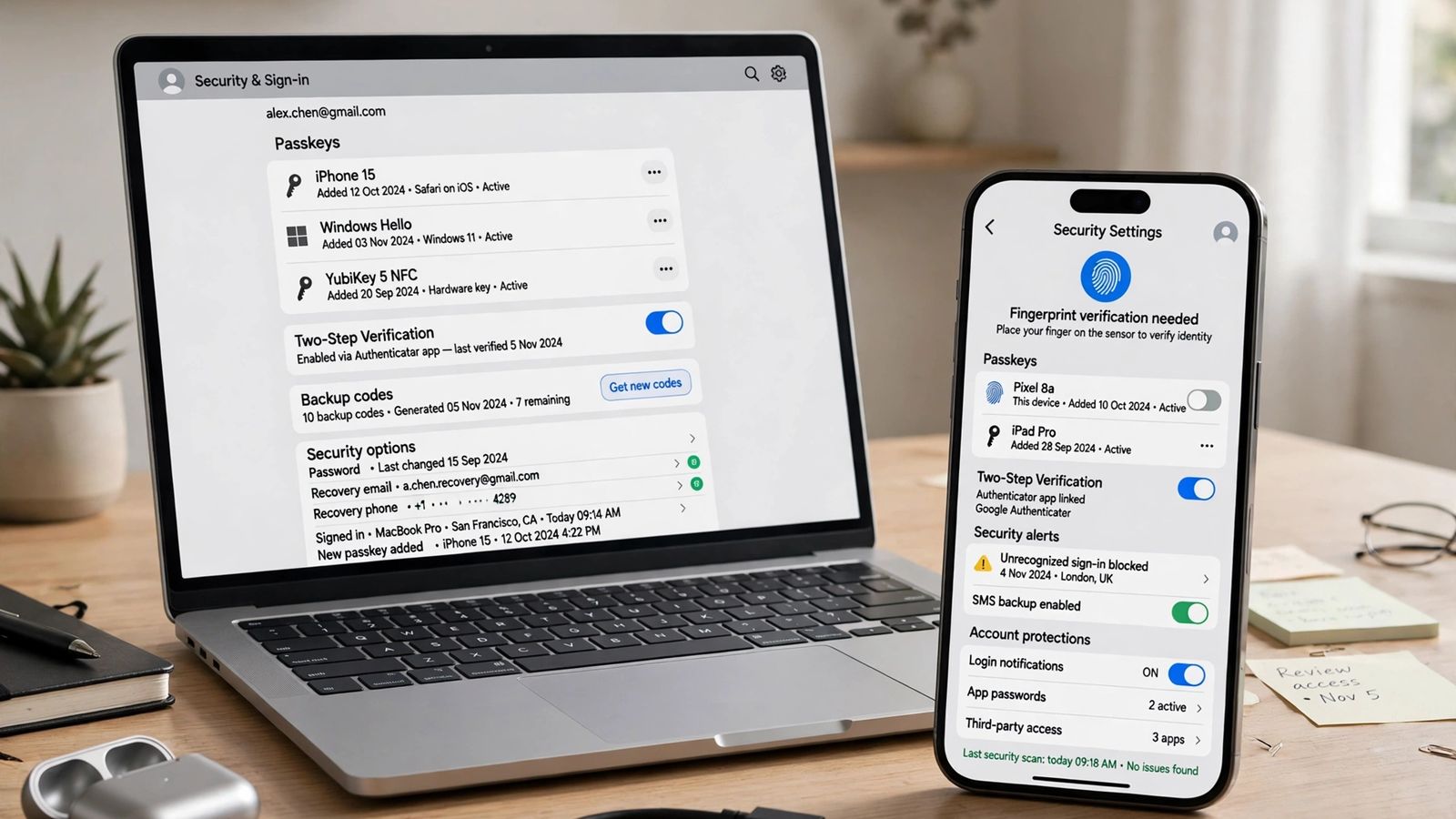
How to set up passkeys on Google, iPhone, Windows and Android: create one in security settings, confirm with face, fingerprint or PIN, and fix failures.
How to split screen on Windows 11 and 10: Windows + arrow keys to snap windows, Snap Assist, Snap Layouts with Windows+Z, corners, and turning Snap off.
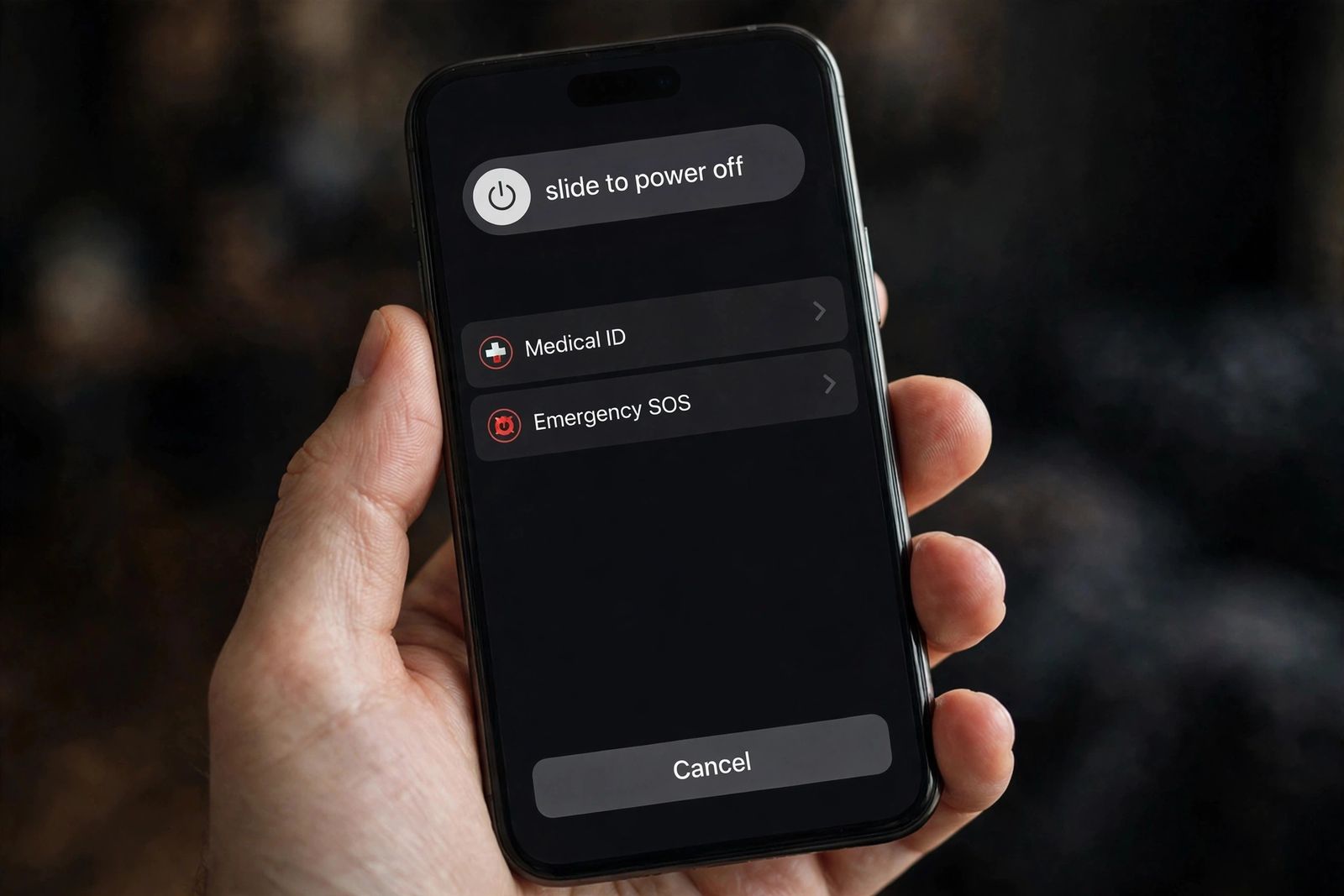
How to turn off an iPhone: Face ID models hold side + volume, then slide. Button-free routes in Settings, the per-model table, and turning it back on.
How to use an eSIM for travel: check your phone is compatible and unlocked, install on Wi-Fi before you fly, then set it as your data line on landing.
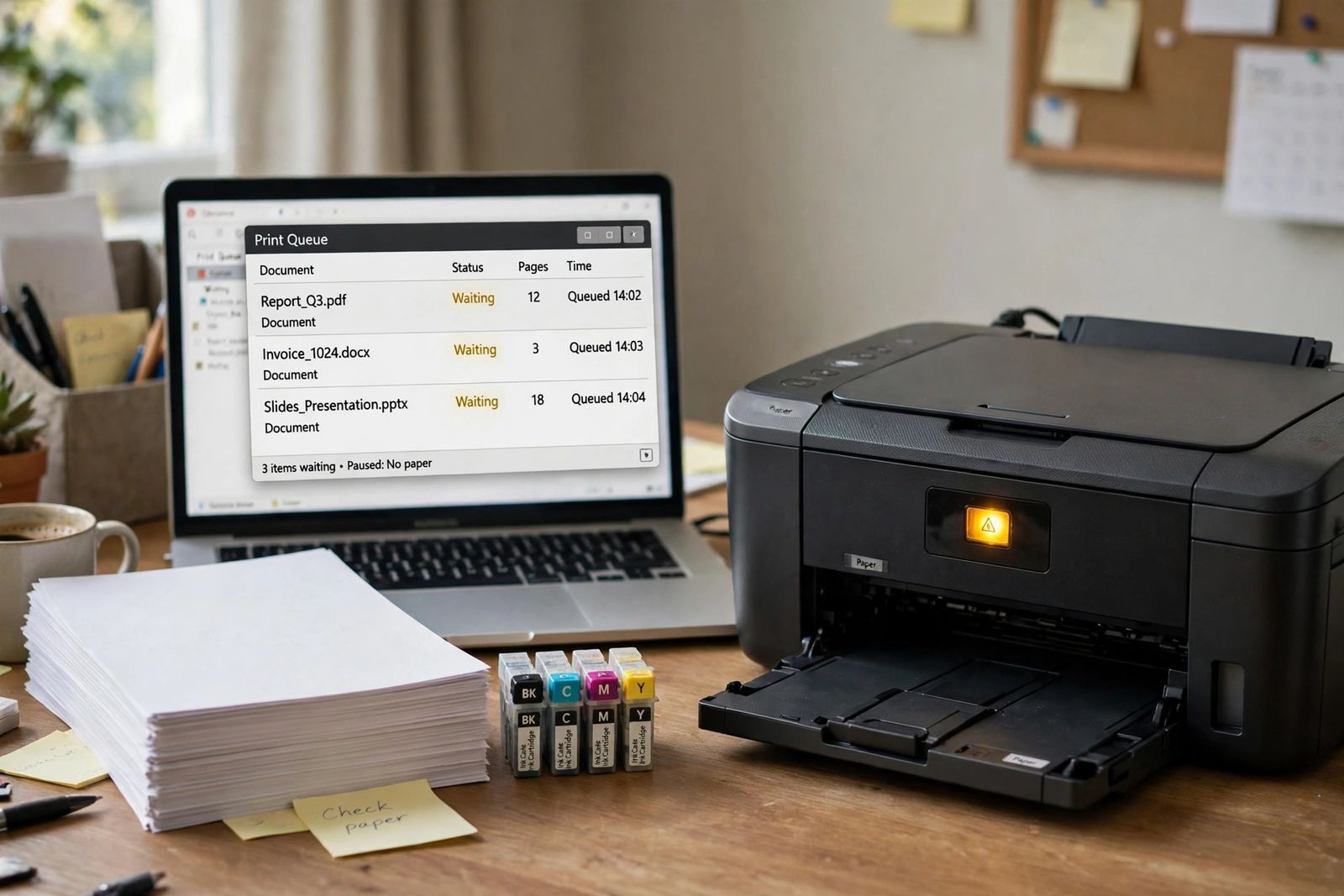
Printer not printing? Fixes in the fastest order: power and paper, print queue, the offline setting, same-network check, then ink and blank-page causes.
What is Wi-Fi 7? The 802.11be standard explained: 320 MHz channels, 4096-QAM and Multi-Link Operation, real speeds, and whether upgrading is worth it.
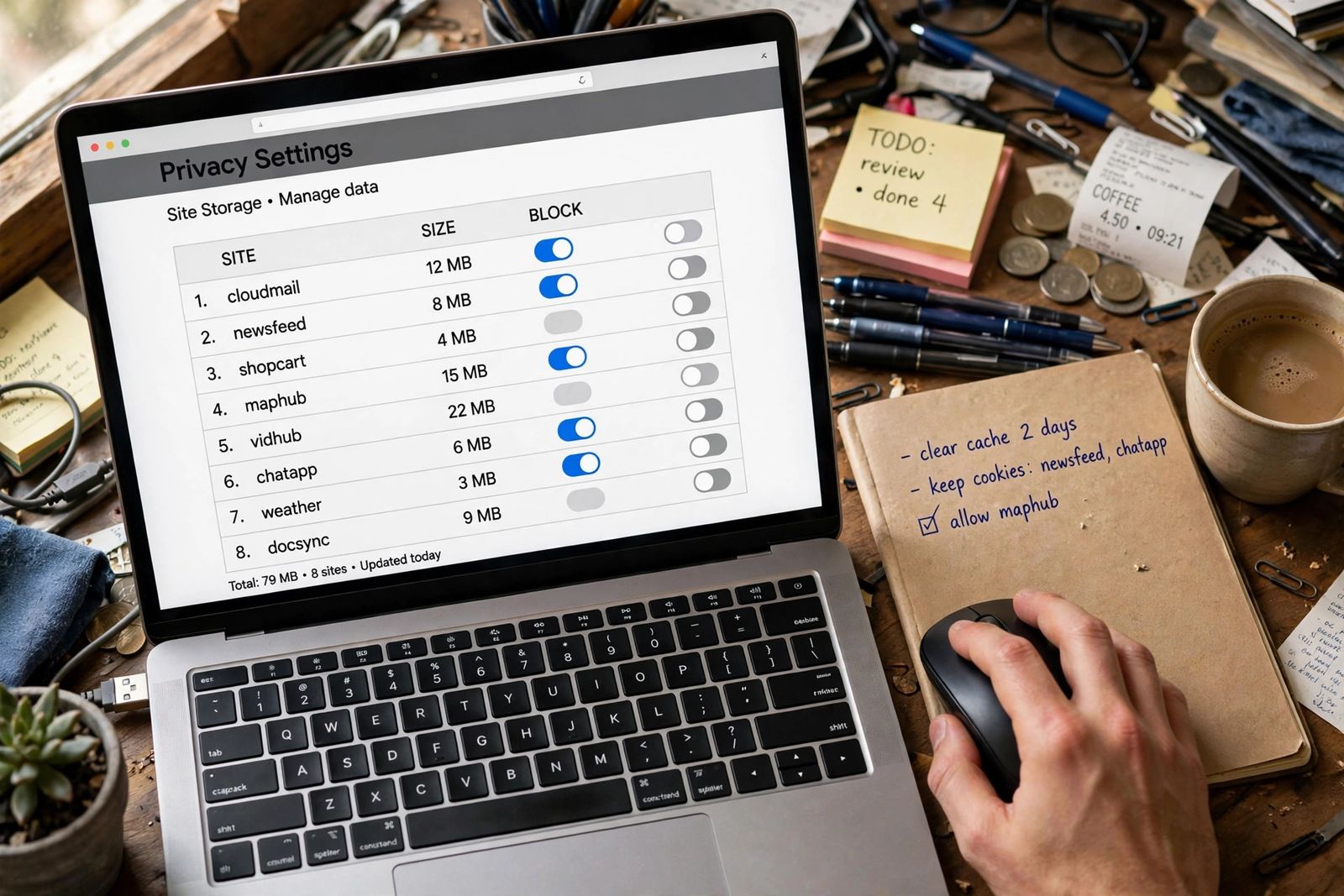
How to delete cookies in Chrome, Safari, Firefox and Edge: all cookies at once, one site only, or block third-party cookies - and what you actually lose.
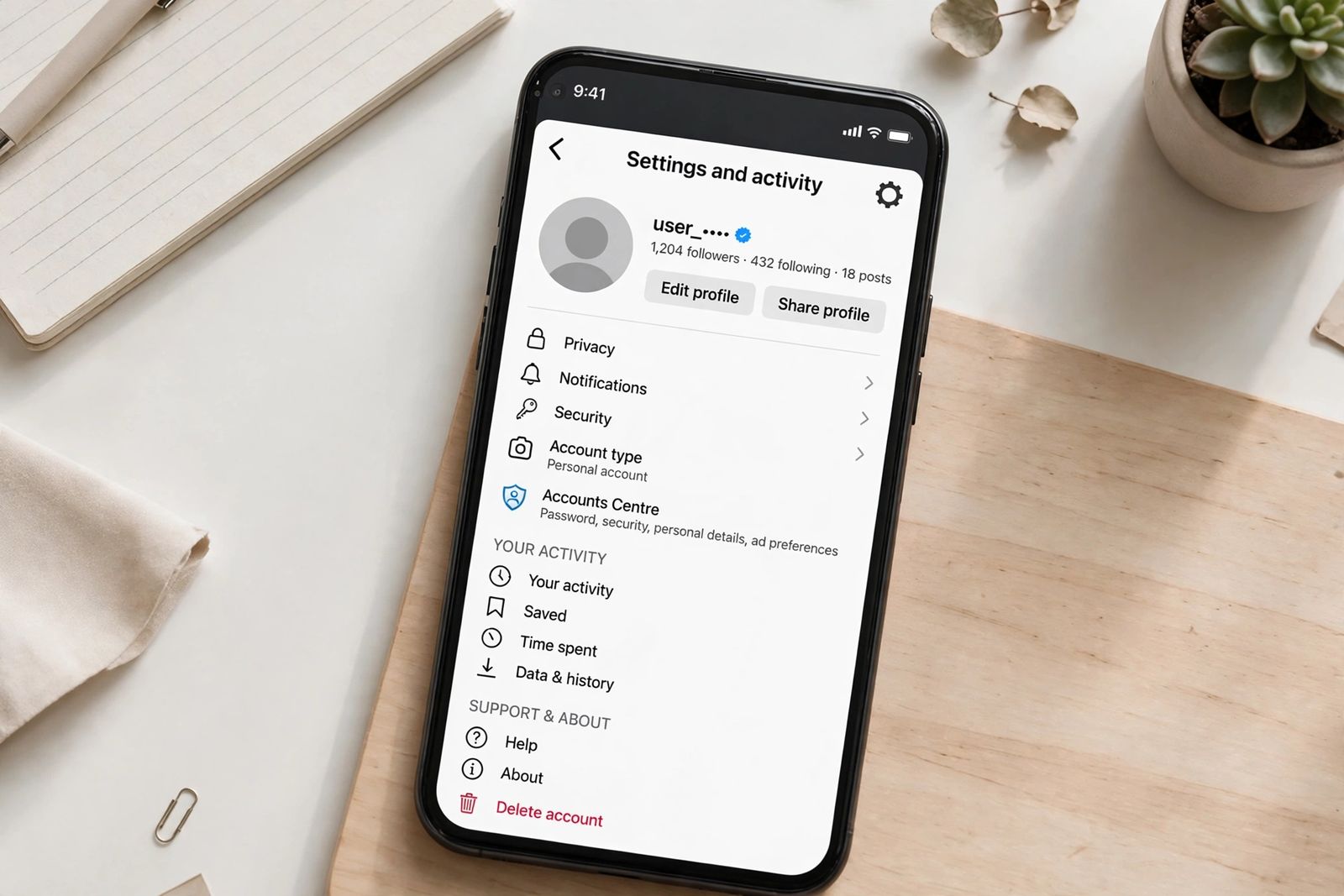
How to delete your Instagram account permanently: download your data first, then Accounts Center. The 30-day window to change your mind, explained.
iPhone storage full? 'System Data' is caches and logs with no delete button. What it holds, how to check yours, and the safe steps that shrink it, in order.