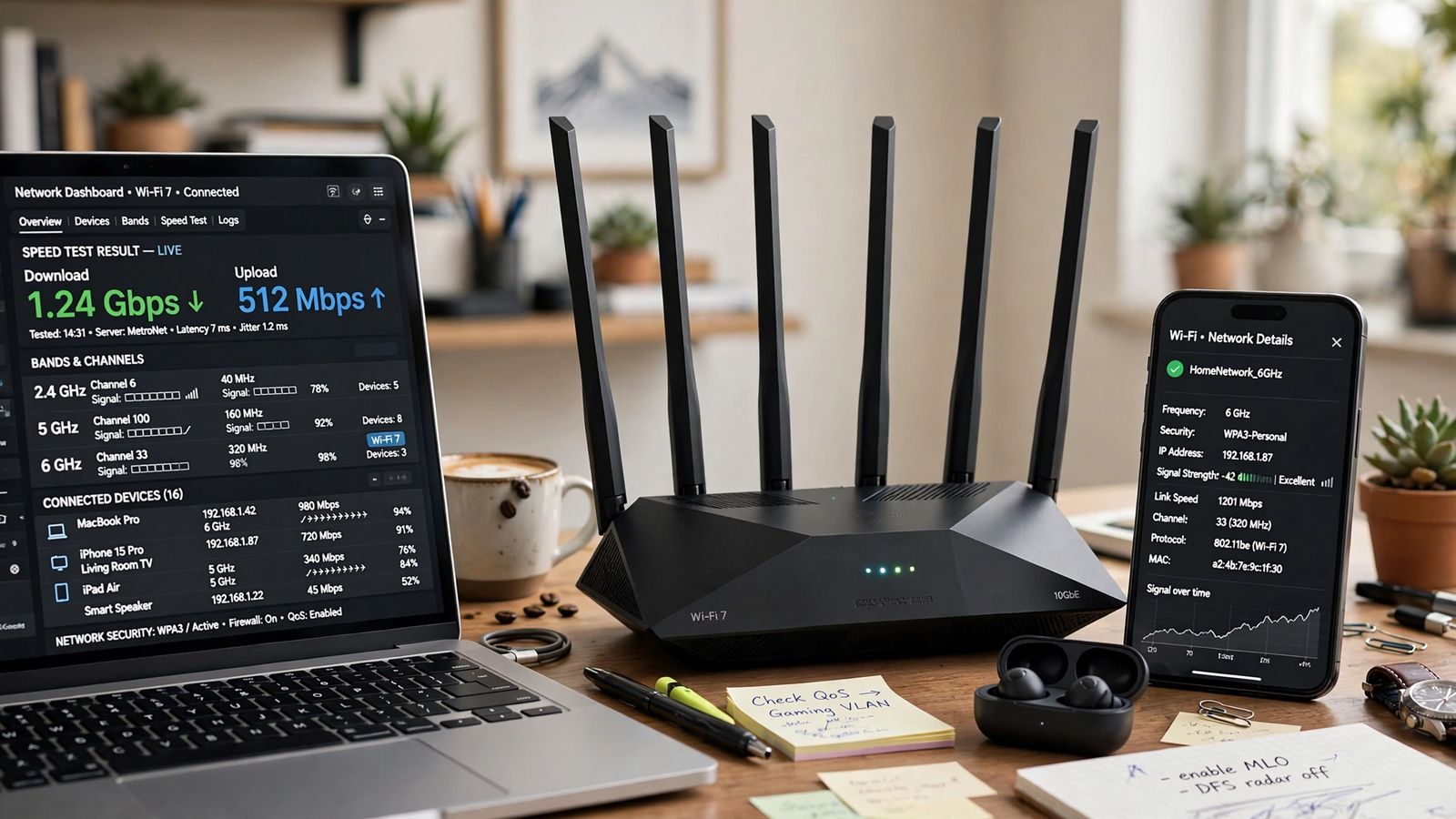
What is Wi-Fi 7? It is the current generation of Wi-Fi: the Wi-Fi Alliance’s name for the IEEE 802.11be standard, certified since January 2024, running on the 2.4 GHz, 5 GHz and 6 GHz bands. Three changes matter. Channels can be twice as wide — up to 320 MHz, in the 6 GHz band. Data is packed more densely, with 4096-QAM carrying more in each transmission. And for the first time, a device can send and receive over more than one band at once, a feature called Multi-Link Operation. Everything else you will read — the headline speed figures, the router box numbers, the upgrade question — follows from those three changes and from one condition that marketing tends to bury: the new features work only when the router and the device at both ends support them.
Wi-Fi 7 in one place: the names and the dates
Three names describe the same thing. IEEE 802.11be is the technical standard, subtitled Extremely High Throughput (EHT). Wi-Fi 7 is the generation name the Wi-Fi Alliance gives it, following Wi-Fi 6 and Wi-Fi 6E. Wi-Fi CERTIFIED 7 is the Alliance’s testing programme: a product carrying that seal has passed interoperability testing, rather than simply claiming 802.11be support on the box. A maker can print “Wi-Fi 7” without certification, so the Alliance’s own buying guidance is to look for the Wi-Fi CERTIFIED 7 seal and check the product in its Product Finder.
The dates explain why shops sold Wi-Fi 7 routers before the standard was finished. The Wi-Fi Alliance introduced Wi-Fi CERTIFIED 7 on 8 January 2024, once the requirements were essentially complete. The IEEE amendment carries the designation IEEE 802.11be-2024, with the final published document following in July 2025; routers sold during 2023 were built to the near-final draft. That is normal for Wi-Fi generations, and it is why “certified” is the word to check.
The three changes that matter
320 MHz channels: a wider road, on one band only
A channel is the slice of spectrum one connection uses. Wi-Fi 6 topped out at 160 MHz channels; Wi-Fi 7 doubles that to 320 MHz. In the Wi-Fi Alliance’s own summary, 320 MHz channels in the 6 GHz band provide twice the throughput of Wi-Fi 6, enabling multigigabit device speeds. Two limits come with it. First, a 320 MHz channel fits only in the 6 GHz band — the older bands are not wide enough. Second, it exists only where regulators have opened 6 GHz to Wi-Fi: the Alliance phrases the feature as available in countries that make the 6 GHz band available to Wi-Fi, and the amount of 6 GHz spectrum differs by country, so the widest channels are not available everywhere. A router bought for one market may not offer the same 6 GHz behaviour in another.
4096-QAM: more data in each transmission, at close range
QAM — quadrature amplitude modulation — is how much data each radio symbol carries. Wi-Fi 6 used up to 1024-QAM, at 10 bits per symbol. Wi-Fi 7 raises that to 4096-QAM, usually shortened to 4K-QAM, at 12 bits per symbol. The Wi-Fi Alliance credits 4K-QAM with 20% higher transmission rates than 1024-QAM. The condition is signal quality: packing symbols that densely needs a clean, strong signal, so 4K-QAM is a near-the-router gain. As you move away and the signal weakens, the connection steps down to hardier, slower modulation on its own. No setting switches this on or off; it is negotiated moment by moment between the two devices.
Multi-Link Operation: more than one band at once
Every earlier generation connected a device on one link — one band, one channel — and switching bands meant dropping one connection and making another. Multi-Link Operation (MLO) removes that limit. As the Alliance describes it, MLO allows devices to transmit and receive data simultaneously over multiple links, for increased throughput, reduced latency and improved reliability. A laptop can combine or load-balance across 5 GHz and 6 GHz, and if one link is hit by interference, traffic can lean on the other instead of stalling. Of the three changes, this is the one aimed at how a connection feels — steadier latency on calls and games, fewer stalls in busy networks — rather than at a bigger speed-test number. It also has the strictest condition: MLO needs Wi-Fi 7 at both ends, because the two ends negotiate the multi-link connection together.
Wi-Fi 7 also carries smaller efficiency changes — 512 Compressed Block-Ack, which reduces overhead, multiple resource units assigned to a single device, and preamble puncturing, which lets a wide channel work around a narrow slice of interference instead of abandoning the whole channel. They help busy networks at the margins; they are not reasons to buy on their own.
The 46 Gbps figure, and what speed you will actually see
Wi-Fi 7’s headline number is a theoretical maximum PHY rate of up to 46 Gbit/s. Read it the way the standard means it, not the way a box prints it. A PHY rate is the raw signalling rate of the radio link before overhead, and the 46 Gbit/s figure is the ceiling of the specification’s rate table — it assumes the widest 320 MHz channel, 4096-QAM, and the maximum configuration the standard allows, aggregated in a way no single phone or laptop reproduces. The same rate table puts a single band’s theoretical maximum at about 23 Gbit/s. Neither figure is a speed any one device will show you.
A realistic ceiling is much lower, and your device sets it. Most phones and laptops have two antennas — a 2x2 radio. Intel puts the theoretical maximum for a two-stream Wi-Fi 7 device at about 5.8 Gbit/s, against 2.4 Gbit/s for its equivalent Wi-Fi 6E part — and even that is a PHY rate, so real throughput is always a fraction of it once overhead, distance, walls and other devices sharing the airtime take their share. Then there is the ceiling no router can lift: your internet plan. On a 500 Mbps subscription, no router delivers more than 500 Mbps from the internet. A faster local link helps traffic that stays in the home — files to a network drive, a home server, a mesh system’s link between nodes — and headroom when many devices are active at once.
Router names hide the same arithmetic. A class label such as BE19000 is the sum of every band’s theoretical maximum — a total no single device can use, because one device connects on one band, or two with MLO, never on all of them at their peaks at once. Compare per-band figures for the bands your devices have, not the summed class number.
Wi-Fi 6, Wi-Fi 6E and Wi-Fi 7 compared
| Feature | Wi-Fi 6 | Wi-Fi 6E | Wi-Fi 7 |
|---|---|---|---|
| IEEE standard | 802.11ax | 802.11ax | 802.11be |
| Bands | 2.4 and 5 GHz | 2.4, 5 and 6 GHz | 2.4, 5 and 6 GHz |
| Widest channel | 160 MHz | 160 MHz | 320 MHz (6 GHz only) |
| Highest modulation | 1024-QAM | 1024-QAM | 4096-QAM |
| Multi-Link Operation | No | No | Yes |
| Theoretical maximum | 9.6 Gbit/s | 9.6 Gbit/s | Up to 46 Gbit/s (aggregate ceiling) |
| Certification began | 2019 | 2021 | January 2024 |
Wi-Fi 6E deserves its line because it explains what Wi-Fi 7 is not. 6E changed no rates: it took Wi-Fi 6 as it was and let it use the 6 GHz band. Wi-Fi 7 keeps that band and changes what happens inside it. If you own 6E equipment, you already have the clean 6 GHz spectrum that does much of the practical work — which is why the upgrade answer below differs for 6E owners.
Do you need a new router and new devices?
For the Wi-Fi 7 features, yes — both ends. A Wi-Fi 7 router with a Wi-Fi 6 laptop gives that laptop a Wi-Fi 6 connection: perfectly usable, and the laptop gains nothing from 320 MHz channels, 4K-QAM or MLO, because it cannot negotiate any of them. TP-Link’s own Wi-Fi 7 overview makes the same point from the maker’s side: features such as MLO, 320 MHz and 4K-QAM require the client device to support them too. The reverse also holds: a Wi-Fi 7 phone on a Wi-Fi 6 router is a Wi-Fi 6 phone for as long as it is on that network.
Nothing breaks in a mixed home, because Wi-Fi 7 is backward compatible. The IEEE amendment was written to ensure backward compatibility and coexistence with legacy devices operating in the 2.4 GHz, 5 GHz and 6 GHz bands. Older devices join the new router and run at their own generation’s speeds, side by side with newer ones. There is no clean sweep required: replace the router when it makes sense, and devices pick up Wi-Fi 7 features one by one as you replace them for other reasons. In a mesh system, a matched Wi-Fi 7 pair genuinely helps the wireless link between nodes, but a mixed set still works, each link running at the slower end’s standard.
Two buying checks follow. First, not every Wi-Fi 7 router has a 6 GHz radio: dual-band models exist, and without 6 GHz there is no 320 MHz channel at all. If 6 GHz is part of why you are buying, confirm the router is tri-band on its specification page. Second, check the wired side: gigabit-only internet and LAN ports cap every wired connection at gigabit whatever the radios can do, so multi-gig ports matter if your plan or local transfers exceed that.
Security: WPA3 comes with it
Wi-Fi CERTIFIED 7 devices are required to support WPA3, the current security protocol, and WPA3 is mandatory on the 6 GHz band — a 6 GHz network does not accept WPA2-only connections. In a mixed home the practical answer is the WPA2/WPA3 transition mode most routers offer, or a separate network for the oldest hardware. Never fall back to WPA or WEP: those modes are broken. If an old device refuses to join after an upgrade, check the security mode first — the pattern covered for drop-outs generally in WiFi keeps disconnecting.
Is Wi-Fi 7 worth upgrading to?
The honest answer depends on what you are upgrading from, and on which limit you are actually hitting.
Worth it, if you are replacing anyway. Coming from Wi-Fi 5 or an early, basic Wi-Fi 6 router, a tri-band Wi-Fi 7 router is a sensible buy today: the 6 GHz band, MLO and the wider channels arrive in one step, and your next phones and laptops will be Wi-Fi 7-ready anyway. The same applies if your plan is faster than gigabit, you move large files inside the home, or stalls and latency spikes — the things MLO targets — are your actual complaint.
Usually not worth it, from a good Wi-Fi 6E setup. You already have 6 GHz. The step up buys wider channels your current devices cannot use, 4K-QAM at close range, and MLO once your devices support it — a small, mostly future benefit. The money is better held until a device replacement gives you a reason.
Not the fix, whatever you have, for two common problems. Wi-Fi 7 does not extend coverage: 6 GHz is the shortest-ranged of the three bands through walls, and a far room that struggles today will still struggle — it needs the router moved, a wired access point, or a mesh node, as the placement checks in WiFi keeps disconnecting work through. Nor does it speed up a slow internet plan. If pages load slowly in one browser while everything else is fine, the fault is not the Wi-Fi generation — how to clear cache covers that separate fix. And none of it travels with you: away from home your phone falls back on mobile data, which is where how to use an eSIM for travel takes over.
Frequently asked questions
What is the difference between Wi-Fi 7 and Wi-Fi 6E? Wi-Fi 6E is Wi-Fi 6 (802.11ax) extended into the 6 GHz band, with the same 160 MHz maximum channel and 1024-QAM. Wi-Fi 7 (802.11be) keeps the same three bands and adds 320 MHz channels in 6 GHz, 4096-QAM, and Multi-Link Operation — devices using more than one band at the same time, which neither 6 nor 6E can do.
Is Wi-Fi 7 faster than Wi-Fi 6 in real use? Its ceiling is far higher — up to 46 Gbit/s theoretical against 9.6 Gbit/s — but a real gain needs a Wi-Fi 7 device at the other end, a strong signal, and traffic that can use the headroom. On a sub-gigabit internet plan, browsing and streaming feel much the same, because the plan is the limit. Local transfers and busy networks are where the difference shows.
Will Wi-Fi 7 improve my range? No. Wi-Fi 7 adds no range feature, and its best band, 6 GHz, travels least well through walls and floors. A Wi-Fi 7 router placed where the old one sat gives roughly the same coverage shape. Dead spots are a placement or coverage problem — an extra access point or mesh node fixes them; a new generation does not.
Do older devices work with a Wi-Fi 7 router? Yes. Wi-Fi 7 is backward compatible, so Wi-Fi 6, 5 and older devices connect normally and run at their own speeds. They simply do not get the Wi-Fi 7-only features, and on the 6 GHz band a WPA2-only device cannot join at all — use the router’s WPA2/WPA3 transition mode or keep such devices on the 2.4 or 5 GHz bands.
Does Wi-Fi 7 need a special internet plan? No. It works with any plan, but the plan caps your internet speed whatever the router can do. Wi-Fi 7’s headroom only becomes visible online with a gigabit or multi-gigabit plan; below that, its benefits are local — transfers inside the home, mesh backhaul, and steadier behaviour under load.
This article is general information, based on the Wi-Fi Alliance’s Wi-Fi CERTIFIED 7 programme pages and the IEEE 802.11be standard summary linked above, with the two-stream device figure attributed to Intel, and checked in November 2026. Product ranges change — confirm a specific router is tri-band and Wi-Fi CERTIFIED 7 on the maker’s page before buying.