If your GTA 6 preload is not working, it is almost always one of five things: you are signed in with a different account from the one that bought the game, automatic downloads are switched off, the console was fully powered off instead of left in Rest Mode (PS5) or Sleep (Xbox), there is not enough free space for a download of up to 212 GB, or — with a boxed copy — the download code inside the box has not been redeemed yet. Work through those five checks first, in that order; most stuck or missing preloads start moving within minutes, and none of them involves buying the game again. The preload itself has been live since November 10, 2026 — Rockstar’s official GTA VI page lists the game as “Coming November 19, 2026” for PlayStation 5 and Xbox Series X|S, with pre-loading open now — so by this point a missing download is a settings, account or storage problem on your console, not a date you still have to wait for.
Why is my GTA 6 preload not working?
A preload is not one switch but a chain: the store has to see a completed purchase on the account you are using, the console has to be allowed to download automatically, it has to be in a power state where downloading is possible, and it has to find enough empty space at the end. Break any link and the symptom looks the same — nothing happens — which is why guessing wastes time. Rockstar’s Pre-Load FAQ states the two platform conditions plainly: on PS5, players must have auto-downloads enabled and the console powered on or in Rest Mode; on Xbox Series X|S, automatic updates must be enabled and the console powered on or in Sleep mode. It also gives the start times that some older guides still get wrong: digital pre-load began at midnight local time on November 10 on PS5, and globally at 12 a.m. GMT on November 10 on Xbox. Pages still telling you the preload opens on November 12 are repeating the date Rockstar announced in June and replaced on November 3 — November 12 is now simply when boxed copies reach shops.
Two more causes sit outside the settings menus. A pre-order bought on one account does not preload for a different account signed in on the same console, and a code bought in one region can fail against an account set to another region. And if the download started but has frozen part-way, the cause is usually the queue or the connection rather than the purchase — which is why the per-console sections below separate “won’t start” from “started, then stuck”.
How much space does GTA 6 need — and why do the numbers disagree?
Rockstar’s figure is up to 212 GB of available space, depending on your device, and that one sentence explains most of the confusion, because three different numbers are now circulating for the same download. The actual preload measures about 209.9 GB on a PS5. The Xbox catalogue lists the package at 225.34 GB — but that is decimal gigabytes, the units drive boxes are printed in; converted into the binary units your console’s storage screen uses, it is the same roughly 209.86 GB. Some US retail boxes print 230 GB, a rounded-up ceiling with headroom built in. So 212, 225 and 230 are not three different games or a last-minute size increase: 212 is Rockstar’s “leave at least this much free” figure, 225.34 is that same file measured in decimal units, and 230 is a cautious box-print number. What matters practically is the free space, not the label: clear at least 212 GB before you start, on whichever drive the game will live on.
That is a heavier demand on some consoles than others. On a 512 GB Xbox Series S, the game takes up about 58 percent of the usable space once the system software has taken its share — more than half the machine for one title, which is why Series S owners are hitting the storage wall first and hardest. A base PS5 gives up roughly a third of its usable space. Check what you actually have free before troubleshooting anything else — on PS5 under Settings > Storage, on Xbox under My games & apps — because a download that is a few gigabytes short can fail late and look exactly like a network fault. If the game is missing from your library entirely rather than failing on space, our guide to a GTA 6 code not working covers redemption and region problems step by step.
How do I fix a GTA 6 preload that won’t start on PS5?
Work down this list, stopping as soon as the download starts:
- Confirm the purchase is on this account. The preload only appears for the account that pre-ordered. Check that account’s transaction history if the game is absent from your Game Library — no completed transaction means no preload, however many times you restart.
- Turn on automatic downloads. Go to Settings > Saved Data and Game/App Settings > Automatic Updates and enable Auto-Download, plus Auto-Install update files so the install can finish unattended. PlayStation’s own pre-order auto-download guide walks through the same settings.
- Fix the Rest Mode settings. A PS5 that is fully switched off cannot download anything. Go to Settings > System > Power Saving > Features Available in Rest Mode and turn on Stay Connected to the Internet, then leave the console in Rest Mode — orange light, not off — while the preload runs.
- Trigger it manually from the library. Open Game Library, select GTA 6 and its countdown timer, and start the download from there rather than waiting for the automatic start.
- Check the queue. Press the PS button and open Control Centre > Downloads/Uploads. If GTA 6 is sitting behind another item or paused, that is your whole problem.
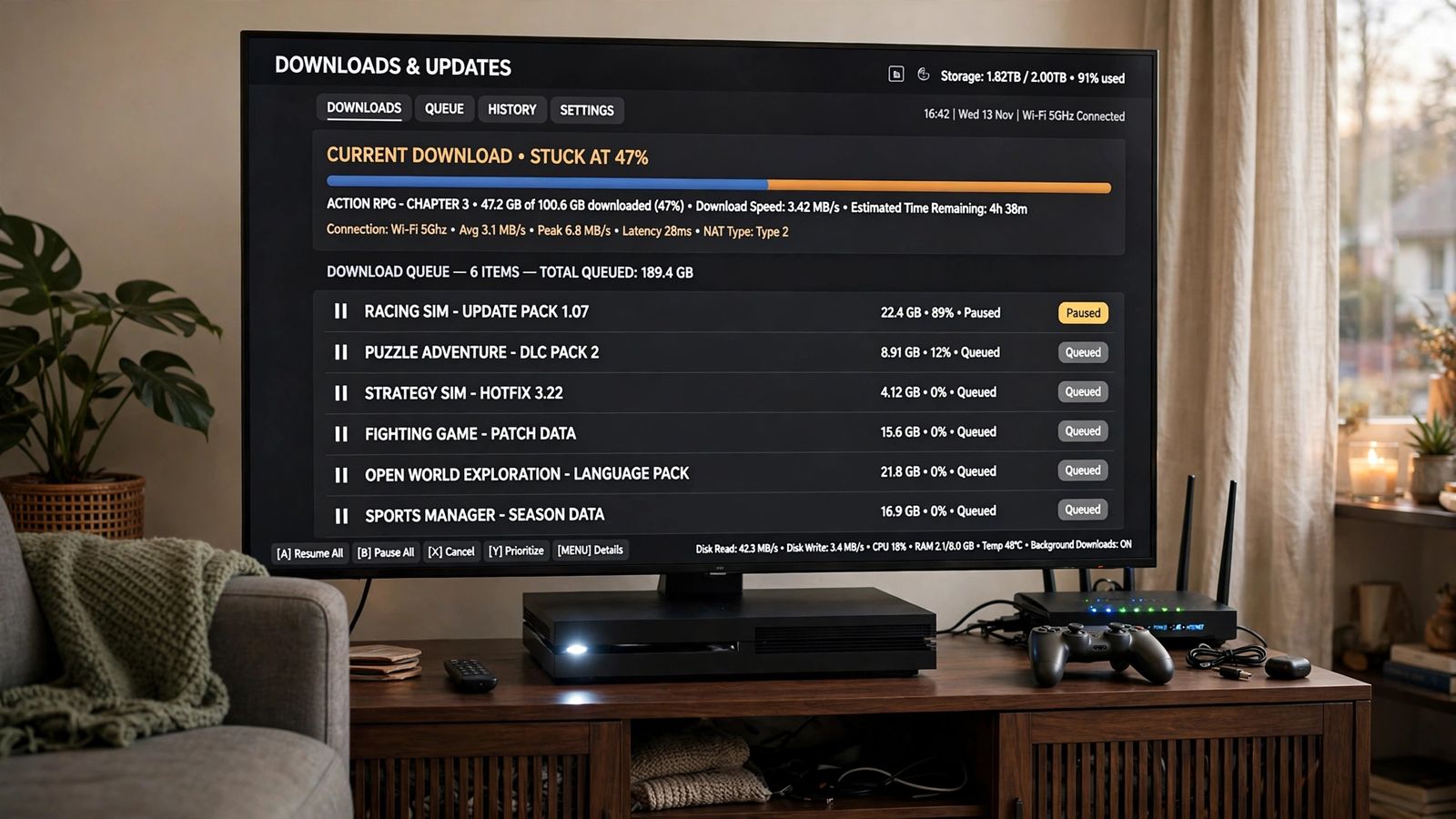
If the download started and then stuck — frozen percentage, no movement for an hour — treat it as a queue fault, not a purchase fault. Pause it and resume it from Downloads/Uploads. If it still will not move, cancel the download, restart the console, and start it again from the Game Library; PlayStation’s troubleshooting page for downloaded games recommends the same cancel-and-restart route for a stalled install. Do the cancelling only after the pause-and-resume has failed, since restarting a 210 GB download from zero on a slow connection costs real time. And if the controller itself will not pair with the console to work through any of this, that is a different fault with a different chain — start with the data-cable check in our PS5 controller not connecting fixes. And before blaming your broadband, rule out the console dropping its connection — a machine whose connection keeps cutting out mid-download is the same fault covered in our Wi-Fi keeps disconnecting fixes.
How do I fix a GTA 6 preload that won’t start on Xbox Series X|S?
The Xbox chain has the same links, under different names:
- Confirm the purchase is on this account. Sign in with the Microsoft account that holds the pre-order and check its order history. Xbox’s pre-order FAQ covers how pre-orders are charged and where they appear.
- Turn on automatic updates. Go to Settings > System > Updates and enable Keep my games & apps up to date (and Keep my console up to date alongside it).
- Set the power mode to Sleep. Go to Settings > General > Power options and choose Sleep. A console set to full shutdown cannot pull a preload overnight — Xbox’s power options guide explains what each mode can and cannot do while the console appears off.
- Check the queue. Open My games & apps > Manage > Queue. If GTA 6 is queued behind an update for another game, it is waiting its turn, not broken; move it up or wait for the item ahead to finish.
- Restart a stuck download. In the same Queue screen, pause the download and resume it. If it stays frozen, cancel it and start the install again — Xbox’s installation troubleshooting page gives the platform’s own version of this sequence.
One Xbox-specific point is worth the extra minute: for a file this size, plug in a network cable if you possibly can. A wired connection is steadier than Wi-Fi over the hours a roughly 210 GB download takes, and every dropped connection risks the queue stalling again. If you own an older Xbox One rather than a Series X|S, there is no preload for your console at all — the game is Series X|S only — but how to play GTA 6 on Xbox One explains the cloud route that does work.
My preload is finished — so why can’t I play GTA 6 yet?
Because a finished preload is not an unlocked game, and this is the point where a working download starts to feel like another fault. The files sit on your console, encrypted and unusable, until the release unlock: midnight local time on Thursday, November 19, 2026. New Zealand reaches that midnight first, at 11:00 UTC on November 18; North America unlocks on a single stamp of midnight Eastern, which is 9 p.m. Pacific on November 18. Pressing the tile before your region’s midnight and getting a countdown or a “too early” message is the system working as designed, not a broken preload, and no setting, restart or reinstall will open it sooner. One honest unknown: whether a day-one patch will also be waiting at unlock, and how large it might be, has not been announced — Rockstar has published no patch size, so treat any specific figure you see quoted (15 GB, 30 GB, 50 GB) as invented until Rockstar or the stores list a real one. Leaving your console in Rest Mode or Sleep with automatic updates on, per the sections above, is the way to make sure any such patch downloads by itself the moment it exists.
Frequently asked questions
When did the GTA 6 preload start? November 10, 2026 — at midnight local time on PS5, and at 12 a.m. GMT worldwide on Xbox Series X|S, per Rockstar’s Pre-Load FAQ. Guides still saying November 12 are using the superseded June announcement; November 12 is when boxed, code-in-box copies reach retailers.
Why does my console show a different file size from 212 GB? Because the numbers are measured differently. The download itself is about 209.9 GB as your console counts it; the Xbox catalogue’s 225.34 GB is the same file in decimal units, and some boxes print a rounded-up 230 GB. Rockstar’s “up to 212 GB” is the free space to have ready.
Do I need to keep my console on for the preload to finish? Not fully on, but not fully off either. A PS5 downloads in Rest Mode if “Stay Connected to the Internet” is enabled; an Xbox downloads in Sleep mode. A console that has been shut down completely will not download anything until it is switched on again.
I bought the boxed copy. Why is there no preload? There is no disc: the box contains a download code, and copies reach stores from November 12. Nothing can preload until you redeem that code on the account you will play on — after redemption, the game downloads exactly like a digital pre-order.
Can I preload GTA 6 on Xbox One or PC? No. GTA 6 launches on PS5 and Xbox Series X|S only, and no PC version has been announced. Xbox One owners’ route is cloud play on the Series version, not a local preload.
My download is stuck at the same percentage. Should I delete it? Not first. Pause and resume it in the download queue, check that nothing else is queued ahead of it, and confirm you still have more free space than the download needs. Cancel and restart only if those steps fail — it is the last resort, not the first.
This article describes the GTA 6 preload as it stands before launch, based on Rockstar’s official Pre-Load FAQ and GTA VI page and the PlayStation and Xbox support pages linked above, checked in November 2026. The game unlocks on November 19, 2026; preload problems after that date become unlock and start-up problems, and this page will be updated for them.