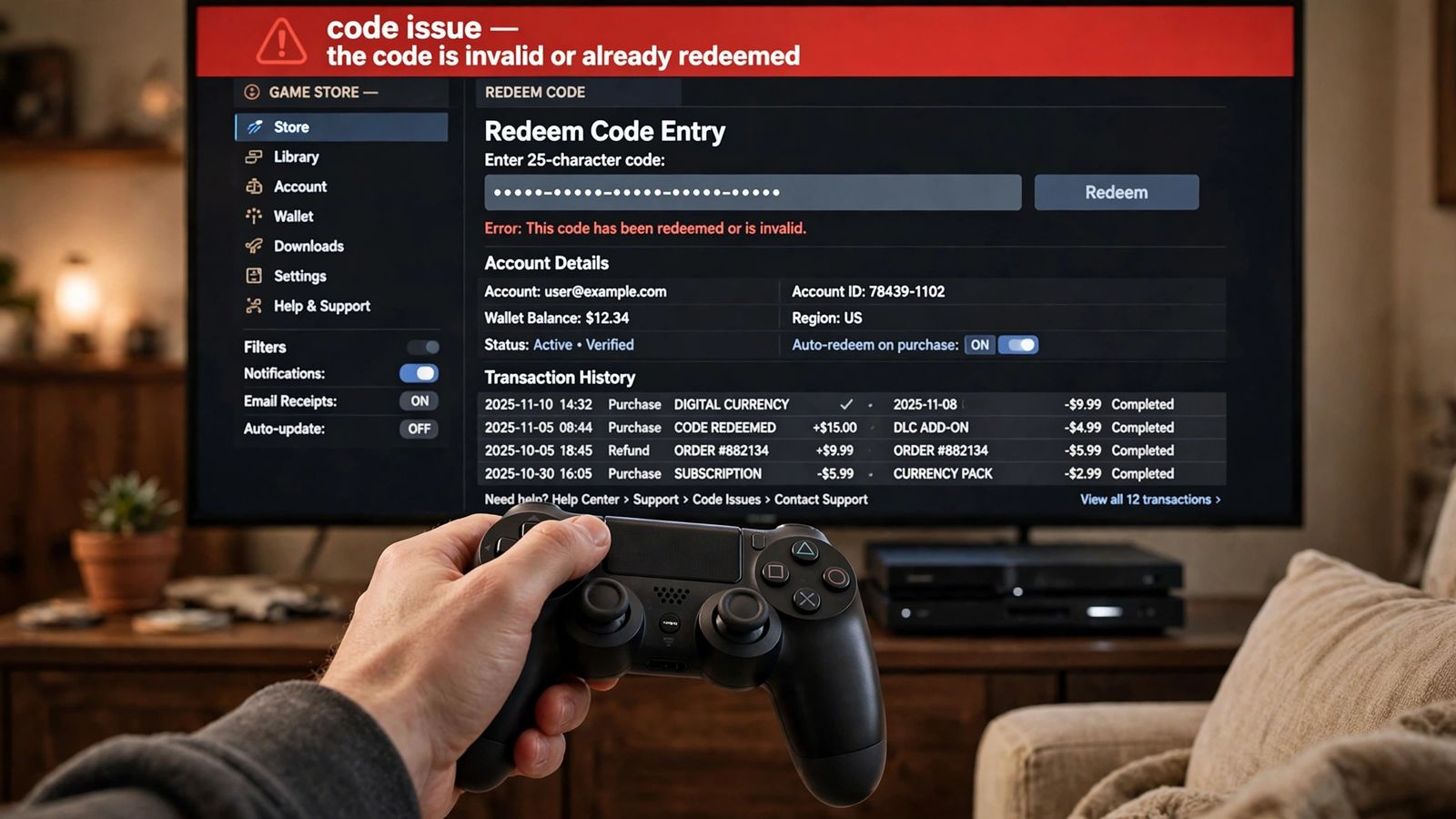
A GTA 6 code not working almost always means one of three things: the code redeemed fine but the licence has not reached your console yet, so the game looks missing; on PS5, the code was sold for a different account region group than the account you typed it into; or the game is sitting in your library exactly as it should be, preloaded with a countdown, because GTA 6 does not unlock until Thursday, November 19, 2026. Do this first: do not type the code in again, and do not buy the game a second time. Check the transaction history of the account you redeemed on. If the game is listed there, you own it, and the fixes below — waiting for the licence to sync, restoring licences on PS5, and checking you are looking in the right library on the right account — are the ones that solve it.
You redeemed the code, but GTA 6 is not in your library — what happened?
This is the most common version of the problem, and it has already happened with real boxed copies. In a documented case from November 12, a buyer redeemed the code from the box, the store said the code was redeemed, and GTA 6 still did not appear in the console’s library — while the account itself showed the game as owned. A few hours later everything had synced and the download was running. Nothing was wrong with the code; the licence was on the account and the console had not caught up.
A code can only be used once, so typing it again only produces an “already redeemed” message that tells you nothing new. Work through these steps in order instead:
- Wait, then check again. Give it some time — in the documented case it took hours, not minutes — and look again.
- Check the transaction history on the redeeming account. PlayStation’s voucher guide notes that redeemed vouchers appear in the transaction details in Account Management. If GTA 6 is there, the redemption worked and the licence exists, whatever the library screen shows. On Xbox, check the order history of the Microsoft account that redeemed the code the same way.
- Make sure you are signed in to the account that redeemed the code. The game belongs to that account, permanently. On a shared console, the profile you normally play on may not be the one that owns GTA 6.
- On PS5, restore licences. Go to Settings > Users and Accounts > Other > Restore Licences and restore them. PlayStation’s own restore-licences page describes this as the fix for store content that is missing or locked, and it does not affect your saved data.
- Check Console Sharing and Offline Play. On PS5, Settings > Users and Accounts > Other > Console Sharing and Offline Play should be enabled on the console and account you are using — PlayStation’s guide to that setting explains that it controls whether this console can use your games and media, including offline. If it is enabled on a different console, this one may not treat the owning account’s games as playable.
If the game is still missing after a few hours, with the redemption visible in your transaction history, that is a support case — see the final section for who to contact.
Where does GTA 6 appear after you redeem the code?
A redeemed game does not always land on the home screen. The two places to check are:
- PS5: Game Library > Your Collection. That is where owned, redeemed games sit, whether or not they are installed.
- Xbox: My games & apps > Full library > Owned games. A redeemed code puts the game in the owned-games list of the Microsoft account that redeemed it.
Find it in one of those lists and you can start the pre-load from there — pre-load has been live since November 10, 2026, for digital copies, and boxed codes can be redeemed and pre-loaded as soon as you have the box. If the download itself then stalls or refuses to start, that is a different fault from a code fault: our guide to GTA 6 preload not working covers the download side step by step. The space that download needs is covered in GTA 6 file size.
Why won’t my PS5 code redeem at all? The region groups, explained properly
If the store refuses the code before anything is redeemed, the likeliest cause on PS5 is region. Rockstar’s official GTA VI platform, editions and versions page states the rule plainly: region restrictions are based on the region of your platform account, and on PlayStation the codes are divided into country groups. A code redeems on any account inside its own group, and on no account outside it.
The groups that matter most, from Rockstar’s list:
| Code sold for | Redeems on accounts registered in |
|---|---|
| North America | Canada and the United States, together |
| United Kingdom | The United Kingdom only — its own group |
| Brazil | Brazil only |
| Japan | Japan only |
| LATAM | Argentina, Bolivia, Chile, Colombia, Costa Rica, Ecuador, El Salvador, Guatemala, Honduras, Mexico, Nicaragua, Panama, Paraguay, Peru, Uruguay |
Rockstar’s page lists further groups covering the rest of the supported countries, and it is the list to check before importing a box. Two consequences catch people out. First, the grouping is not one country per code: a United States copy and a Canadian copy are interchangeable, because both sit in North America. Second, the United Kingdom is not grouped with the rest of Europe, so a UK box will not redeem on a European account, or the other way round — the single most likely import trap for this game. A Japanese code has one extra rule: product codes in Japan expire 170 days after their issuance date, which Rockstar gives as the launch date, November 19, 2026.
There is no workaround inside the console. PlayStation’s voucher troubleshooting page confirms that vouchers redeem only in the same PlayStation Store region and that an account’s region cannot be changed — it was fixed when the account was created. Changing the console’s language or location changes nothing. With a code for the wrong group, the realistic options are to return or exchange it with the retailer, or redeem it on an account that genuinely belongs to that group. Do not redeem it on a throwaway account to “test” it: the game then belongs to that account for good.
Do Xbox codes have the same region problem?
No. Rockstar’s page says it in one sentence: on Xbox, codes purchased are not region-locked. An Xbox code bought in another country redeems on your Microsoft account regardless of the account’s region, removing the whole import problem.
That does not mean every Xbox code failure is impossible. The usual non-region causes still apply: the code is for the wrong platform (a PS5 code will never redeem on Xbox, or the other way round), you are signed in to a different Microsoft account from the one you meant to use, or the code was typed incorrectly — Xbox codes are 25 characters, entered through the Store’s Redeem option on the console or through Microsoft’s official redeem-a-code page, which also carries Microsoft’s troubleshooting steps. And once an Xbox code redeems, it is tied to that Microsoft account; it cannot be moved. There is no PC code at all — is GTA 6 on PC covers that platform’s status, and any site selling a PC code is selling something that does not exist.
My boxed copy has no disc — did I get the wrong box?
No, and this matters because it is the root of most code problems with this game. GTA 6’s boxed copies, in stores from November 12, are code-in-box releases: Rockstar’s support page confirms the physical version contains a download code for the digital download, and that a disc will not be included in the box. The Standard Edition costs $79.99 and the Ultimate Edition $99.99; the Ultimate Edition is digital-only, so every boxed copy is a Standard Edition box with a code inside. What the extra $20 buys is itemised in GTA 6 Standard vs Ultimate Edition.
Because the whole game is the code, the code’s rules are the game’s rules. The first account that redeems it owns GTA 6 forever — there is no disc to lend, resell or trade in, and no way to transfer the game afterwards. That is why the account and region checks in this article are worth doing before you type the code in, not after: a code redeemed hastily on a partner’s account or an old second account cannot be undone. Keep the box, the code card and your receipt until the game is installed and running; if a code turns out to be faulty, that paperwork is what a retailer or support agent will ask for.
The game is in my library but it will not play — is my GTA 6 code not working?
Almost certainly not. Redeeming and pre-loading early are exactly what the code is for, and neither unlocks the game early. A redeemed GTA 6 sitting in your library as a preload, with a countdown timer on it, is correct behaviour, not a bug: the game unlocks at midnight local time on Thursday, November 19, 2026. In the US and Canada the unlock runs on Eastern Time, so midnight ET is 9pm PT on Wednesday, November 18 — a West Coast opening on Wednesday evening is the system working as designed.
So before midnight on the 19th, the boring answer is usually the right one: the code worked, the game is yours, and it is simply not November 19 yet. The exact unlock moment for your time zone is listed in GTA 6 release time. If it is still locked after your local unlock time has genuinely passed, work through the licence steps in the first section — an unrefreshed licence is the common post-unlock culprit too. There is also no Xbox One or PS4 version to redeem a code against; our guide to how to play GTA 6 on Xbox One explains what older-console owners can and cannot do.
The code itself looks wrong: damaged, invalid or already used
A few problems are about the code itself rather than your account:
- Check what you typed. On PS5, a voucher code has 12 digits. A 10-digit code is a discount code, entered at checkout instead — PlayStation’s pages make that distinction, and it explains a share of “invalid code” reports.
- “Already redeemed” on a code you never used. First, check the transaction history of every account used on your consoles, as PlayStation’s troubleshooting page advises — codes are single-use, and a code entered once on a second household account looks exactly like a used code from every other account. If no account in the house has it, contact PlayStation Support with the date of purchase and the retailer; for damaged vouchers PlayStation may ask for proof of purchase and pictures of both sides of the voucher.
- A damaged or unreadable code. Retailer first if the code was printed on a receipt — PlayStation says the retailer recovers receipt codes — otherwise the platform’s support, with proof of purchase ready. Do not guess at scratched characters repeatedly.
- Never type the code anywhere except the platform’s own store or redeem page. No third-party site needs it, and anyone asking for it is after the game.
Who do I contact when none of this works?
- The licence and the library belong to the platform. A code that redeemed but never appears, or a licence that will not restore, goes to PlayStation Support on PS5 or to Xbox/Microsoft support on Xbox — they control the store record of what your account owns. Have the code, the purchase date, the retailer and your transaction history ready.
- A faulty or wrong-region code is a retailer problem first. The shop that sold the box is the route for an exchange or refund, especially for receipt-printed codes.
- Questions about the game itself — editions, what a code includes, the region groups — sit with Rockstar, whose GTA VI support pages are where the rules in this article come from. Rockstar cannot move a licence between platform accounts, though, so do not start there for a missing-from-library case.
Frequently asked questions
Why is my GTA 6 code not working on PS5? The two big causes are region and timing. A PS5 code only redeems on an account in the same region group the code was sold for — the UK is its own group, and the US and Canada share one — and a code that did redeem can take hours to appear while the licence syncs. Check the region group first if it will not redeem, and the transaction history first if it did.
I redeemed my code and the game is missing. Have I lost it? Almost certainly not. If the redemption shows in the account’s transaction history, the licence is on that account. Wait for the sync, look in Game Library > Your Collection on PS5 (or Full library > Owned games on Xbox) on the redeeming account, and restore licences on PS5.
Can I move GTA 6 to a different account after redeeming? No. The code ties the game to the first account that redeems it, on both platforms, and content cannot be transferred between accounts. That is also why a second-hand boxed copy whose code has been used contains nothing playable.
Can I play GTA 6 as soon as my code redeems? No. Redeeming gives you ownership and the pre-load. The game unlocks at midnight local time on November 19, 2026 — in the US and Canada, midnight Eastern, 9pm Pacific on November 18. A countdown on the library tile before then is normal.
Does the GTA 6 box contain a disc? No. Boxed copies are code-in-box: the box holds a download code for the digital game, and there is no disc.
Are Xbox GTA 6 codes region-locked like the PS5 ones? No. Rockstar states that Xbox codes purchased are not region-locked. The PS5 group system does not apply to Xbox Series X|S codes.
This article covers code problems for Grand Theft Auto VI as they stand before launch, checked in November 2026 against Rockstar Games Support and the PlayStation and Microsoft support pages linked above. The game launches on November 19, 2026 for PlayStation 5 and Xbox Series X|S; launch-night behaviour can change quickly, and this page should be re-checked against those same official sources after launch.