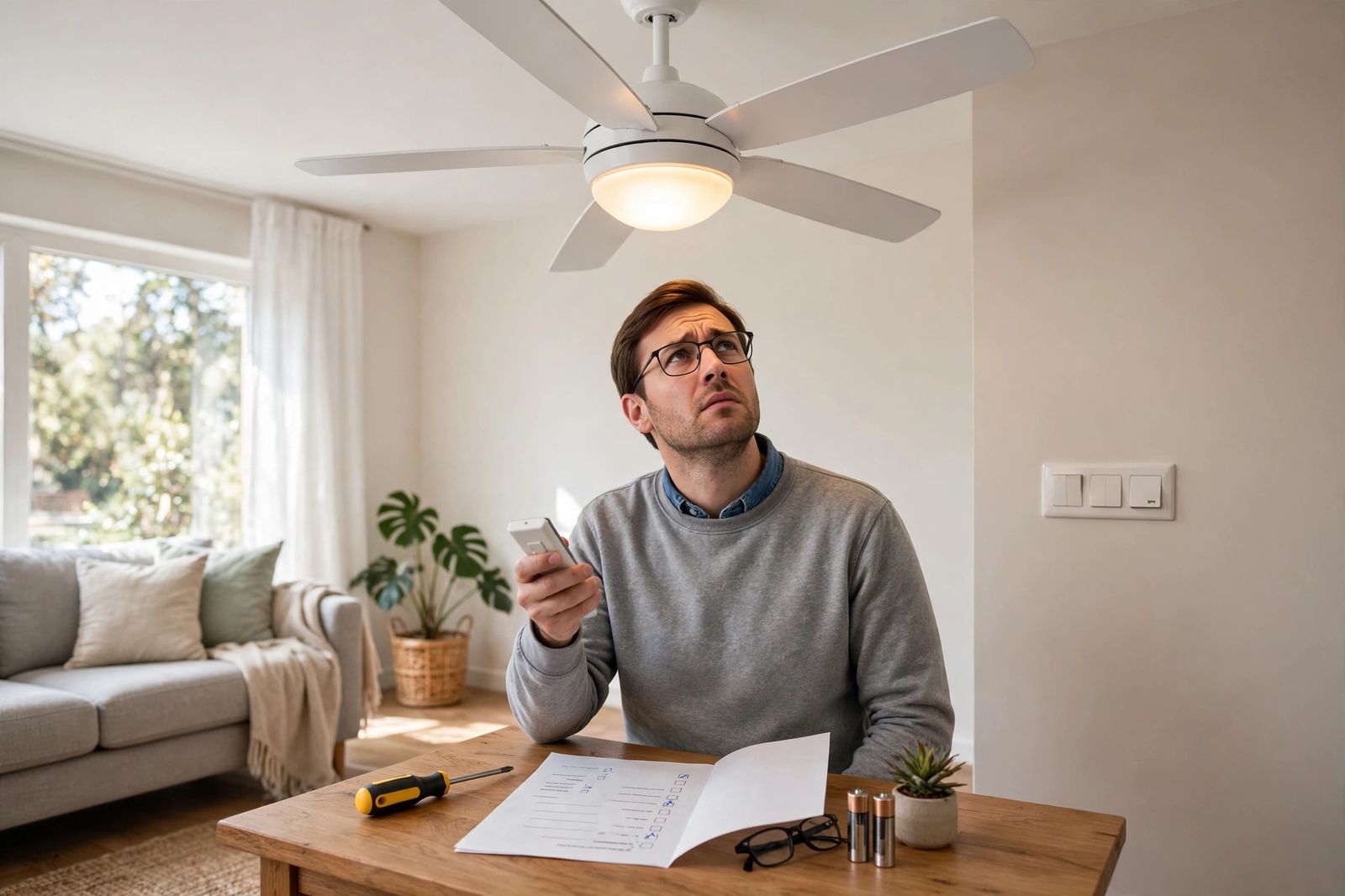
A ceiling fan that is not working is telling you where the fault is by what the light does: if the light works but the fan is dead, power is already reaching the fan, so skip the breaker hunt and check the fan side in this order — pull chain, reverse switch pushed firmly all the way to one side, then capacitor or remote receiver. If both the fan and the light are dead, work the other way round: wall switch, circuit breaker, then the wiring in the canopy. Hunter’s own troubleshooting starts a dead fan with exactly that split — power switch, pull chain, reversing switch, breaker, free-spinning blades, then canopy connections — and The Home Depot’s troubleshooting guide starts the same way, with the switch and breaker before any motor work. The table below turns that split into ordered checks for your exact pattern, so you do not replace parts at random.
The fan/light split table
Find your row first. Do the checks in the order written in that row — each row is ordered cheapest and safest first, and a later check only makes sense if the earlier ones passed. Any check that means opening the canopy or switch housing comes after the safety box below it.
| What you see | What it most likely means | Ordered checks |
|---|---|---|
| Light works, fan is dead — no hum, no movement | Power reaches the fan, so the fault is on the fan side: a pull chain left on Off, a reverse switch parked in the middle, a failed capacitor, or a failed remote receiver (Hunter lists wiring harness, capacitor, receiver and internal controls for exactly this pattern) | 1. Pull the fan pull chain through every click — High, Medium, Low, Off — and leave it on High. 2. With the blades fully stopped, push the reverse switch firmly all the way left or right; Hunter is explicit that it must be engaged, not in the middle. 3. Try the remote and the wall control as well, so one dead control does not fool you. 4. Breaker off, then check the plug connection in the switch housing is fully seated. 5. Still dead: capacitor or receiver — a parts job matched to your model number, or an electrician. |
| Light works, fan hums but will not spin | The motor is getting power but cannot start or turn properly — the classic capacitor pattern, or blades that cannot move freely | 1. Switch off and, with power off, spin the blades by hand — Hunter includes “make sure the blades spin freely” in its dead-fan list; stiff, gritty or blocked means a mechanical problem, not a capacitor. 2. Seat the reverse switch fully to one side, as above. 3. If the blades spin freely by hand and it still only hums, stop at the capacitor: replacement must match the ratings printed on the old one and your model’s manual — if you are not comfortable inside the switch housing, this is the hire-it point. |
| Both fan and light are dead — nothing responds at all | No power is reaching the fan at all: wall switch off or failed, a tripped breaker, or a loose connection in the canopy (Hunter’s “fan won’t turn on” row is breaker, wall switch, remote batteries, wiring connection) | 1. Check every wall switch for that fan is on — on two-switch installs, one switch feeds the fan and one feeds the light, and the wrong one off is a common false alarm. 2. Check the breaker: if it has tripped, push it fully off, then on. If it trips again straight away, leave it off and call an electrician. 3. Replace the remote batteries and try the pull chains, in case the room has power but the control does not. 4. Breaker off, then loosen the canopy and check the connections against the wiring diagram in your owner’s manual (Hunter’s step). A loose neutral can kill both fan and light together. |
| Fan works on the pull chain but not on the remote | The fan and its power supply are fine — the break is between your hand and the motor: remote batteries, pairing, or the receiver in the canopy | 1. Put in fresh batteries and test the remote (Hunter’s first remote step). 2. Make sure the wall switch is on — the receiver has no power without it — and, on a pull-chain fan with an accessory remote, set the pull chain fan speed to High, exactly as Hunter instructs. 3. Re-pair the remote to the receiver following your operating manual; each remote pairs differently. 4. Still nothing: breaker off and check the receiver in the mounting bracket / canopy, or replace the remote and/or receiver as a matched fix. |
| Fan runs, but only on one speed, or runs slowly on every speed | A speed-control problem, not a dead motor: Hunter notes most fans use a capacitor to create the distinct speed steps — High, Medium and Low — and that a fan which runs on High but not on the other speeds is an indication a capacitor has gone bad | 1. Seat the reverse switch fully to one side. 2. Rule out the remote and wall control first, and check the fan is not on an incompatible dimmer or solid-state speed control — Hunter warns an incompatible wall control belongs on the suspect list. 3. Then the capacitor, matched to the model, as in the hum row above. |
Safety before any canopy or housing check: turn the fan off and turn the power off at the breaker before inspecting wiring — that is Hunter’s instruction, and Home Depot gives the same warning for its complex steps. A wall switch alone is not proof the wires in the ceiling are dead. If you find loose wiring, burn marks, or no power at the switch, Hunter’s advice is to call a licensed electrician, and so is this article’s.
Both dead: work the power chain, in order
When neither the fan nor the light responds, do not start with the fan. Start where the power starts.
The wall switch comes first because it is free to check and easy to get wrong. Some fans will not respond to a pull chain or remote until the wall switch is on, and dual-switch rooms regularly produce a “dead fan” that is just the fan switch off while the light switch was on. Home Depot’s first step for a fan that won’t come on is the same: check the light switch is in the proper “ON” position before you try the pull cord.
The breaker comes second. Hunter’s order puts the circuit breaker check after the switch, chain and reverse switch, and Home Depot puts the fuse or breaker box second in its own sequence — either way, it comes before tools. Reset a tripped breaker fully off, then on. One clean reset is a check; a breaker that trips again immediately is a result, not an invitation to keep resetting it. Leave it off. If your circuit breaker keeps tripping on that circuit, the fan is no longer the main problem. That same no-power starting point — switch and breaker before any part — is the order for an AC not turning on as well: a completely dead appliance is a supply problem until the supply has been proven good. The same breaker-first, one-reset logic, worked as a full ordered chain, is what an AC not turning on needs when nothing in the house cooling system will start.
The canopy comes last, and only with the power off. Hunter’s step is specific: turn off power from the circuit breaker, loosen the canopy, and check all the connections according to the wiring diagram in your owner’s manual. Home Depot makes the same point from the motor side — remove the housing cover, look for loose wires (relatively common, it notes, especially in older fans), and test whether the motor is getting power at all. If the fan’s wires are getting no power with the breaker and switch on, the fault is in the wiring between the switch and the fan, and that is electrician work, not a fan part.
Light works, fan dead: the three fan-side causes, in order
A working light is valuable evidence. It proves the circuit, the breaker and at least part of the canopy wiring are alive, so the search narrows to the parts that serve the motor alone.
1. The reverse switch in the middle. This is the most missed cause in the whole article, and the cheapest. Hunter’s dead-fan list includes, as its third check: push the motor reversing switch firmly left or right to ensure it is engaged. In its speed-control section Hunter says it again — make sure the switch is all the way to one side or the other and not positioned in the middle. A slider left between forward and reverse after a seasonal changeover can leave the motor doing nothing at all, with no hum and no damage. One rule matters here: change direction only with the fan off and the blades completely stopped. Hunter’s direction section starts the same way — turn the fan off and let it come to a stop before you touch the switch.
2. The pull-chain switch. Pull chains fail mechanically — a chain that feels mushy, stops clicking cleanly, or was yanked hard — and a chain parked on Off makes a remote-controlled fan look dead while its light still answers. Cycle the chain slowly through all of its clicks before you suspect anything electronic. If the fan responds on no speed but the chain no longer clicks properly, the switch itself, inside the switch housing, is the suspect — a model-matched replacement, with the breaker off.
3. The capacitor — and, on remote fans, the receiver. Hunter’s wording for this pattern is careful: if the fan is getting power — the motor is charged and the lights turn on — but the blades won’t spin, the issue may be related to the wiring harness, capacitor, remote receiver, or internal fan controls. Note what Hunter does not do: it does not tell you to swap a capacitor from a generic bin. These are service parts, it says, and you will need your fan’s model number to get the correct one. That caution is the difference between a fix and a second fault: a capacitor with the wrong rating can leave the fan running on the wrong speeds or damage the motor it was meant to save. If your fan has a remote, the receiver sits in the same suspect list, because on many remote fans the speed and start functions run through that receiver — which is why the next section tests the remote path separately before anyone condemns a capacitor.
Works on the pull chain, dead on the remote: test the remote path alone
This pattern clears the motor, the capacitor and the power supply in one stroke — the fan demonstrably runs. What is left is a short chain with three links, and Hunter’s remote section tests them in this order.
Fresh batteries first, and test again standing in normal range of the fan. Second, pairing: Hunter warns that a remote can come unpaired from its receiver, that each remote pairs differently, and to follow your operating manual for the pairing sequence. Third, the receiver itself, which Hunter locates in the fan’s mounting bracket — with the power turned off at the circuit breaker before you go near it.
Two details catch people out. The wall switch must stay on, because the receiver draws its power through it; a remote fan with its wall switch off is not broken at all. And on a pull-chain fan fitted with an accessory remote, Hunter’s instruction is to set the pull chain fan speed to High — leave the chain anywhere else and the remote can only ever give you the lower speed the chain is holding, or nothing. If fresh batteries and a correct re-pair change nothing, Hunter’s conclusion is the one to follow: the remote and/or the receiver could need replacing, matched to the model.
Two fixes other guides get wrong
Do not oil the motor, and do not clean the bearings as a speed fix. The Home Depot guide’s speed-control section opens with a step telling you to locate the ball bearings, clean them, and add lubricant to ensure proper rotation. For a modern ceiling fan that advice points you at the wrong job: fan motors are built with permanently lubricated bearings, Hampton Bay’s own use-and-care guidance for its fans states plainly that there is no need to oil the fan because the motor has permanently lubricated bearings, and Hunter’s speed-control troubleshooting never mentions oil or bearings at all — it sends you to the remote, the wall control, the reverse switch and the capacitor, in that order. If your fan runs on High but not on the other speeds, Hunter calls that a capacitor indication. Opening a sealed motor to hunt for bearings will not restore a lost speed, and oil in the wrong place becomes one more thing inside the housing. A motor that will not turn freely by hand, or that grinds, is not an oiling job either — it is a failed or obstructed motor, dealt with below.
Do not tape frayed wiring and call it fixed, even temporarily. The same Home Depot guide suggests frayed wiring may be temporarily fixed with electrical tape. Damaged conductors in a ceiling canopy — above your head, in a fixture that vibrates every time it runs — are not a tape-and-monitor problem. If you open a canopy or switch housing and find frayed, brittle, heat-damaged or scorched insulation, stop, leave the power off, and have the damaged wiring replaced properly. Tape does not restore a conductor, does not fix why the insulation failed, and hides the damage from the next person who opens the box.
A related caution on numbers: some ranking guides attach precise percentages, temperatures and lifespans to capacitor and motor failures. Neither Hunter’s nor Home Depot’s troubleshooting pages publish those figures, and this article does not repeat them. The symptom patterns above are what the makers themselves document; they are enough to work with.
Humming, slow running, and when the motor really has failed
A hum with no spin, with blades that turn freely by hand, belongs to the capacitor/receiver group above — the motor is energised but not starting. A hum can also come from the control rather than the motor: Hunter notes a fan that hums, buzzes or clicks may have loose parts, an incompatible wall control, or a dimmer-switch compatibility problem, and its table pairs humming with tightening loose components and getting the fan off an incompatible dimmer. So check what is controlling the fan before you price a motor.
A motor is the last diagnosis, not the first. Home Depot’s sequence reaches it only after the switch, the wiring and power-to-the-motor have all been tested: if the fan is still non-operational at that stage, it says, there is a good chance the motor has gone bad. Its hot-motor test is worth knowing — a motor housing that feels hot after a short run points to damaged internal bearings and components, which are typically not user-serviceable. Hunter is blunter about the outcome: in true cases of motor failure, the fan will most often need to be replaced, and its motors are not a strip-and-rebuild job for the homeowner. Grinding, a shaft that will not turn by hand with the power off, a strong burnt smell from the motor, or a breaker that trips the moment the fan starts all land in the same place: stop, leave it off, and replace the fan or call a professional to confirm it.
When to stop and call an electrician
- The breaker trips again as soon as you reset it or as soon as the fan is switched on.
- Burn marks, melted wire nuts, scorched insulation, or a burning smell in the canopy, switch housing or switch box — Hunter lists loose wiring and burn marks as call-an-electrician findings, full stop.
- No power at the wall switch with the breaker on, or wiring in the canopy that does not match your manual’s diagram. Do not rearrange house wiring to make it fit a guess.
- A loose or cracked ceiling box, or one that is not fan-rated. A fan is a moving, vibrating load; the box is part of the machine.
- Aluminium branch wiring, or anything you cannot confidently prove is dead with a tester before you touch it.
- The fan is under warranty. Hunter notes its fan motors carry a lifetime warranty and that a failed motor on a registered fan is handled as a replacement — opening sealed parts on a warrantied fan can cost you that cover for a part you did not need to buy.
Frequently asked questions
Why does my ceiling fan light work but the fan not spin? Because the light and the motor are fed and controlled separately once power reaches the fan. A working light clears the breaker and the main power feed, so work the fan-side order: pull chain cycled to High, reverse switch pushed firmly all the way to one side, the switch-housing plug seated, then the capacitor or remote receiver — the four suspects Hunter lists for a fan that has power but whose blades won’t spin.
Why does my ceiling fan hum but not turn? Usually one of two things: the motor is energised but cannot start — the capacitor pattern, provided the blades spin freely by hand with the power off — or the control is wrong for the fan, since Hunter links humming to incompatible wall controls and dimmers. Check the control and the reverse switch before the capacitor, and do not leave a humming, non-spinning fan switched on; a stalled motor heats up.
Can a bad capacitor stop a ceiling fan completely? Yes. Home Depot states it directly: when a ceiling fan capacitor goes bad, the fan may not work at all, and multi-speed operation may also be erratic. Hunter’s version of the same point is the single-speed clue — a fan that runs on High but not on the other speeds indicates a bad capacitor, because the capacitor creates the distinct speed steps. Either way, the replacement is matched to your model and the ratings on the old part, not chosen by size alone.
My fan only stopped after I changed its direction for the season. What happened? Most likely the reverse switch did not seat. Hunter’s fix is to turn the fan off, let the blades stop completely, and push the reversing switch firmly all the way left or right so it is engaged and not sitting in the middle. Reversing while the blades are still moving is the mistake that creates this fault in the first place — always let the fan stop first.
The remote stopped working but the pull chain still runs the fan. Do I need a new fan? No — that pattern clears the fan itself. Follow Hunter’s remote order: fresh batteries, confirm the remote has not come unpaired and re-pair it from your manual, make sure the wall switch is on and (on a pull-chain fan with an accessory remote) the chain is set to High, then check the receiver in the mounting bracket with the breaker off. Only the remote and/or receiver are in question, not the motor.
This article is general information based on the manufacturer and retailer pages linked above — Hunter Fan’s official troubleshooting guide and The Home Depot’s ceiling fan troubleshooting guide — checked in November 2026. Wiring colours, capacitor ratings, pairing steps and part numbers vary by model; where your fan’s manual gives a different step or part, the manual is right. If you are not comfortable proving a circuit is dead and working in a ceiling box, an electrician is the correct next step, not a braver attempt.