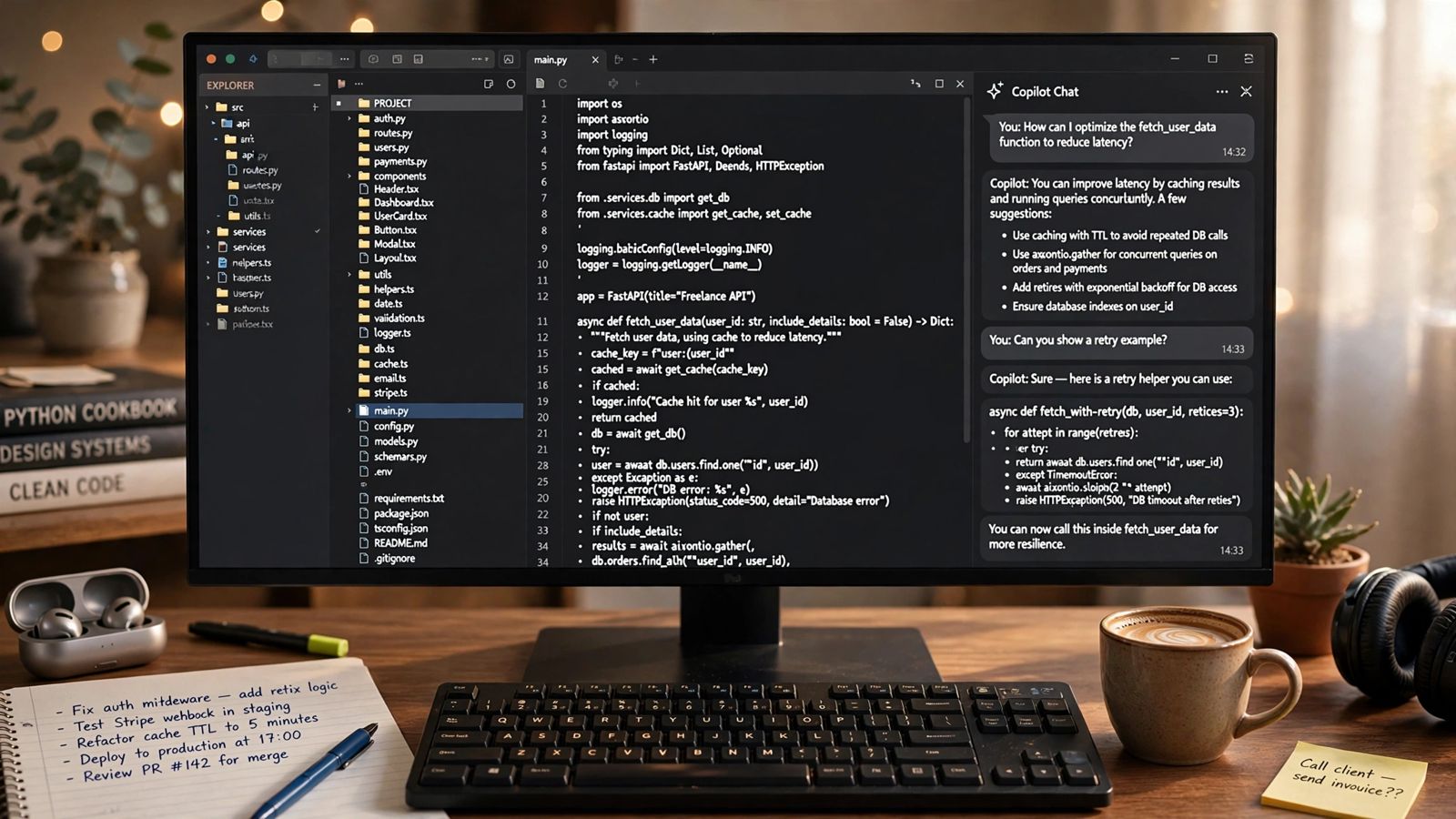
How to make money with Cursor comes down to one thing: sell finished work to a client who has a problem, and use Cursor to deliver it faster than you could by hand. Nobody pays you for owning Cursor, or for prompts. Clients pay for a landing page that brings in enquiries, a tool that replaces a spreadsheet, a prototype they can show an investor, or a broken app that works again. Cursor, an AI code editor built on VS Code, speeds up the building. The business — finding the client, scoping the job, standing behind the result — is still yours. This guide covers the services that fit, where the clients are, what the work charges as labelled estimates, and the part most guides leave out: the coding skill you still need.
How to make money with Cursor: the services clients actually pay for
Start with services, not products. A service has a buyer before you build anything; a product has to go and find one, and verified-revenue guides in this market keep showing that apps left to sell themselves mostly earn nothing, while paid client work earns far more often. These are the service shapes that match what Cursor is genuinely good at — working inside a real codebase, editing many files at once, and iterating quickly while a client watches preview links.
Landing pages and small business websites
This is the entry-level service and the easiest first sale. Local businesses, consultants, coaches and small firms routinely have an outdated site or no site, and they do not care what editor you used. They care that the page loads fast, looks credible on a phone, and ends with a working contact or booking form. With Cursor you build from a template you control, reshape it for the client’s brand, wire up the form, and deploy — hours of building once you know your stack, plus the slower human parts: gathering copy, photos and feedback.
Treat it as a productised offer, not open-ended custom work: one fixed package (pages, form, basic SEO setup, one revision round), one fixed price, extras quoted separately. Add a small monthly care plan — hosting help, small edits, updates — and a one-off job starts producing recurring income.
MVPs and prototypes for founders
Non-technical founders are the second natural market: an idea, sometimes a small budget, and no way to test either without something working. An MVP here is narrow — sign-up and login, one core workflow done properly, a database behind it, a deployed link for users or investors. It is not the full product, and saying so in writing before you start keeps the job profitable.
Cursor’s agent and multi-file editing suit this work because an MVP is mostly connected plumbing — screens, API routes, data models — that the editor can draft as a set while you review each change. The value you sell is not the drafting. It is knowing what to leave out, choosing a stack you can support, and handing over something that does not collapse when a real user does something unexpected.
Internal tools, dashboards and automations
The least glamorous work is often the steadiest. Small businesses run on spreadsheets and systems that do not talk to each other: orders retyped from email, stock counted by hand, a weekly report rebuilt every Friday. A small tool that removes one chore — a dashboard, a sync between two tools, a form that feeds a database instead of an inbox — is easy for an owner to price, because the saved hours are visible.
It also leads naturally to a maintenance retainer. Once a tool sits inside a business’s week, the owner will pay a modest monthly fee for someone who answers when it breaks. That retainer, not the build fee, is what smooths out freelance income.
Rescues, fixes and maintenance of existing code
A growing slice of work is cleaning up after other people’s AI-built projects: broken login, exposed keys, a payment flow nobody trusts. This is where Cursor’s codebase-wide view earns its keep — you can take over a project you did not write, ask questions across the whole repository, and make careful, reviewed fixes. It is also where real coding skill is non-negotiable, because you are paid to judge code, not just generate more of it. If you can read code confidently, this is the hardest service for a pure beginner to compete with you on.
Where to find clients
The guides that rank for this keyword agree on one point: the fastest first client almost never comes from a cold advertisement. It comes from people who can already reach you.
- Your existing network first. List the business owners and professionals you already know, and note the manual process each one complains about. A specific observation — “you are still tracking bookings in a notebook; I can build you a simple system for that” — beats any generic pitch.
- Local businesses with visible gaps. An outdated website, no online booking, or a “call us for prices” page is a public problem statement. A short message with a demo aimed at that one business outperforms mass outreach.
- Freelance platforms. Marketplaces such as Upwork carry real postings for web builds, fixes and help finishing AI-started projects. Expect heavy competition and price pressure; treat early platform jobs as paid portfolio-building.
- Founder and indie communities. Places where founders discuss what they are building surface people with ideas and no developer. Useful, but slower and noisier than your own network.
- Referrals and proof. One delivered project, one testimonial and one case study will do more than another hundred cold messages. Ask for the testimonial at handover, while the client is happiest.
What does not work reliably: building on spec and waiting, spamming identical pitches, and competing as the cheapest option. Cursor’s speed should protect your margin, not be donated as a discount — price the outcome against the client’s alternative (an agency quote, or the hours the manual process costs), not against your shortened build time.
What to charge: labelled estimates, not promises
There are no official rates for this work, and anyone quoting you an exact monthly income from Cursor is selling something. The ranges below are estimates only, drawn from the freelance guides surveyed for this article in November 2026; they describe what those guides say this work is quoted at in US and UK markets, not what any individual will earn. Your market, niche and track record will move your prices a lot.
- Simple landing page or small site: around $500–$1,500 as a fixed project estimate.
- Small internal tool or simple web app: roughly $800–$2,500 as an estimate, rising with logins, payments or integrations.
- Founder MVP: narrow MVPs around $1,500–$5,000 as an estimate, larger platforms well above that.
- Bug-fixing, migration and rescue work: roughly $50–$100 an hour in the guides surveyed, as an estimate.
- Maintenance retainer: tens to a few hundred dollars a month per small client, as an estimate, for updates, fixes and small changes.
Structure matters as much as the number. Take a deposit before you start (commonly half up front, the rest split across a milestone and delivery), put scope, revision limit and handover terms in a short written agreement, and quote extras separately. Keep your own costs in the maths too. Cursor’s pricing page (checked November 2026) now lists a free tier with limited agent use, Plus at $8 a month with Grok models only, and Premium at $30 a month as the first tier with cloud agents — third-party models such as Claude or GPT billed separately at API list price on top. Older guides quoting “Pro at $20 a month” describe the previous plan structure many subscribers still hold; check the current page before you budget, because heavy agent use can cost more than the headline subscription.
Cursor vs GitHub Copilot: which one earns better?
Clients never pay for either tool — but the tool changes your costs and working style, so the comparison matters before you subscribe to both. GitHub Copilot is an assistant that lives inside editors you may already use — VS Code, JetBrains IDEs, Visual Studio and others — and inside GitHub itself, where work can flow from issue to pull request. Its plans page (checked November 2026) lists a free tier with 2,000 completions a month, Pro at $10 a month, Pro+ at $39 and Max at $100, with paid plans including unlimited completions and a monthly allowance of AI credits for chat and agent work.
Cursor is a different bet: a separate editor (a VS Code fork, so your extensions and settings come with you) built around AI, with deep indexing of your whole project and multi-file agent editing as the centrepiece. For freelance work, the practical split is this:
- Pick Copilot if you want the lower entry price, are settled in another editor, or your clients’ work lives inside GitHub’s review flow.
- Pick Cursor if your work is taking over or building across whole codebases — MVP builds and rescue jobs — where project-wide context saves the most re-explaining.
- Pick neither upgrade yet if you have no paying work: both free tiers are enough for portfolio pieces and a first small job. Pay for a plan out of client revenue, not in hope of it.
Many developers end up with one subscription, chosen by habit, and lose nothing by it. The underlying models overlap, and both tools sit on the same kind of large language model technology — which is why both share the limits discussed below. Our Claude vs ChatGPT comparison shows how much plans and models now overlap across this whole category. The two service routes closest to this one are how to make money with Claude, built on a terminal coding agent, and the wider service menu in how to make money with ChatGPT.
The honest difficulties: what Cursor does not do for you
You still need real coding skill. Cursor speeds up a developer; it does not turn a non-developer into one who can safely charge for production software. Generated code can be confidently wrong — an authentication flow that looks right and is not, a database rule that quietly exposes other users’ data, an API key committed where the public can read it. If you cannot read the diff, trace an error, and test the unhappy paths (wrong password, failed payment, empty data), you cannot tell a good output from a dangerous one. Beginners legitimately use Cursor to learn and to build simple sites for low-stakes clients. The line is charging premium rates for systems whose failure would harm a client’s business before you can debug them yourself.
Debugging and maintenance are the job. Most of a paid project’s life is not the first build; it is the integration that behaves differently live, the changed requirement, the update that breaks a feature. Cursor helps — agent tools that plan, act and check results are the agentic AI pattern — but a person still owns every outcome, especially where money or customer data is involved.
Finding clients is harder than building. Expect outreach and rejected quotes to take more hours than coding at first. Normal freelancing.
Costs and limits are real. Free tiers run out mid-project if you lean on agents heavily, third-party model usage is billed on top of the subscription, and prices here change often. Quote in a way that survives a plan change.
Competition moved too. Every other freelancer has the same speed-up. What clients cannot get from the tool alone — reliability, communication, understanding their trade, answering when something breaks — is the product.
How to make money with Cursor: a realistic starter path
- Close the skill gap first (weeks, not days). Learn one mainstream stack properly — HTML, CSS, JavaScript and one framework — using Cursor as a tutor that explains its own output, not a substitute for understanding it. If you cannot explain what the code does, do not ship it to a client yet.
- Build two portfolio pieces that look like paid work. A polished landing page for a fictional local business, and one small tool with login and a database. Deploy both; write a short case study for each.
- Take one small, bounded first job. Prefer someone in your network, a fixed scope, a modest price, and an agreement that a testimonial follows good delivery. Small and finished beats ambitious and stuck.
- Productise what worked. Turn that job into a fixed package with a fixed price and a care-plan option, and repeat it for the same kind of client.
- Raise prices and specialise. Once you have proof, specialise — one trade, one kind of tool, one kind of founder — and let rates follow the outcomes you can point to. Add the rescue work your growing code-reading skill now qualifies you for.
None of this guarantees an income, and a first paid project can take weeks of outreach rather than the tidy timelines in sales pages. But every step is ordinary, verifiable freelancing — no audience, no launch, no luck required. Cursor makes the delivery half faster. The other half was always the business.
Frequently asked questions
Can you make money with Cursor without knowing how to code?
You can make small amounts with simple, low-risk work — a basic site for a business you know, built slowly and checked carefully. But charging properly for apps, logins, payments or other people’s data requires being able to read, test and debug code. Treat the no-code phase as paid learning with strict limits, not the finished business.
How much does Cursor cost before I can take paid work?
Nothing to start: Cursor’s free tier covers learning and portfolio work with limited agent use. On the current pricing page (November 2026), the first tier aimed at daily agent users is Premium at $30 a month, with third-party model usage billed separately; Copilot’s alternative starts at $10 a month for Pro. Budget the subscription only once client work is paying for it.
Is freelance client work really better than building my own app with Cursor?
For a first income, the evidence says yes. Verified-revenue round-ups surveyed for this article found most self-published AI-built apps earn little or nothing, while services start with a buyer who already has a budget. Build your own product later — ideally out of a problem you watched three clients pay to solve.