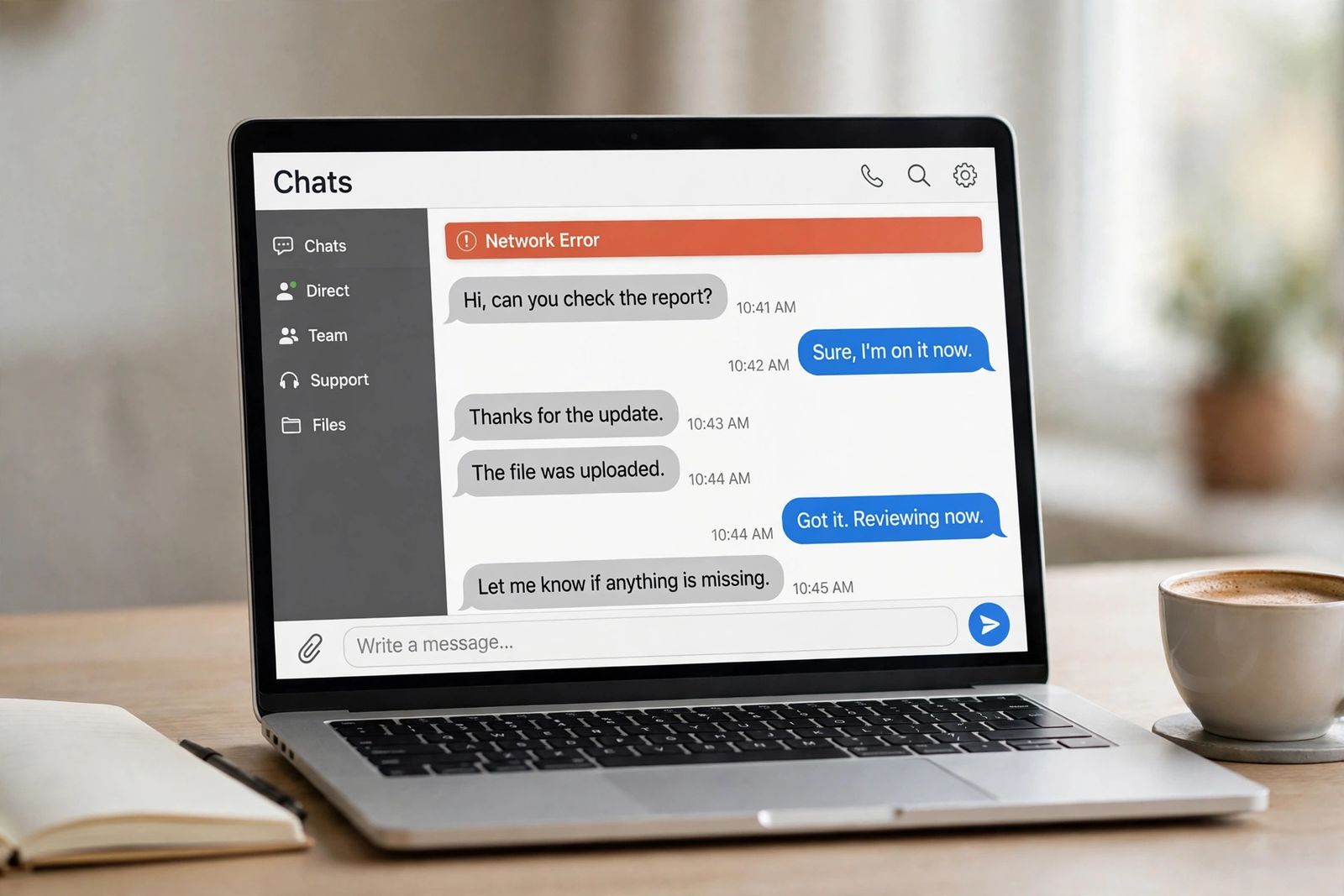
When ChatGPT shows “A network error occurred. Please check your connection and try again,” it almost always means one thing: the live connection carrying a streaming answer broke before the answer finished — which is why the error strikes in the middle of long replies far more often than on short ones. OpenAI’s own troubleshooting guide for ChatGPT error messages defines this message, together with its twin “An error occurred while connecting to the websocket,” as your device being “unable to establish a reliable connection to our servers,” and it lists exactly four fixes, all on your side of that connection: disable VPNs or proxy connections, turn off Web Protect or other security filters, try a different browser or incognito mode, and switch to a different network or device. Start by copying whatever part of the answer already arrived — that text is the only thing a refresh can lose — then work through the diagnosis below, because when the error strikes tells you which of those four fixes is yours.
Start here: when it strikes is the diagnosis
Most guides give you one flat list of fixes for this error. That wastes time, because the same message covers several different failures, and the timing separates them. Find your row first; the fix order in the next sections follows it.
| When the error strikes | What it usually means | First move |
|---|---|---|
| Halfway through a long answer — a report, a long list, a big block of code — while short answers work fine | The stream had to stay open a long time, and something cut it: a brief connection dip, a VPN or proxy reconnecting, or a network timeout closing an idle-looking connection | Copy the partial answer, then ask for the rest in parts (see “Recover the answer that cut off” below) |
| The instant you press send, before any text appears | The connection never really opened — a browser extension, security filter or secure DNS is blocking it, or the network blocks the live connection outright | Incognito window (extensions off). If it works there, an extension in your normal window is the cause |
| Only on work or school Wi-Fi, never at home or on mobile data | That network filters or inspects traffic, or blocks the WebSocket connection ChatGPT streams over | Switch to mobile data to confirm, then the IT section below — this one is not fixable from your browser settings |
| Only while the VPN is on | The VPN or proxy is interrupting the stream — reconnecting, changing route, or being filtered itself | Disconnect the VPN fully and retry; OpenAI lists this first for this exact message |
| Only in one long conversation, while new chats answer normally | The conversation itself has grown heavy — every new answer is generated against the whole thread | Start a new chat and carry over a short summary instead of the full history |
| On every prompt, every device, every network, all at once | This is the outage pattern, not a local fault | Check status.openai.com and wait — see is ChatGPT down for how to read an incident |
Two rows deserve emphasis because they are the ones readers misjudge. The mid-answer row is the classic form of this error — the hunt through the top results for this keyword shows page after page built around it, and OpenAI’s network guidance explains the mechanism (next section). And the last row matters in the opposite direction: a network error that follows you across devices and networks is not a network error in the local sense at all, and no amount of cache-clearing will shorten an OpenAI incident.
What the error actually means
ChatGPT does not deliver a finished answer in one parcel. It streams the reply to your screen piece by piece, over a connection that has to stay alive for the whole generation — that streaming behaviour follows directly from how ChatGPT works, predicting and sending one small piece of text at a time. A normal web page can survive a one-second connection dip because it was already loaded; a streaming answer cannot, because the dip lands in the middle of the delivery.
That is why OpenAI groups this message with the websocket error rather than with the general failures. Its network recommendations for ChatGPT — written for IT teams, and the most technical page OpenAI publishes on this error — explain that some ChatGPT features use a secure WebSocket connection to wss://ws.chatgpt.com for conversation updates, over TCP port 443, in addition to ordinary web requests, and warn directly: “If your organization blocks WebSocket traffic by default, some features may stall, disconnect, or fail to stream updates correctly.” The same page names the exact failure a long answer runs into: if sessions connect but later stall or disconnect, check the idle timeout and frame or message-size policies for WebSocket traffic, and make sure TLS inspection or web filtering does not “prematurely close” the long-running connection. A short answer finishes before any of those limits matter. A long one sits exposed to all of them for its entire length.
It also helps to separate this message from its neighbours, because OpenAI gives each a different first fix. “There was an error generating a response” means one answer failed to be produced, and its first fix is the Regenerate button — our guide to the ChatGPT “error generating a response” message covers that ladder. “Something went wrong” is the general failure, and it is the one whose fix list includes clearing cache and cookies. The network error is narrower than both: it is about the connection itself, and OpenAI’s list for it contains no Regenerate step and no cache step at all. And if ChatGPT never gets as far as showing a message — the page or app simply will not load — that earlier failure has its own ladder: see ChatGPT not loading.
The causes, in the order they actually strike
1. Response length and stream duration. The longer the answer, the longer the connection must survive, and the more chances anything has to interrupt it. Long reports, full documents, long lists and large code blocks are the repeat victims across every guide and forum thread for this error; the same prompt, asked in two shorter parts, usually sails through. Length alone is rarely the whole story — it is the exposure that lets every cause below land.
2. A VPN or proxy in the path. OpenAI puts this first in its fix list for a reason. A VPN that reconnects, changes its route or exit server, or throttles mid-stream severs exactly the long-lived connection this error is about. Proxies on work networks do the same thing more quietly, especially when they inspect encrypted traffic.
3. Browser extensions and security filters. Privacy tools, script blockers and “Web Protect”-style security filters sit between the page and the connection and can interrupt the stream or block the WebSocket opening. This family betrays itself by timing: the error arrives instantly, or ChatGPT works in an incognito window — which runs without your extensions — while failing in your normal one.
4. The network itself. Weak or congested Wi-Fi, low-signal mobile data, moving between access points, and filtered work or school networks all break streams that ordinary browsing survives. The giveaway is location: the error lives on one network and vanishes on another. Secure DNS tools belong here too — OpenAI names them alongside VPNs in its guidance for the sibling errors.
5. An OpenAI-side problem. Last, because it is the least common explanation for this particular message: an incident can present as connection failures. But OpenAI posts its incidents as errors and degraded performance on the status page, not as “network” problems, and a purely local pattern — one browser, one network, one VPN — is never an outage however total it feels. If your pattern is the last row of the diagnosis table, treat it as an outage and stop fixing your own setup.
The fixes, in order
Copy your prompt and whatever part of the answer arrived before you touch anything else. Your saved conversations live on OpenAI’s side and survive this error; the partial answer on your screen and an unsent draft in the message box are the only text at risk. Then:
- If the reply froze rather than erroring cleanly, wait first. For a response that hangs, OpenAI’s sequence is: wait 30–60 seconds to see whether it completes, then click Stop generating and Regenerate. A stream that was merely stalled should not be torn down in the first ten seconds.
- Turn off the VPN or proxy — fully. This is step one of OpenAI’s own list for “A network error occurred.” Disconnect rather than pausing in name only, then retry the same prompt. If the answer now completes, you have your cause; if you need the VPN for other work, run long ChatGPT answers with it off, or ask your VPN provider about a different server — but test once with it off before concluding anything.
- Turn off Web Protect and other security filters. Secure DNS services, web-protection features in security suites, and filtering tools are named by OpenAI in the same breath as VPNs. Disable the filtering feature, retry, and note which tool it was — if it is the cause, ChatGPT is the app it will keep breaking.
- Try incognito mode, then a different browser. An incognito or private window removes extensions and stored site data from the equation in one move. Works there but not in your normal window → disable extensions in the normal window, privacy and security tools first. Fails in incognito too → a different browser separates “this browser” from “this device.”
- Switch network or device. Put your phone on mobile data, or try the laptop on a different connection. Works on the second network → your first network is the cause, full stop, and the IT section below is the durable fix if that network is your workplace. Works on a second device on the same network → the first device or its app install is the problem; update the app before anything else. Keep the app point in mind if you arrived here from a sign-in loop as well — those have their own causes, covered in ChatGPT login not working.
- Check the status page before repeating any of this. If status.openai.com shows an incident on ChatGPT’s conversations component, you are in the outage case: wait for it to resolve instead of dismantling a working setup. Our is ChatGPT down guide walks through reading the component list and incident timeline.
Notice what this ladder does not contain: clearing your cache. That step appears all over third-party fix lists for this error, usually near the top — and it is not in OpenAI’s guidance for this message at all. Cache clearing belongs to the “Something went wrong” routine, and to the later stage of the stuck-response sequence (“clear browser cache and cookies if the issue continues”). For a network error it costs you a sign-out and stale-data rebuild while testing nothing about the connection. If step 4 has already proved your browser profile is at fault, clearing ChatGPT’s site data is a reasonable targeted follow-up — as a diagnosis-driven step, not a ritual first move. The general mechanics, for errors where the step does belong, are in how to clear cache.
Recover the answer that cut off
The error’s real cost is usually not the failure — it is the half-finished answer. Recovery, in order:
- Copy the partial answer first, before refreshing, regenerating or switching devices. What arrived is real output; everything after the cut-off point is what needs redoing.
- Regenerate once. If the break was a momentary dip, the retry completes. Judge it by where it stops: a retry that finishes proves the transient case.
- If it dies at roughly the same place, do not regenerate a third time — ask for the remainder. Send a new message with the last complete sentence pasted in: “Continue from this sentence, and do not repeat anything above it.” Failing at the same point twice is the signature of a stream that cannot survive an answer of that length on your current path, not of bad luck.
- Split the job into numbered parts. “Write sections 1 to 3 only; I will ask for the rest” gives each part its own short stream that finishes before a dip or timeout can reach it. For code, ask for one file or function at a time. This is the single most reliable workaround for the long-answer pattern, and it doubles as prevention: any work you know will be long is safer requested in parts from the start, on your steadiest connection, rather than as one giant generation on moving mobile data.
- If the conversation itself is long, move it. Start a new chat, open with a short summary of where the old one had got to, and continue there. OpenAI’s own guidance for slow and stuck responses gives the same instruction — start a new chat if the conversation is long or has many turns — because every answer in a heavy thread is generated against the whole thread.
If it only happens on a work or school network
This is the one case where the fix is not yours to apply. OpenAI’s network recommendations are written for exactly your IT team, and sending them that page will do more than any setting on your laptop. What it asks them to allow:
- WebSocket traffic over TCP port 443 to wss://ws.chatgpt.com (conversation updates and notifications), with the standard WebSocket upgrade handshake permitted by the proxy, firewall or secure web gateway.
- No premature closing of the long-running connection by TLS inspection, SSL decryption, web filtering or proxy enforcement — the page asks admins to confirm these controls do not block, rewrite or close the WebSocket handshake or the connection that follows it, and to check idle timeout and maximum frame/message-size policies when sessions connect and later stall. That stalling pattern is the long-answer network error, described from the network side.
- SSL inspection off for OpenAI’s public domains where possible — OpenAI notes inspection on the network can produce SSL errors and disrupt the app (the macOS app’s “Network configuration issue” warning is this case surfacing in the product).
Until IT acts, the practical routes are the ones the diagnosis already gave you: mobile data for long answers, short answers in parts on the work network, and the web version if the desktop app is the surface that fails.
Three claims in the top results that OpenAI’s own pages do not support
Because this keyword’s top results repeat them, they are worth correcting on the record:
- There is no 500-word limit to stay under. The long-standing wikiHow guide for this error advises keeping answers under roughly 500 words to avoid what it calls ChatGPT’s approximate word limit. No OpenAI page states such a limit for ChatGPT answers. Long answers fail more because their streams run longer, not because they cross a word ceiling — and the fix that follows from the real mechanism is splitting the request into parts, not capping every answer at an invented number.
- There is no 5 Mbps minimum and no forbidden peak hour in OpenAI’s guidance. The same guide ties the error to internet speeds under 5 Mbps and advises avoiding early-afternoon peak hours. OpenAI’s troubleshooting and network pages set no speed threshold and name no hours; they name VPNs, proxies, filters, browsers and networks. A slow connection can certainly drop a stream, but the threshold and timetable are not OpenAI figures.
- The “100-second gateway timeout” is not OpenAI’s explanation. Some technical write-ups attribute the error to a fixed Cloudflare response timeout (cited as 100 or 120 seconds) cutting off slow generations. OpenAI’s own network page — the primary source for how its traffic behaves — does not describe the error that way; it points to WebSocket blocking, idle timeouts and inspection policies on your network’s equipment. Timeouts on middleboxes are real and are in OpenAI’s account; a single universal gateway clock that explains the error is not.
If it keeps coming back
A network error that returns on a pattern is diagnostic information — read the pattern instead of repeating the ladder. Always mid-long-answer, on an otherwise good connection → your path has a timeout or filter that long streams trip; chunking is the durable workaround, and the IT checks above are the durable fix on a managed network. Always with the VPN on → the VPN is the cause, whatever else is true. Always in one browser → extension or profile; run ChatGPT in the clean browser and stop rebuilding the dirty one. Always in one chat → the thread is too heavy; summarise and move. Only in the app → update it, and use the web version on that device meanwhile.
And if it survives everything — short answers failing on a known-stable wired connection, no VPN, clean browser, second device, status page green for hours — that has left the territory of this error’s usual causes and become OpenAI Support’s case. OpenAI’s troubleshooting page ends its stuck-response sequence at the same place: collect a HAR file and browser console errors with timestamps, note the model used and the conversation’s URL or ID, and contact Support via help.openai.com. Evidence from one failing attempt is what makes that report actionable.
Frequently asked questions
Why does ChatGPT show a network error when my internet is working fine? Because ordinary browsing and streaming an answer make different demands. A page loads in short requests that survive dips; a ChatGPT answer streams over a connection — including a WebSocket for conversation updates — that must stay open and uninterrupted until the reply ends. A VPN hop, a filter, an idle timeout or a one-second Wi-Fi dip that you would never notice while browsing is enough to kill a stream in its middle.
Why does it only happen on long answers? Time exposed. The longer the generation, the longer the connection has to survive without a dip, a VPN reconnect, or a network timeout closing it — and the more text there is to lose when it does. Short answers finish before any of those limits are reached, which is why splitting a long request into parts works.
Does a VPN cause the ChatGPT network error? It is the first cause OpenAI lists for this message — “Disable VPNs or proxy connections” is step one of its fix list. A VPN that reconnects or changes route mid-answer severs the stream. Test once with it fully off; if the errors stop, they were the VPN, and long answers should run with it off or on a steadier server.
Is a network error the same as ChatGPT being down? Usually not. An outage fails for everyone, on every device and network, and shows on status.openai.com; a network error typically stays with one browser, one network or one VPN. The test takes two minutes: phone on mobile data versus laptop on Wi-Fi. If only one fails, it is not an outage — see is ChatGPT down for the full checking routine.
Will I lose my conversation when I see this error? No. Your conversation history is stored on OpenAI’s side; what is lost is only the answer that was mid-stream. Copy the partial answer before you refresh — that fragment, and any unsent draft in the message box, are the only text that exists solely on your screen.
What should I ask IT to change if ChatGPT fails only at work? Point them to OpenAI’s network recommendations: allow WebSocket traffic over TCP 443 to wss://ws.chatgpt.com, make sure TLS inspection and filtering do not prematurely close the long-running connection, and check idle-timeout and frame-size policies for WebSocket traffic. Those three items are OpenAI’s own wording of the fix.
This article is based on OpenAI’s Help Center troubleshooting page and its network recommendations for ChatGPT, both linked above and checked in November 2026, with the status page as the outage reference. OpenAI revises its guidance as ChatGPT changes; if the error outlasts every step here, those pages and their support route are the current authority.